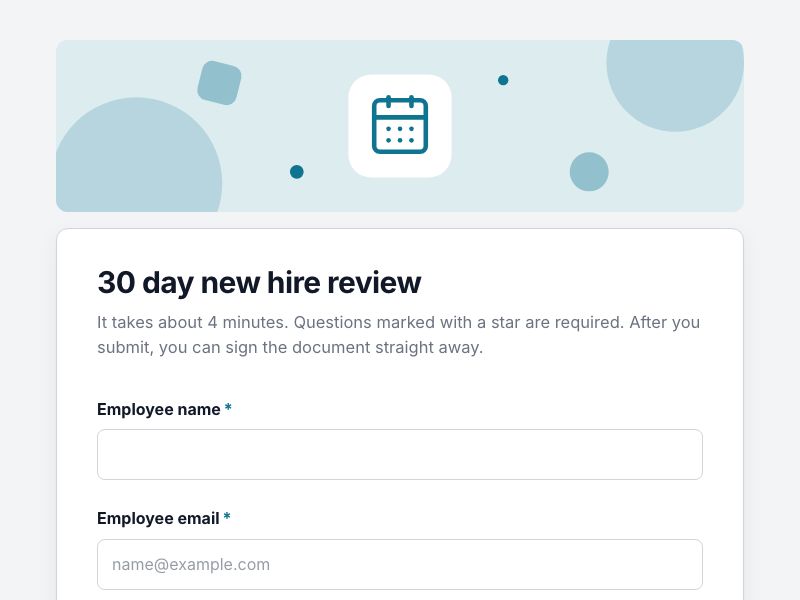
30 day new hire review template

A structured check in after a new starter first month, signed by the employee and the manager. Use it as it is or change anything, then share a link, embed it on your site or print a QR code.
Preview all templates
  • 14 questions
  • Fills a document
  • E-signature
30 day new hire review form as respondents see it

Questions in this form

  • Employee name required
  • Employee email required
  • Manager required
  • Start date required
  • Settling in required
  • Understanding of the role required
  • Quality of work so far required
  • Working with the team required
  • What is going well? required
  • What has been challenging? required
  • Training or support needed
  • Goals for the next 60 days required
  • Overall progress required
  • Support plan required shown only when needed

Smart logic

One question appears only when an earlier answer makes them relevant, so people never see questions that do not apply to them.

The document it creates

Every response becomes a ready made 30 day review document laid out in the Modern design, as a PDF or Word file. It is saved to your Drive in a folder for this form and attached to the respondent's copy of their answers. The document then goes straight to e-signature: the respondent signs first, and you can add yourself or other signers. With Pro you can switch to your own Word or PDF template.

How to use it

  1. Use the template. It opens in the form builder with the Clean theme already applied.
  2. Make it yours. Change questions, logic, colours and fonts. The live preview shows exactly what respondents will see.
  3. Publish and share. Copy the link, embed the form on your website or download its QR code. Responses arrive in a table with charts and exports.

Legal and consent templates are a starting point, not legal advice. Check the wording for your situation and location.
More hr and hiring templates

Job application form preview
Job applicationA complete job application with CV upload, experience and right to work.
16 questions3 pagesFills a document
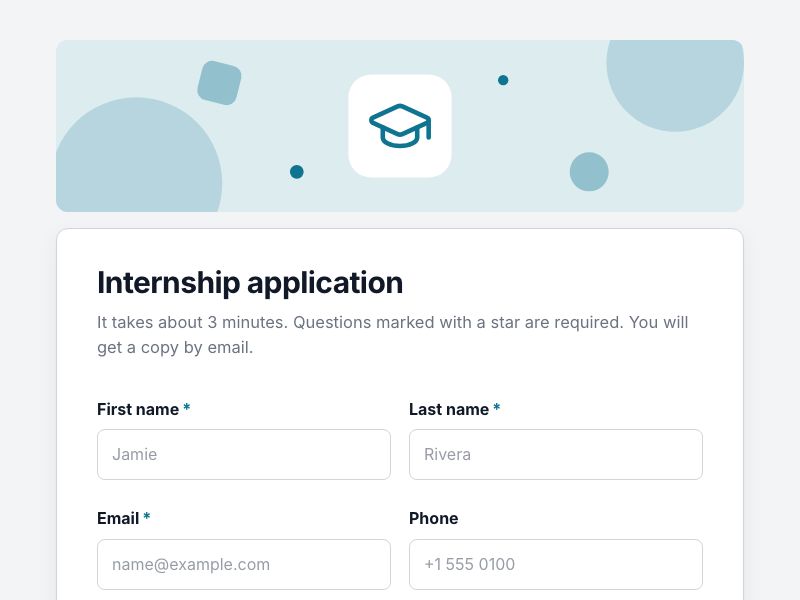
Internship application form preview
Internship applicationApplications for interns with school, graduation date and transcript.
12 questionsFills a document
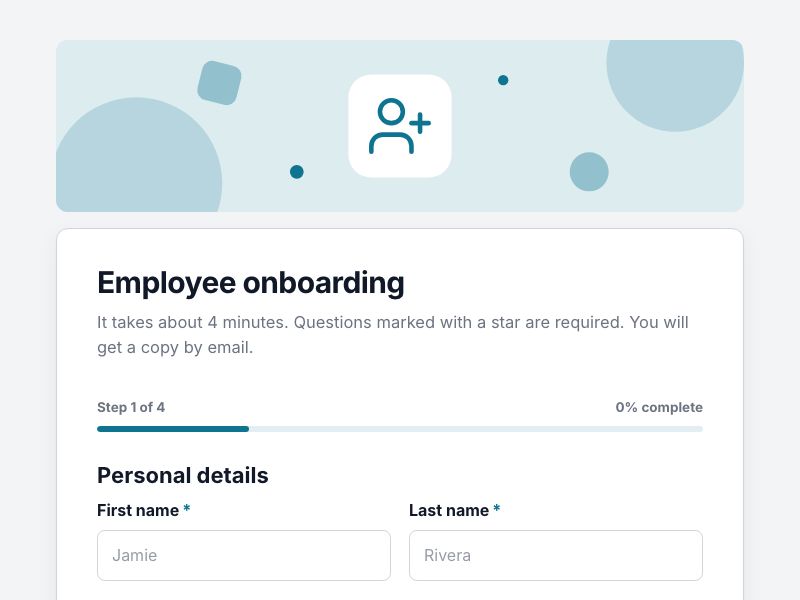
Employee onboarding form preview
Employee onboardingNew starter details: contact, bank, emergency contact and equipment.
17 questions4 pagesFills a document
Exit interview form preview
Exit interviewUnderstand why people leave and what would have made them stay.
9 questions
360 degree feedback form preview
360 degree feedbackStructured peer feedback on strengths, growth areas and collaboration.
8 questions
Leave request form preview
Leave requestHoliday and absence requests with dates and cover, ready for approval.
8 questionsFills a documentE-signature

Questions

Is this 30 day new hire review template free?

Yes. Create a free FormsBat account, use the template and share the form. The Free plan includes unlimited forms and 1,000 responses a month.

Can I change the questions and design?

Yes. Add, remove and reorder questions, change any wording, pick another theme or accent colour, and add your logo. The template uses the Clean theme.

Do people need an account to answer?

No. Respondents open your link on any phone or computer and answer without signing up.

What happens to each response?

Every response becomes a ready made 30 day review document laid out in the Modern design, as a PDF or Word file. It is saved to your Drive in a folder for this form and attached to the respondent's copy of their answers. The document then goes straight to e-signature: the respondent signs first, and you can add yourself or other signers. With Pro you can switch to your own Word or PDF template.

119 free form templates

Applications, intake forms, consent forms, registrations, orders and surveys. Or describe what you need and let AI build it.