Client intake forms that set up the first meeting for you
New clients fill one form before they arrive. You get their details, their reasons for coming and their agreement in a tidy document, saved to your Drive and ready for the first session.
- Free plan, no credit card
- Templates for many practices
- Drawn or e-signature
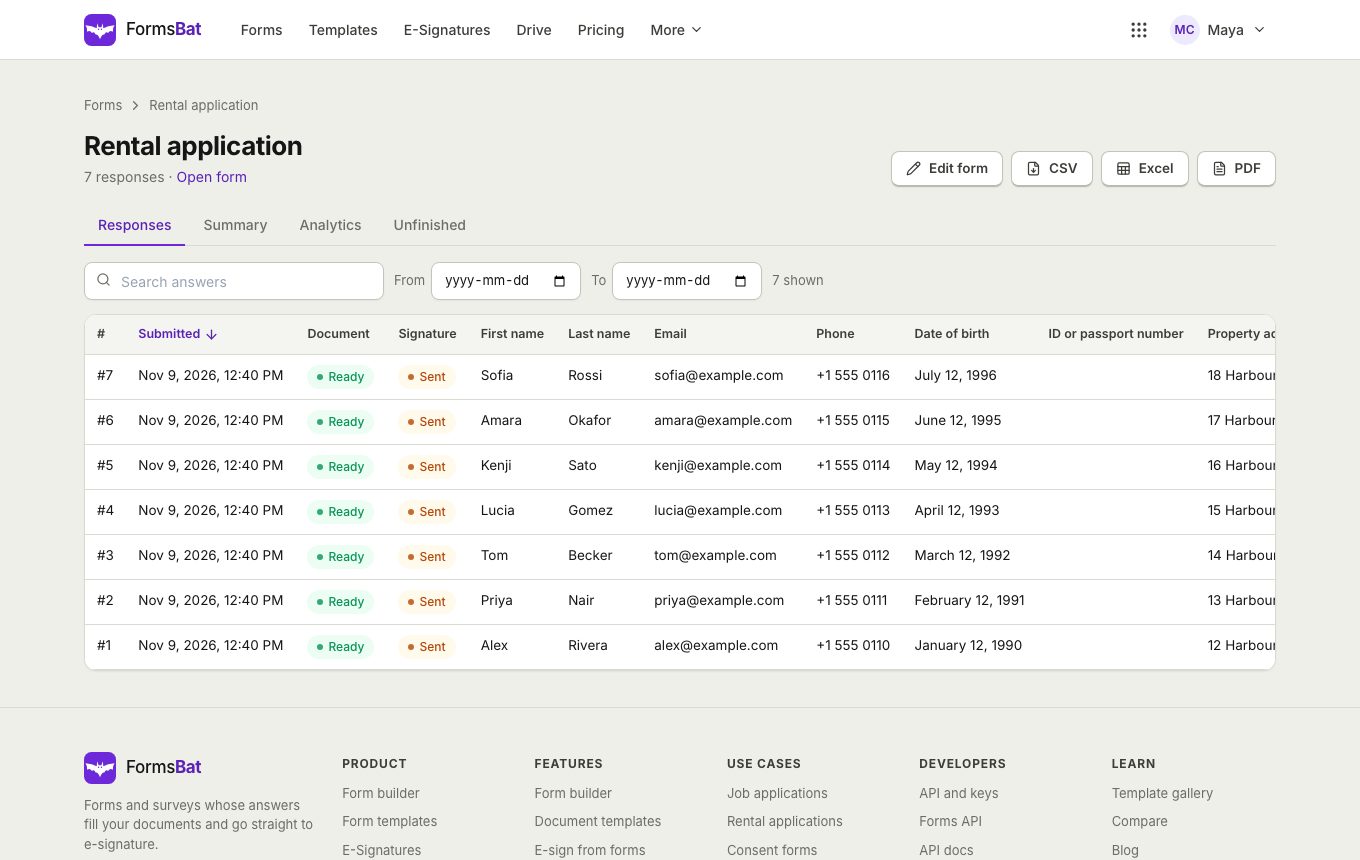
Know your client before they walk in
An intake form saves time at the start of every new client meeting. Instead of asking for contact details, background and goals in the room, you read them beforehand and spend the time on the actual work.
FormsBat has intake templates for several kinds of practice. The legal client intake asks about the type of matter, other parties and any deadline or court date, with the deadline question shown only when there is one. The therapy client intake covers what brings the client, previous therapy, session preference, an emergency contact and a signature. The coaching client intake asks about goals for the next 3 months and commitment on a scale. There is also a patient intake for clinics.
Every intake can create a client document, and if your engagement letter or service agreement must be signed, turn on e-signature for that form.
Why practices use FormsBat for intake
Ready made for your field
Start from a legal, therapy, coaching, salon or patient intake template and adjust it.
A client file for each person
Each intake becomes a PDF or Word document, named with the client's name and filed in your Drive.
Agreement signed up front
Collect a drawn signature, or send the engagement document for e-signature with an audit trail.
Only who you expect
One response per email, sign in required if you want it, and spam protection on every form.
Set up intake in 3 steps
- 1
Choose an intake template
Pick the template closest to your practice and change the questions to match how you work.
- 2
Add your agreement
Use the template's document, or on Pro upload your own engagement letter as a Word or PDF template.
- 3
Send it before the first meeting
Email the link with the booking confirmation, or embed it on your website. Read each intake before the client arrives.
What an intake form needs
- Contact details
- Name, email, phone and address, with half width questions side by side.
- Reason for coming
- Choices for the type of matter or service, and long text for the client's own words.
- Conditional follow ups
- Ask for a deadline, previous experience or extra details only when they apply.
- Sections and pages
- Group questions under clear headings, or split them over pages with a progress bar.
- File upload
- Let clients attach letters, contracts or earlier reports.
- Agreement and signature
- A required agreement checkbox and a drawn signature, or a full e-signature.
- Owner notification
- Get an email as soon as a new client completes intake.
- Copy to the client
- Send clients a copy of their intake with the document attached.
Who uses client intake forms
- Lawyers gathering matter details before a consultation.
- Therapists and counsellors collecting background and consent, often with a consent form.
- Coaches learning a client's goals before the first session.
- Clinics using the patient intake for medical history and consent.
- Agencies, salons and studios onboarding new clients and vendors.
Frequently asked questions
Is there an intake template for my type of practice?
There are templates for legal, therapy, coaching and salon clients, plus patient and dental intake for clinics. Any of them can be changed to fit your practice.
Can clients sign an agreement in the intake form?
Yes. Use a drawn signature question, or turn on e-signature to send the generated agreement for signing with a sealed PDF.
Can I use my own engagement letter?
Yes, on Pro. Upload it as a Word template with {{Question label}} placeholders, or as a PDF, and it is filled from each intake.
Do clients need an account?
No. They fill the form in the browser on a phone or computer.
Can I limit the form to one intake per client?
Yes. Use one response per email, or require sign in.
How much does it cost?
The free plan includes 1,000 responses and 3 signature envelopes a month. Pro is $4 a month for 10,000 responses, unlimited envelopes and your own templates.
Related features and use cases
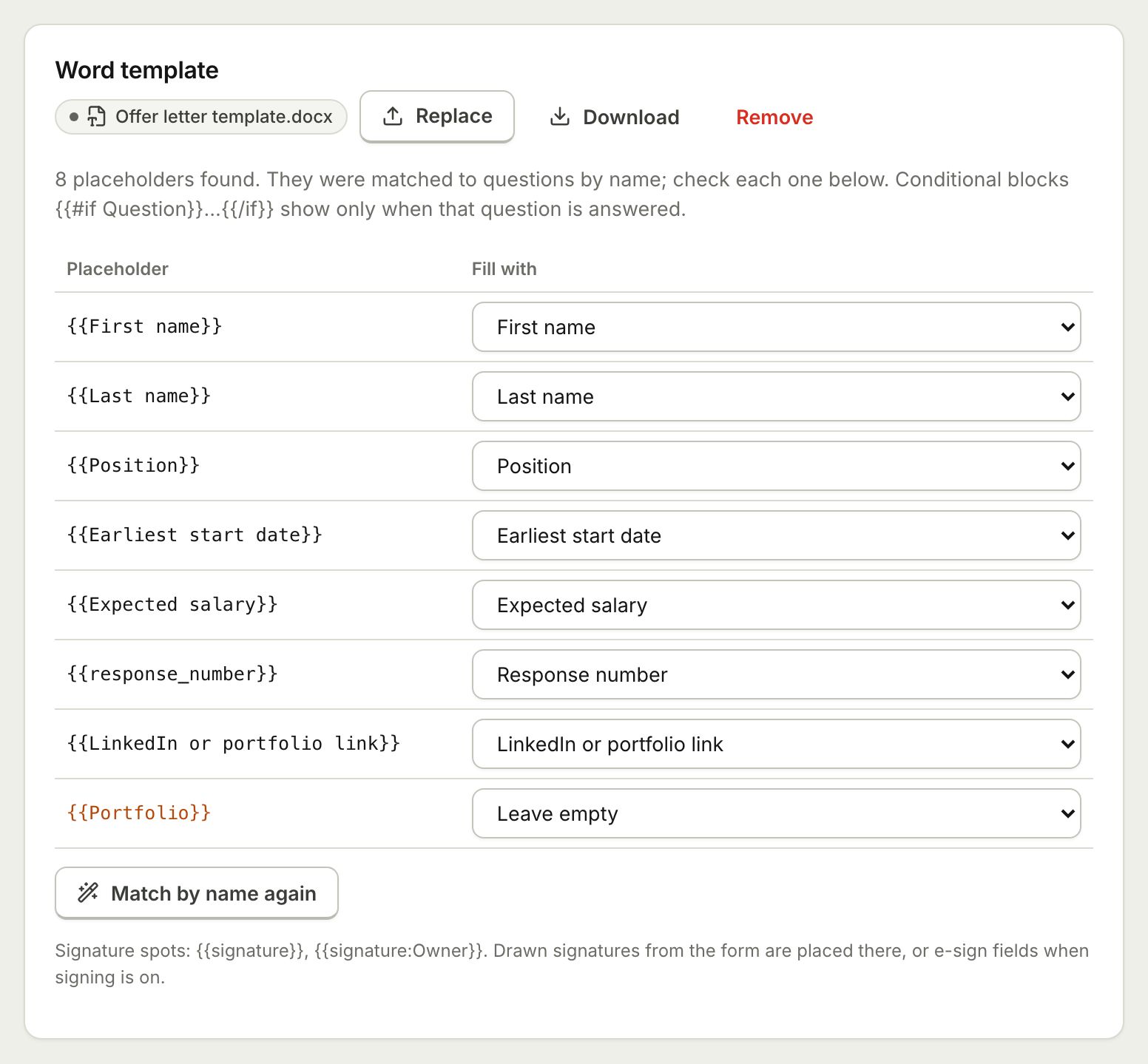 Document TemplatesTurn every form response into a PDF or Word document: a designed answers document, a ready template, or your own Word or PDF file.
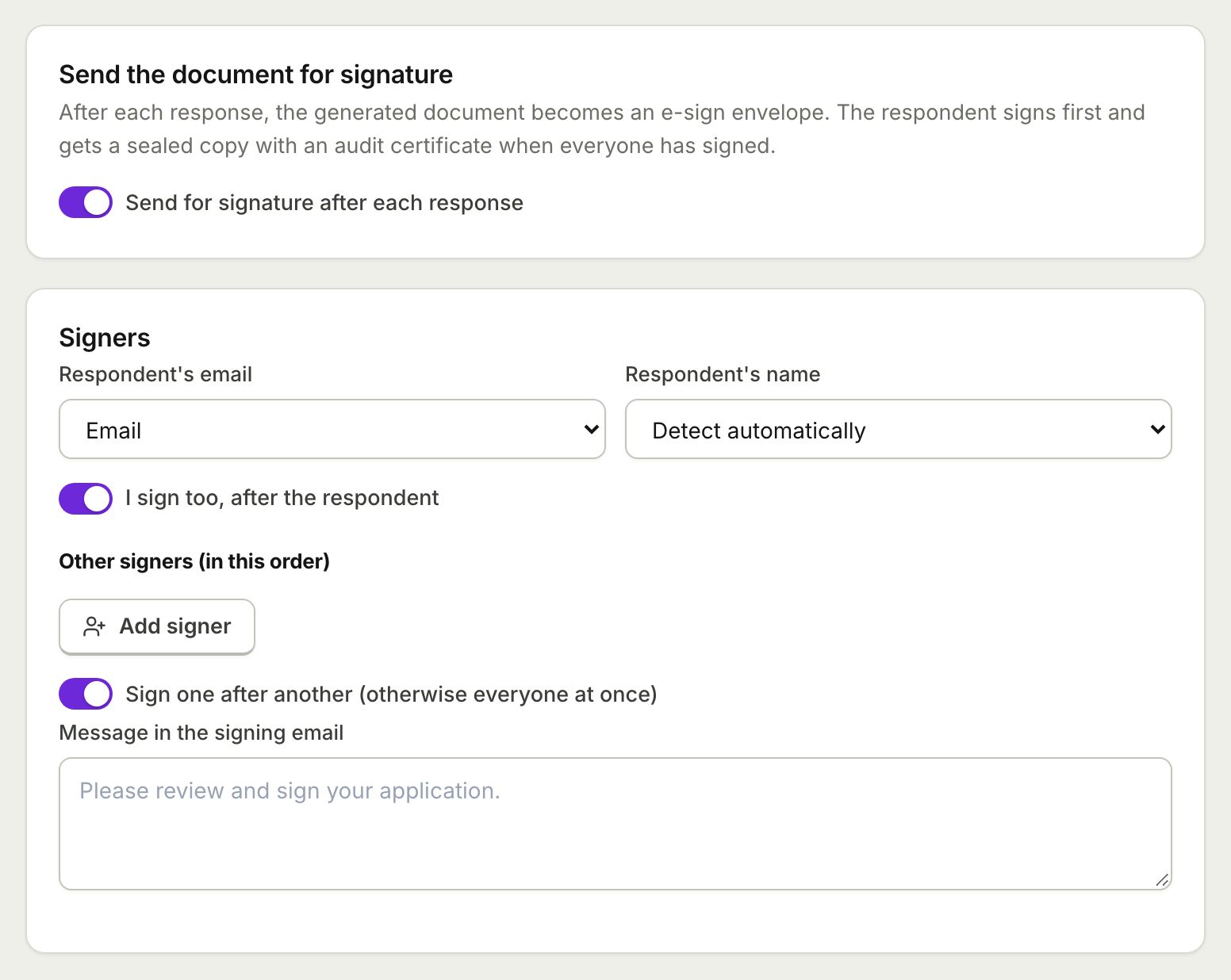 E-Sign from FormsSend the document each response creates for e-signature: the respondent signs from the thank you screen and everyone gets a sealed PDF.
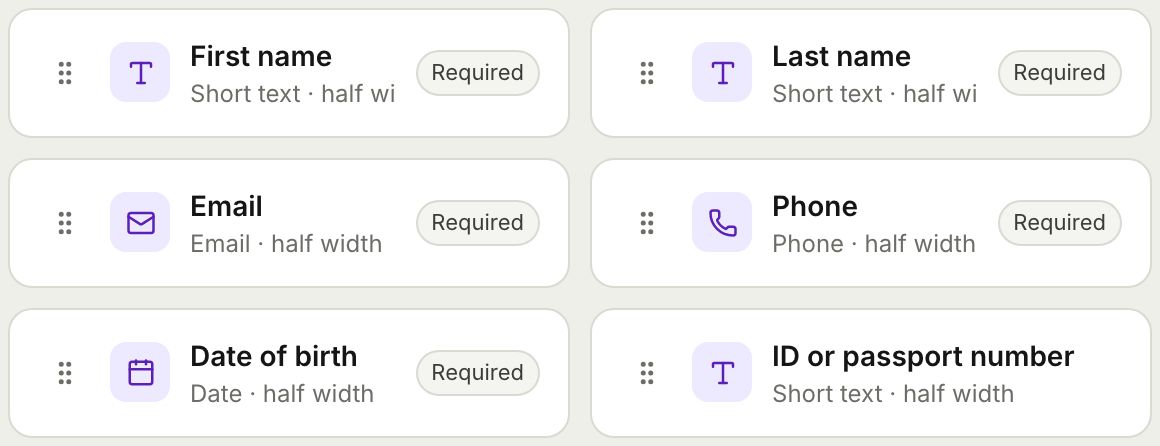 Form BuilderBuild forms and surveys with 18 question types, multi page layouts, conditional logic, validation, 8 themes and a live preview.
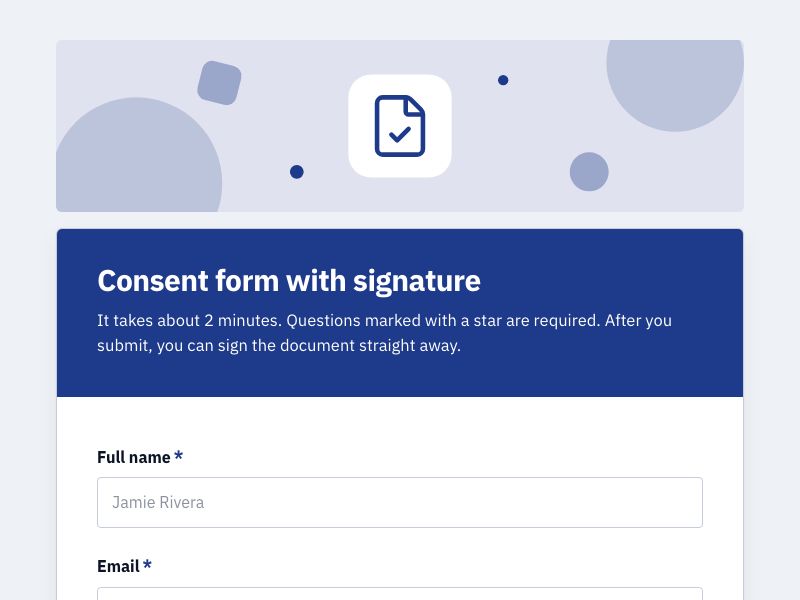 Consent Form with SignatureCollect consent online with a drawn signature or a full e-signature, and keep a sealed PDF record of every agreement.
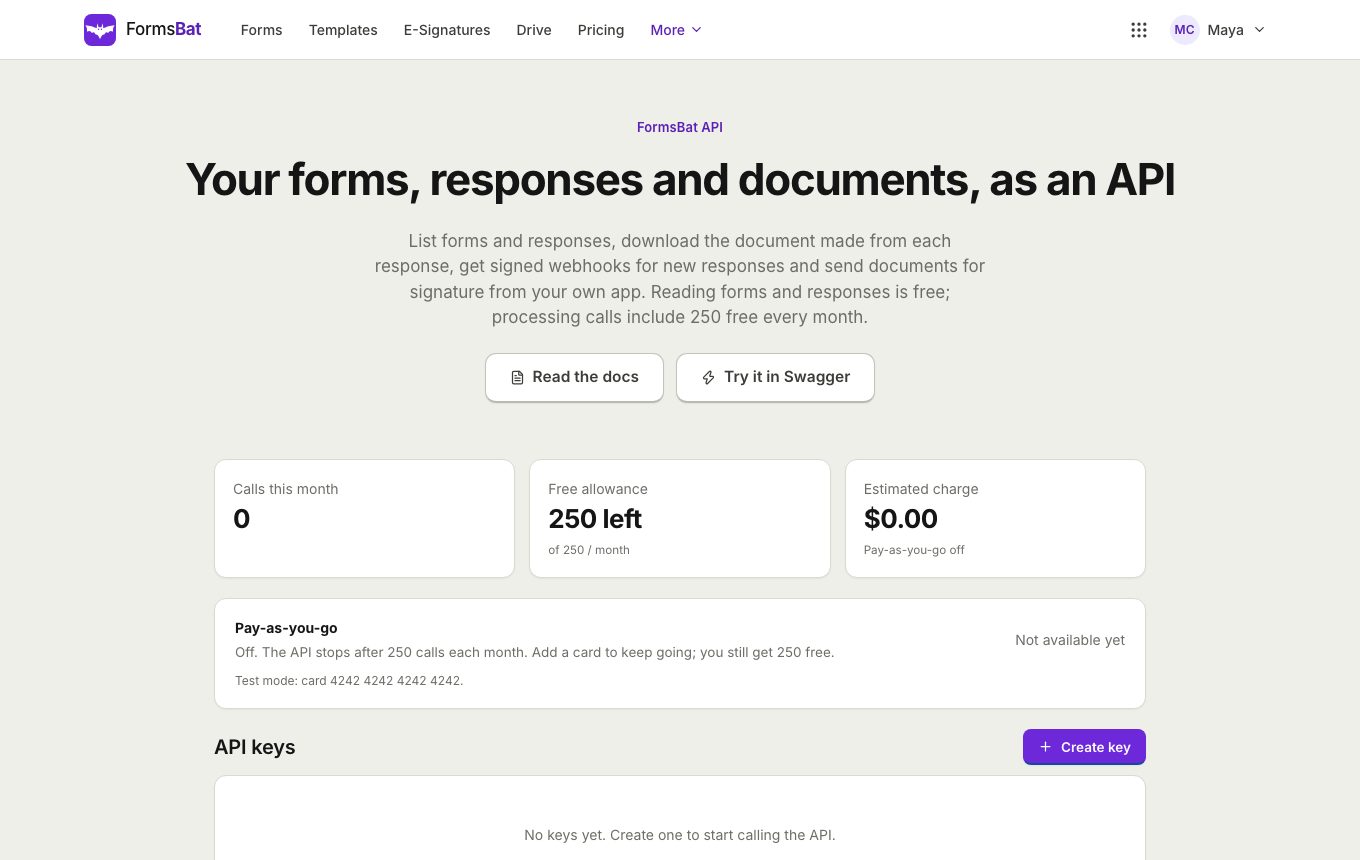 Forms API and WebhooksRead forms, responses and generated documents with a REST API, get signed webhooks for new responses, and connect AI assistants over MCP.
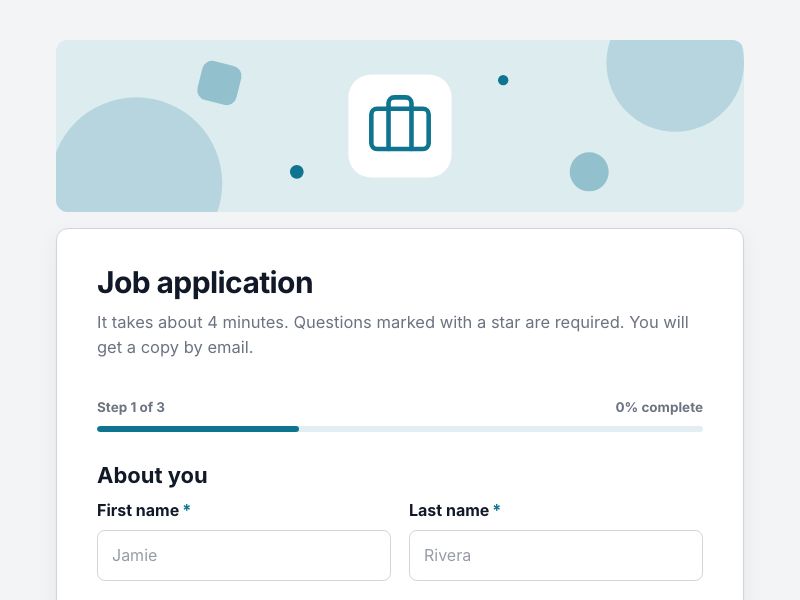 Job Application FormCollect applications with CV uploads and screening questions, and get a tidy application document for every candidate.
Make your next first meeting easier
Start from an intake template, send it with the booking and read it before the client arrives. Free plan, no credit card.