Consent forms people can sign from their phone
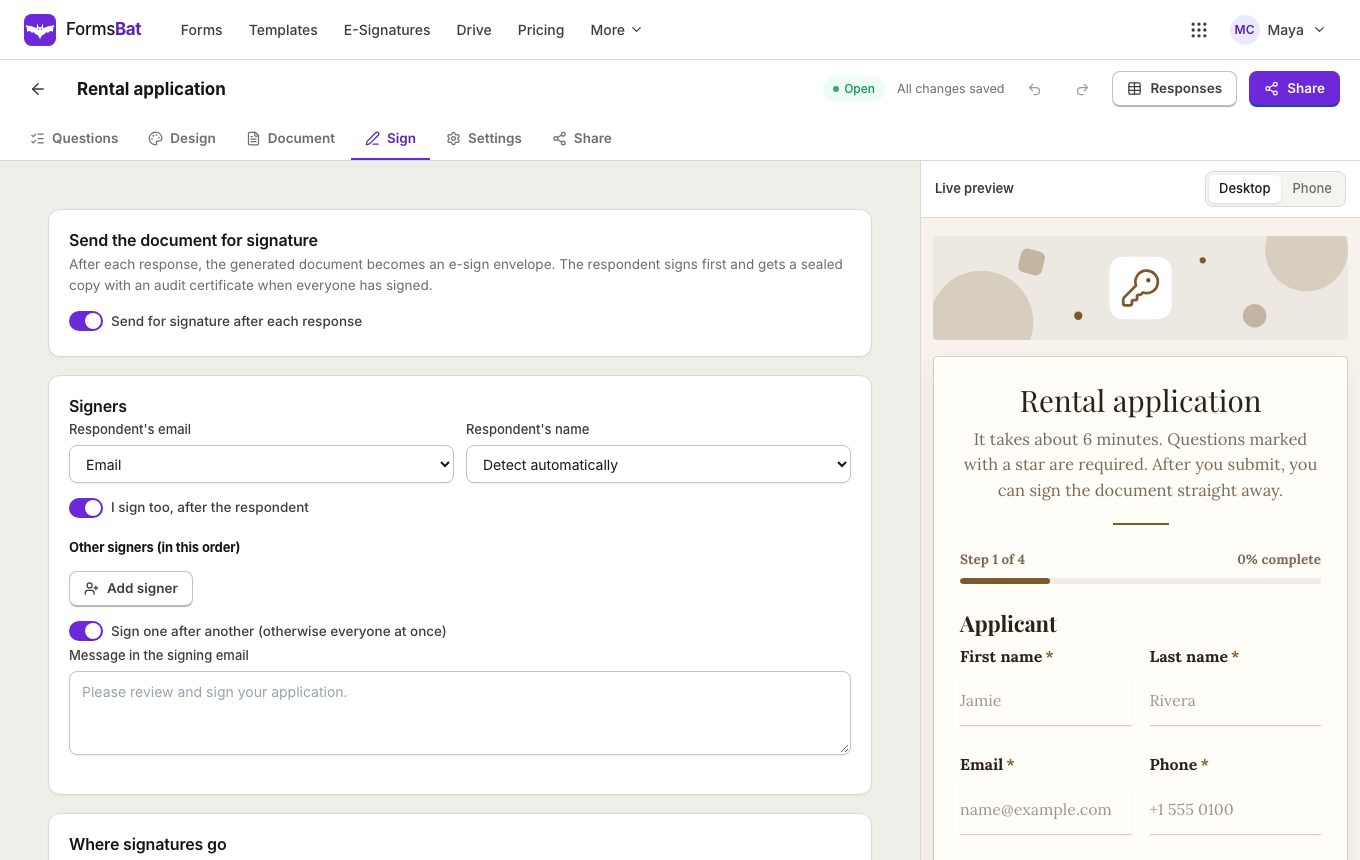
Explain what people are agreeing to, let them tick and sign, and keep a PDF record of every consent in your Drive. For a stronger record, send each one for e-signature with a sealed PDF and audit trail.
- Free plan, no credit card
- Drawn or e-signature
- PDF record of every consent
A clear consent, a clear record
Consent forms are everywhere: photo releases, treatment consent, parent permission for a school trip, data processing agreements, activity waivers. They all need the same three things. The person must understand what they agree to, they must actively agree, and you must be able to show it later.
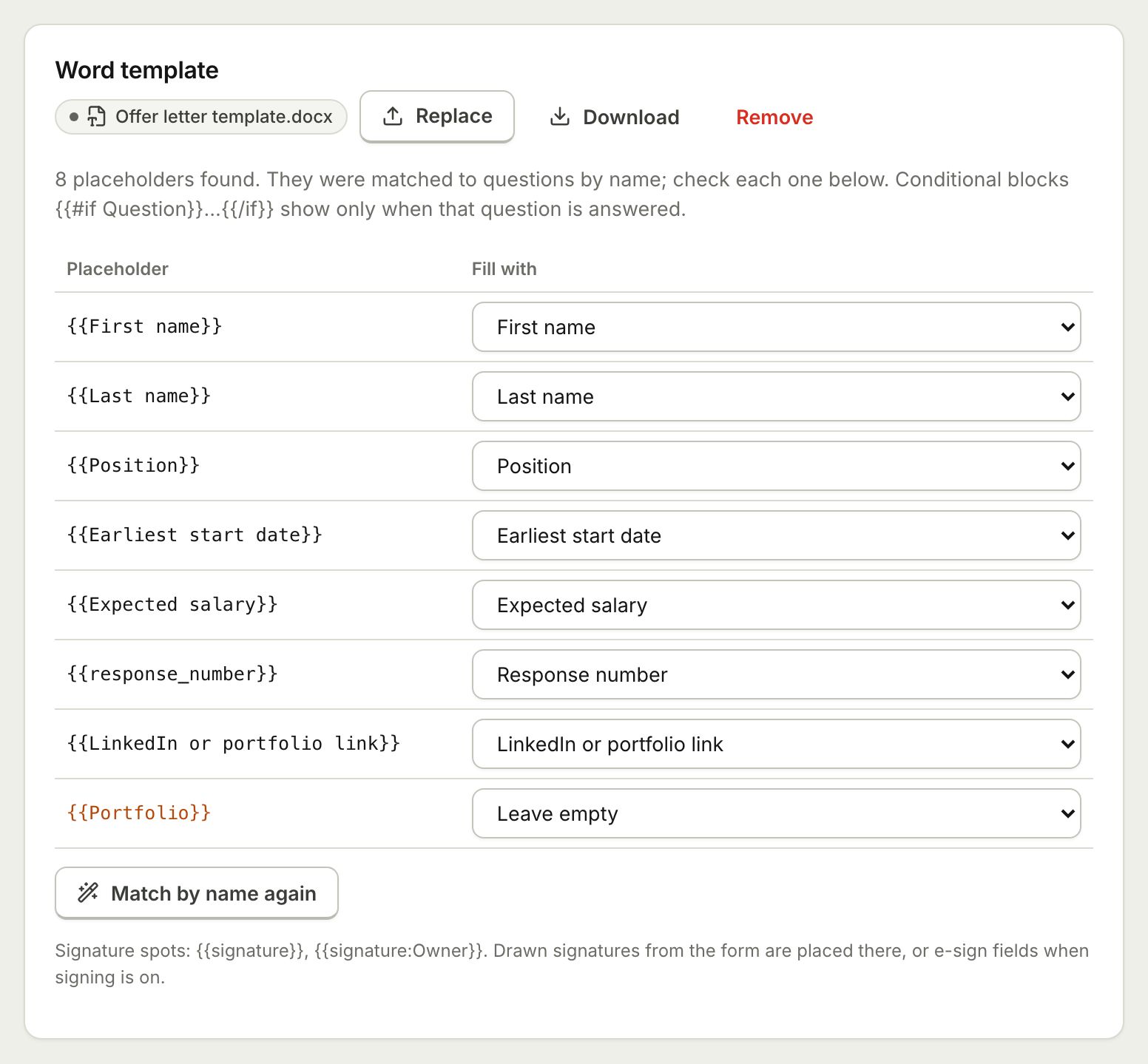
The consent form template in FormsBat asks for the person's name, email and date of birth, lists what they consent to as checkboxes, and asks whether they are signing on behalf of someone else, with a follow up for that person's name. It comes with a consent document and e-signature switched on.
Similar templates in the consent and legal category include a liability waiver, a photo release and an NDA acknowledgement, and the education category has a parent consent form.
Why organisations collect consent with FormsBat
Active agreement
Required checkboxes make people tick each item they agree to, so consent is never assumed.
Signed on any device
A drawn signature with a finger or mouse, or a full e-signature after submitting.
A PDF for every consent
Each response becomes a consent document, named and filed in your Drive.
Sealed with an audit trail
With e-signature, the final PDF has a certificate of completion and an audit trail of the signing.
Collect consent in 3 steps
- 1
Start from the template
Choose the consent form with signature, then write what people are consenting to in your own words.
- 2
Choose how they sign
Keep e-signature on for a sealed PDF, or use a drawn signature question that is stamped into the document.
- 3
Share and keep records
Send the link or show a QR code at reception. Each signed consent is emailed and saved to your Drive.
What a consent form needs
- Plain explanation
- Use section headings and help text to explain the consent before people agree.
- Consent checkboxes
- One checkbox per item, marked as required where consent is needed.
- Signing for someone else
- A yes or no question shows a follow up for the other person's name only when needed.
- Drawn signature
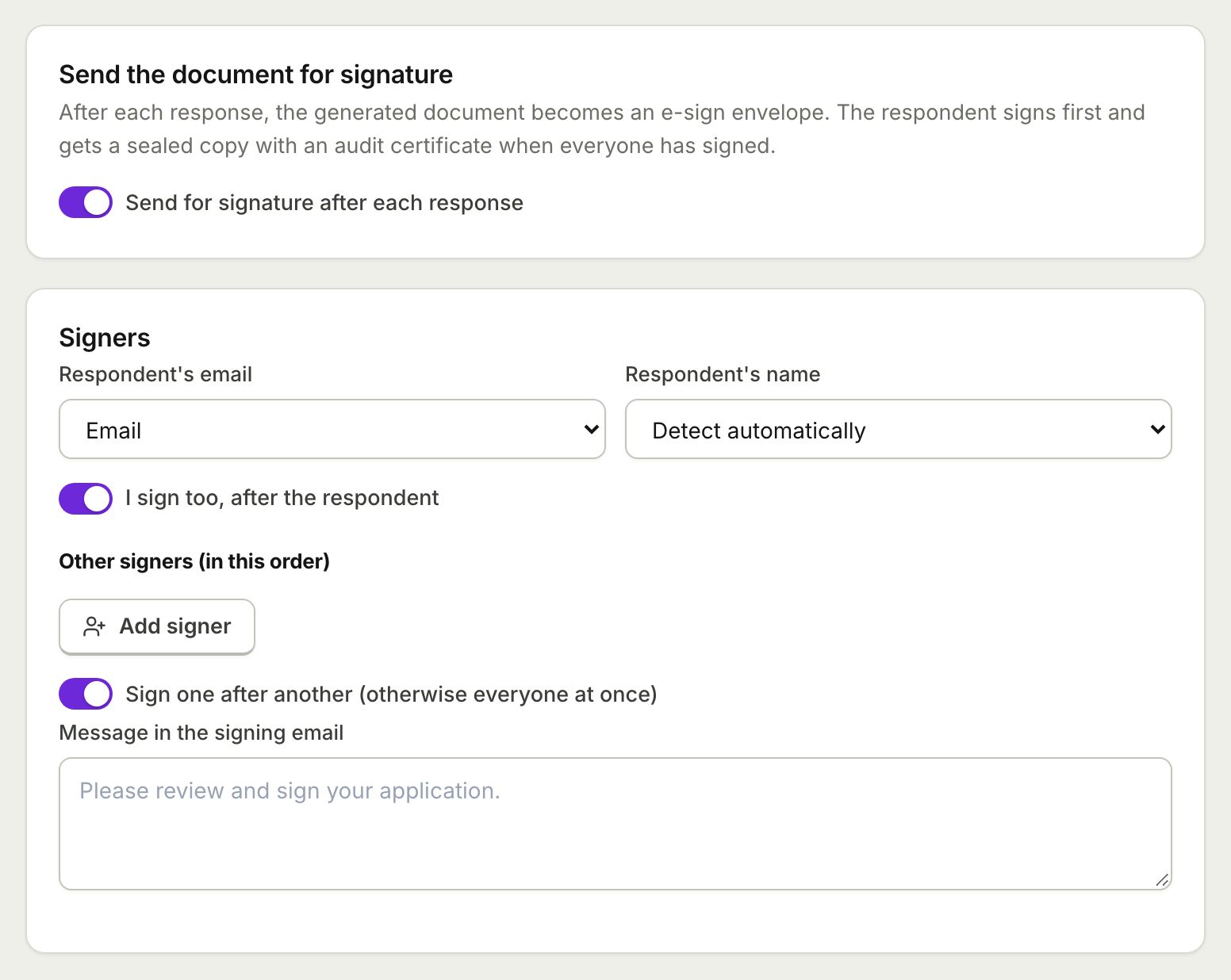
- Stamped into the consent document at {{signature}}.
- E-signature
- A sealed PDF with a certificate of completion, emailed to everyone and saved to your Drive.
- Owner countersign
- Add yourself as a signer when both sides must sign.
- Copy to the signer
- Send the person a copy of their consent document by email.
- Your own consent wording
- On Pro, upload your existing Word or PDF consent form and fill it from the answers.
Good practice for online consent
- Write each consent item in plain words, one idea per checkbox.
- Do not pre tick consent boxes. Leave default answers empty.
- Explain how people can withdraw consent later, in help text or on the thank you message.
- Use e-signature when you need a sealed record with an audit trail, and a drawn signature for simple acknowledgements.
- Check what rules apply to your field and region, since some consents have special requirements.
Who uses consent forms
- Clinics and therapists, often together with a client intake form.
- Schools and clubs collecting parent consent for trips and activities.
- Photographers and event organisers collecting photo releases at events.
- Studios and gyms using a liability waiver.
Frequently asked questions
Can people sign the consent form on a phone?
Yes. They can draw a signature with a finger, or sign the generated document with e-signature, all in the browser with no account.
What is the difference between a drawn signature and e-signature?
A drawn signature is part of the form and is stamped into the document. E-signature sends the document for signing and produces a sealed PDF with a certificate of completion and an audit trail.
Do I get a PDF of each consent?
Yes. Each response creates a consent document, saved to your Drive in a folder for the form.
Can a parent sign for a child?
Yes. The template asks whether the person is signing on behalf of someone else and then asks for that person's name.
How many signed consents can I collect for free?
Drawn signatures count as normal responses: 100 a month on the free plan. E-signature envelopes are 3 a month on the free plan and unlimited on Pro for $4 a month.
Can I use my own consent document?
Yes, on Pro. Upload a Word template with {{Question label}} placeholders or a PDF, and FormsBat fills it for each response.
Related features and use cases
 E-Sign from FormsSend the document each response creates for e-signature: the respondent signs from the thank you screen and everyone gets a sealed PDF.
 Document TemplatesTurn every form response into a PDF or Word document: a designed answers document, a ready template, or your own Word or PDF file.
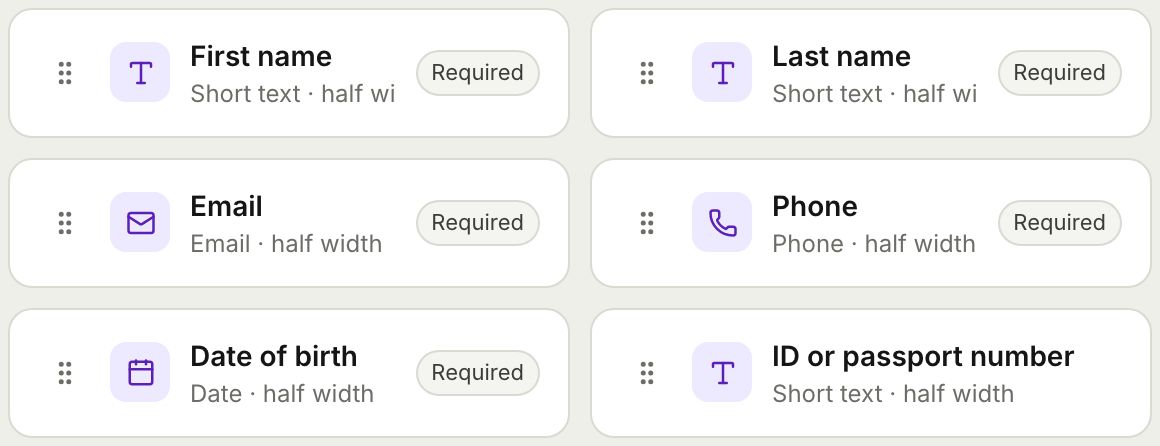 Form BuilderBuild forms and surveys with 18 question types, multi page layouts, conditional logic, validation, 8 themes and a live preview.
 Client Intake FormOnboard new clients with one intake form, get a tidy client document for each, and add a signed agreement when you need one.
 Event Registration FormTake registrations with ticket types, sessions and dietary needs, cap the numbers, and send each guest a confirmation document.
 Rental Application FormTake rental applications online with ID uploads and references, get a filled PDF per applicant, and send it for signature.
Collect your first consent today
Start from the consent form template, choose how people sign, and keep a PDF of every agreement. Free plan, no credit card.