Your form responses, in your own code
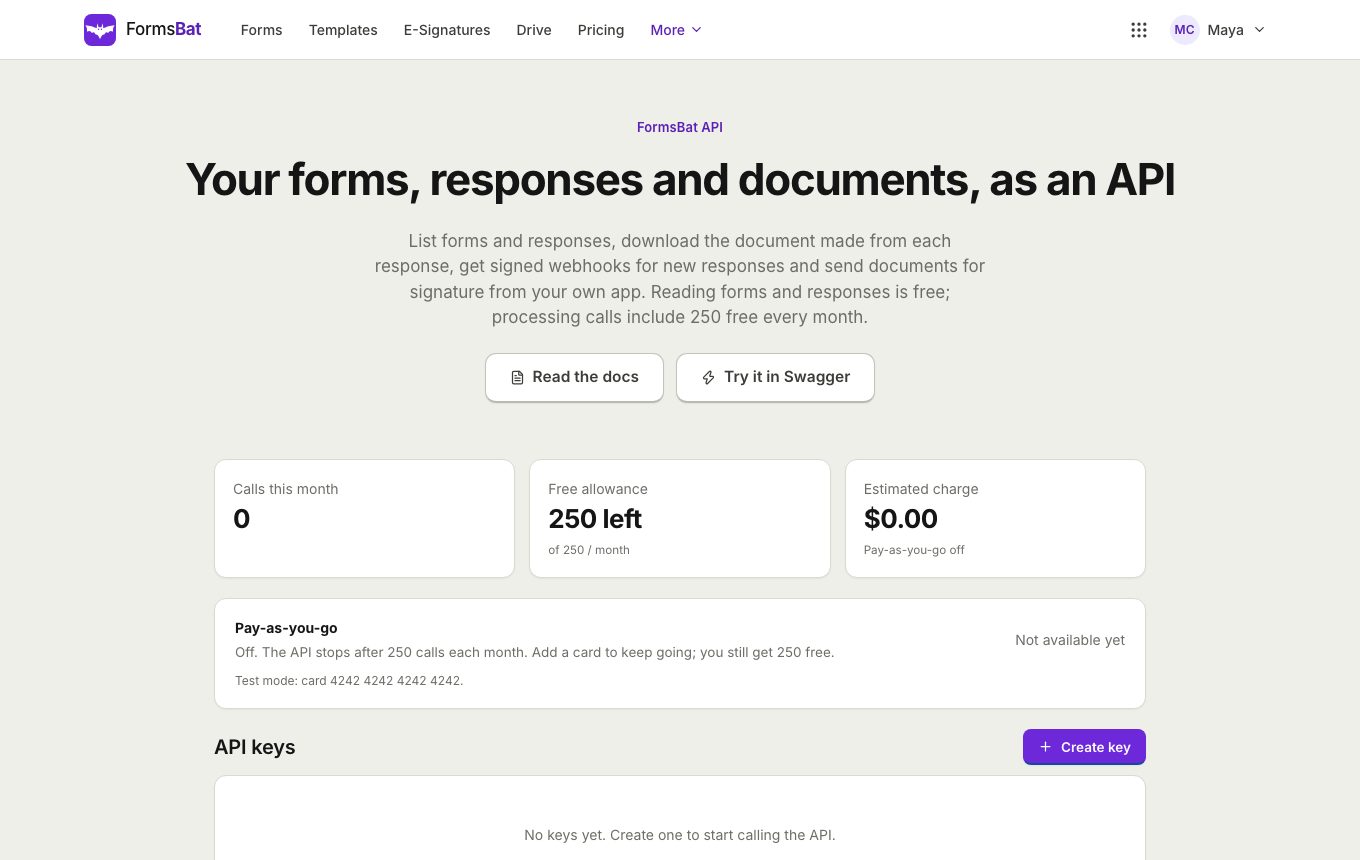
A REST API to list forms and responses and download each response's document, signed webhooks the moment something happens, an OpenAPI description, and an MCP server for AI assistants.
- OpenAPI specification
- HMAC signed webhooks
- MCP server included
Built for the step after the form
A form is often the start of a process: a new lead goes into a CRM, an application goes to a hiring tool, a signed waiver goes into a records system. The FormsBat API lets your code pick up where the form ends.
The REST API lives at /api/v1/forms. You can list your forms, list a form's responses with search and date filters, get a single response, and download the document that response created. The full description is published as OpenAPI at /api/v1/openapi.json, with readable API docs and an interactive Swagger page.
You create and manage API keys on the developers page. Webhooks push events to your server as they happen, and the MCP server lets AI assistants list your forms and read responses.
Why developers like the FormsBat API
Small and predictable
A handful of clear endpoints for forms, responses and documents, described in OpenAPI.
Signed webhooks
Get form.response.created and form.document.ready events, each signed with HMAC SHA 256 so you can verify them.
Documents included
Download the PDF or Word document each response created, ready to store or forward.
Search and dates
List responses with a search term and a date range, so syncing only the new ones is easy.
MCP for AI assistants
The MCP server offers list_forms and get_responses tools, so an assistant can answer questions about your responses.
Connect in 3 steps
- 1
Create an API key
Sign in, open the developers page and create a key. Keep it on your server, never in browser code, and send it with each request.
- 2
Call the endpoints
List forms, list responses with search and dates, get one response and download its document. The OpenAPI file describes every field.
- 3
Add a webhook
Point a webhook at your server for form.response.created or form.document.ready, and check the HMAC SHA 256 signature on each delivery.
What the API covers
The API and webhooks work with every plan. Response limits follow your plan: 100 a month on Free and 10,000 a month on Pro.
- List forms
- Get the forms in your account.
- List responses
- Page through a form's responses, with a search term and a date range to narrow the list.
- Get one response
- Fetch a single response with every answer.
- Download the document
- Download the PDF or Word document a response created.
- form.response.created
- A webhook event sent when someone submits a form.
- form.document.ready
- A webhook event sent when a response's document has been generated and can be downloaded.
- HMAC SHA 256 signatures
- Every webhook delivery is signed with your webhook secret, so you can confirm it really came from FormsBat.
- OpenAPI specification
- A machine readable description at /api/v1/openapi.json for generating clients and testing.
- Interactive docs
- Try requests in the browser on the Swagger page, and read the guide in the API docs.
- API keys
- Create and manage keys on the developers page.
- MCP server
- The list_forms and get_responses tools let AI assistants that speak MCP work with your forms.
Common things people build
- Send each new job application to a hiring tool, with the application document attached.
- Copy customer feedback into a support or analytics system every night using the date filter.
- Store each signed consent form PDF in a records system as soon as form.document.ready arrives.
- Post a message to a team chat for every new event registration.
- Ask an AI assistant to summarise this week's responses through the MCP server.
Verifying a webhook
Each webhook request carries a signature made with HMAC SHA 256 over the request body, using your webhook secret. On your server, compute the same HMAC over the raw body and compare it with the signature before trusting the event. The API docs explain the details.
Frequently asked questions
Where do I get an API key?
Sign in and open the developers page. Create and manage your keys there.
Is there an OpenAPI file?
Yes, at /api/v1/openapi.json. The Swagger page lets you try requests in the browser.
Which webhook events are there?
form.response.created when someone submits, and form.document.ready when that response's document is ready to download.
How do I know a webhook came from FormsBat?
Every delivery is signed with HMAC SHA 256 using your webhook secret. Compute the same signature over the body and compare.
Can I download the generated PDF or Word file?
Yes. The API has an endpoint to download the document for any response.
What does the MCP server do?
It offers two tools, list_forms and get_responses, so AI assistants that support MCP can list your forms and read their responses.
Can I create forms through the API?
The API is for reading forms, responses and documents. Forms are built in the form builder.
Related features and use cases
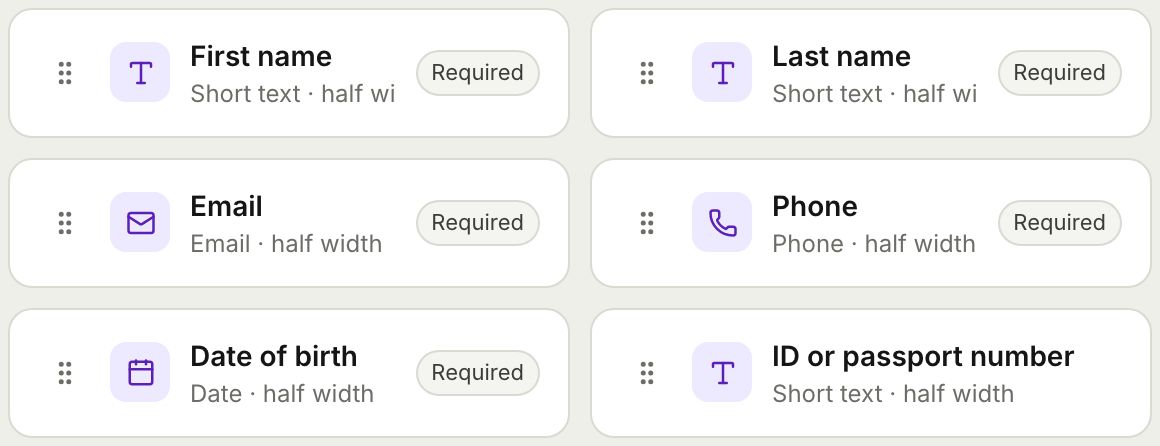 Form BuilderBuild forms and surveys with 18 question types, multi page layouts, conditional logic, validation, 8 themes and a live preview.
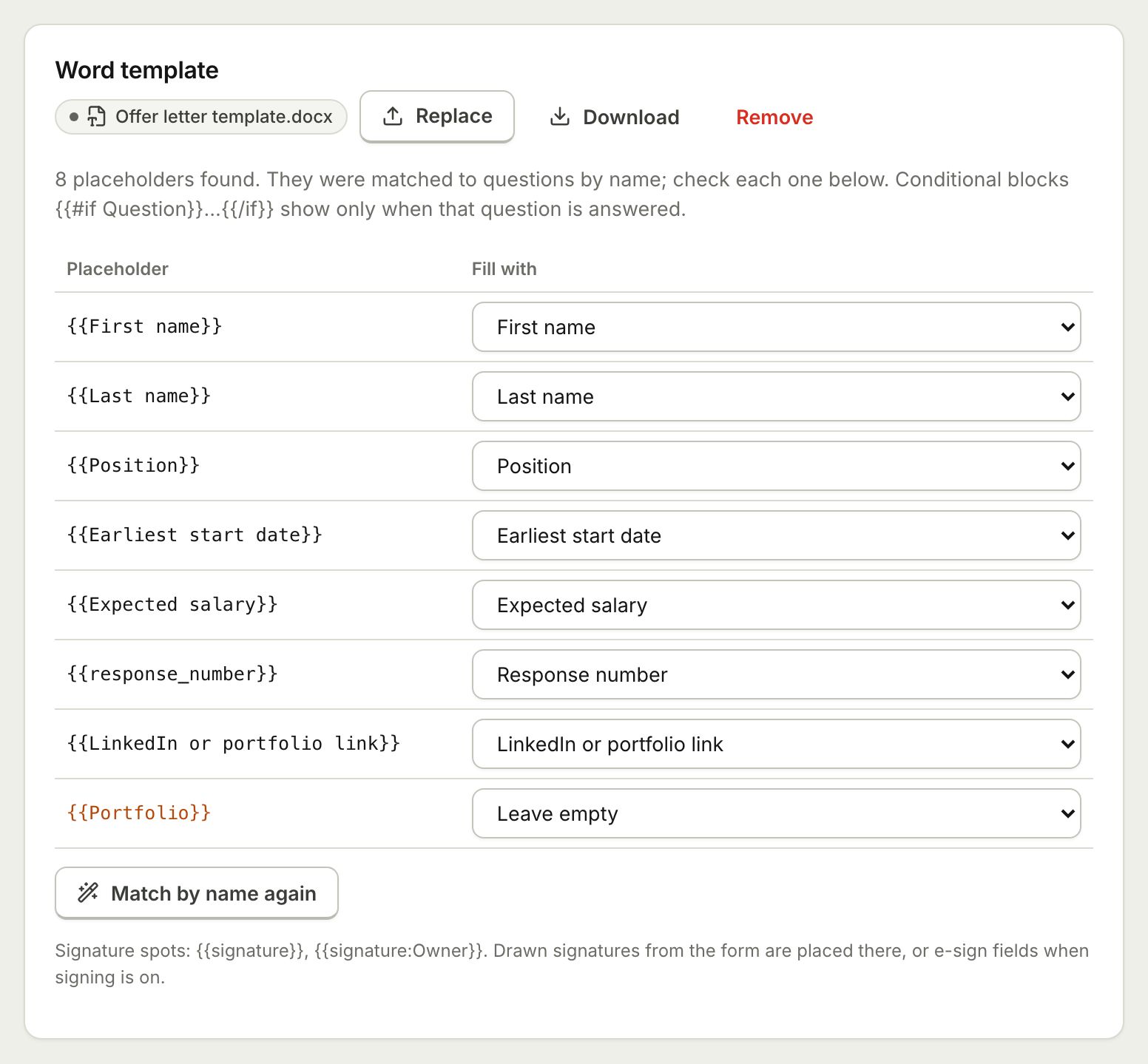 Document TemplatesTurn every form response into a PDF or Word document: a designed answers document, a ready template, or your own Word or PDF file.
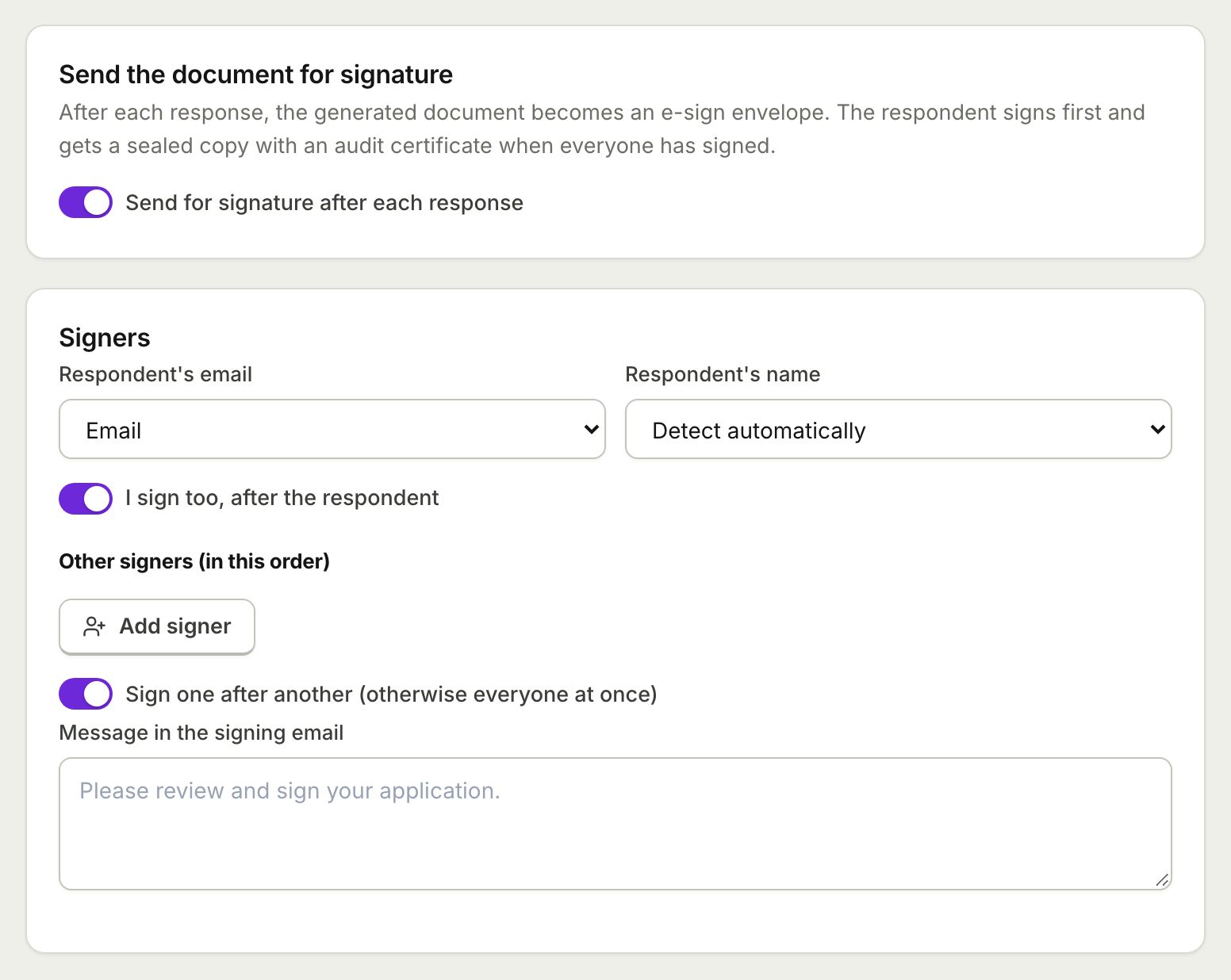 E-Sign from FormsSend the document each response creates for e-signature: the respondent signs from the thank you screen and everyone gets a sealed PDF.
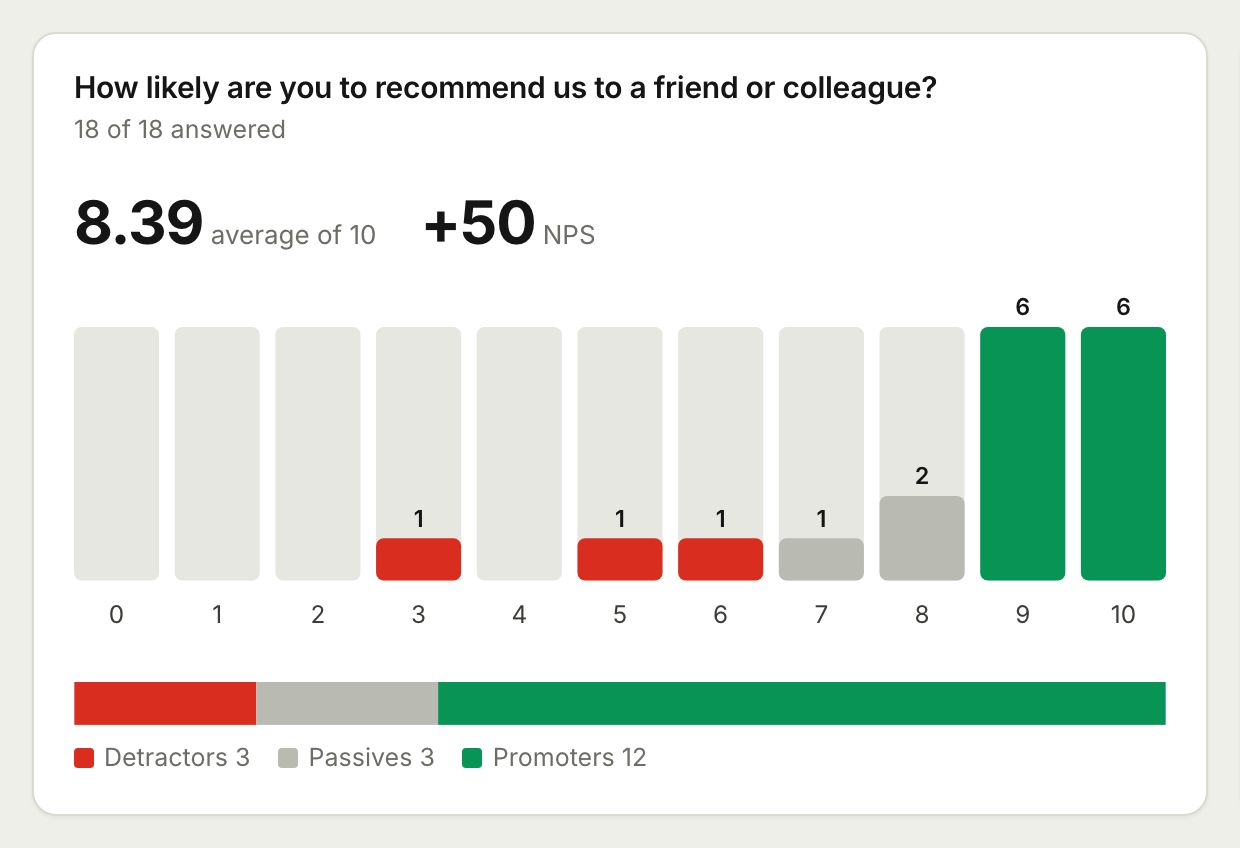 Surveys and AnalyticsRun surveys with ratings, scales and NPS, then read the results as charts, averages and an NPS score, or export them to CSV and Excel.
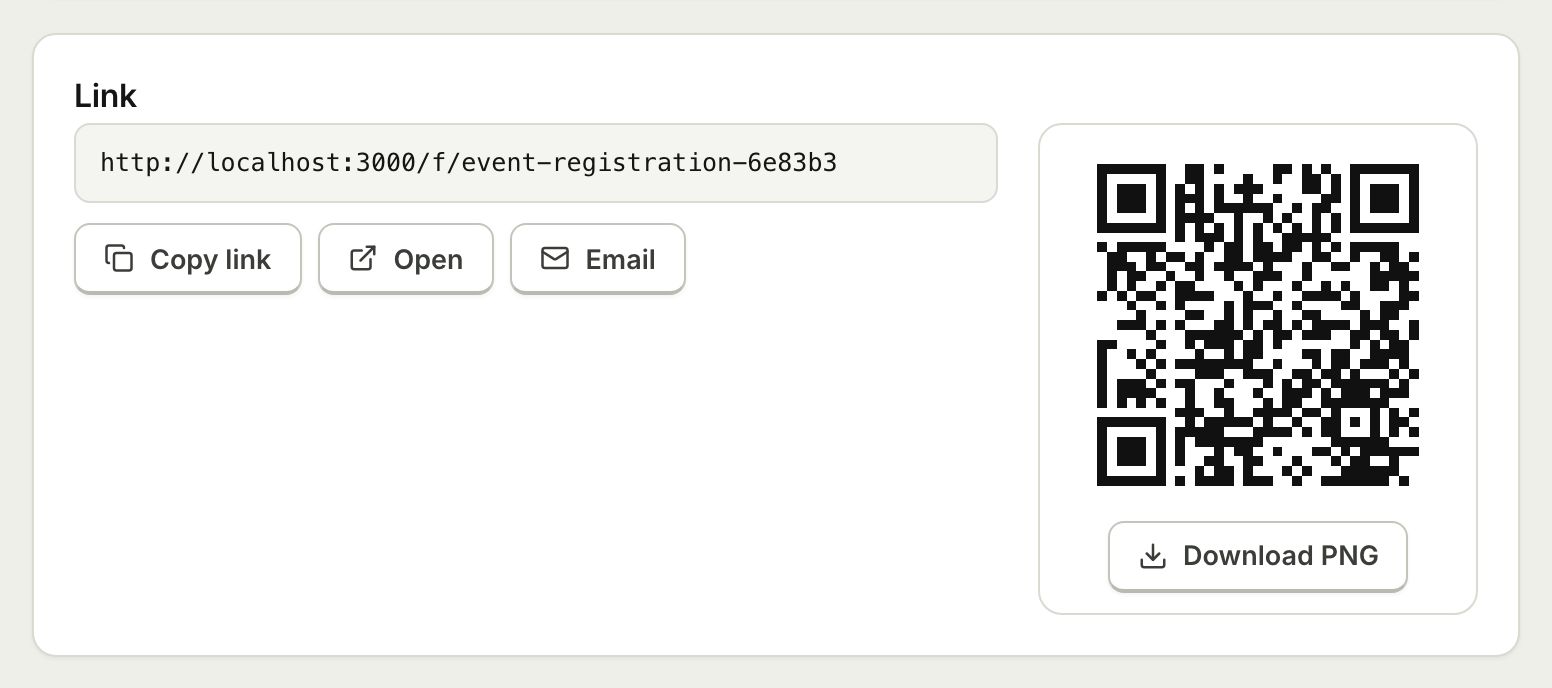 Embed and ShareShare a form with a public link, embed it on your website with an iframe that resizes itself, or print a QR code.
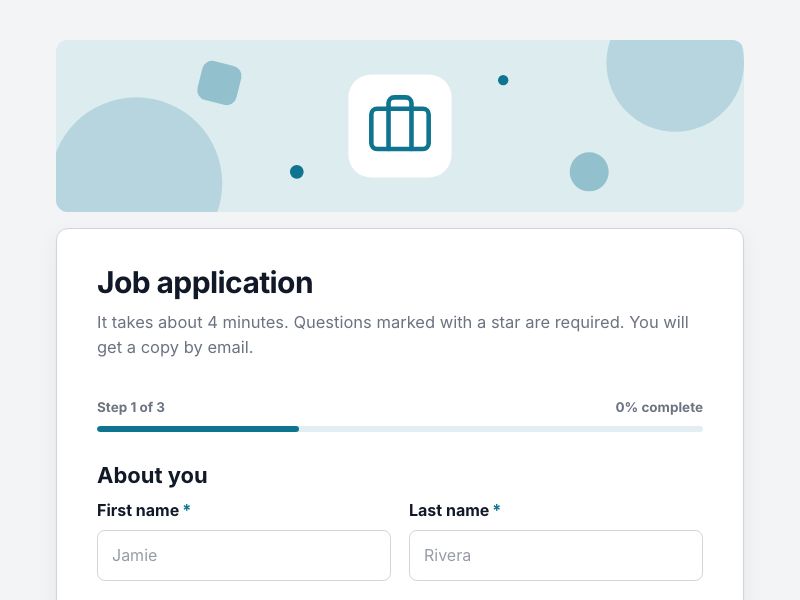 Job Application FormCollect applications with CV uploads and screening questions, and get a tidy application document for every candidate.
Connect your forms to your stack
Create a free account, build a form and create an API key on the developers page. Your first webhook can be live in minutes.