A job application form that files every candidate for you
Ask the right questions, collect CVs and cover letters, and get a clean application document for each person, saved to your Drive and ready to share with the hiring team.
- Free plan, no credit card
- CV and file uploads
- Works on phones
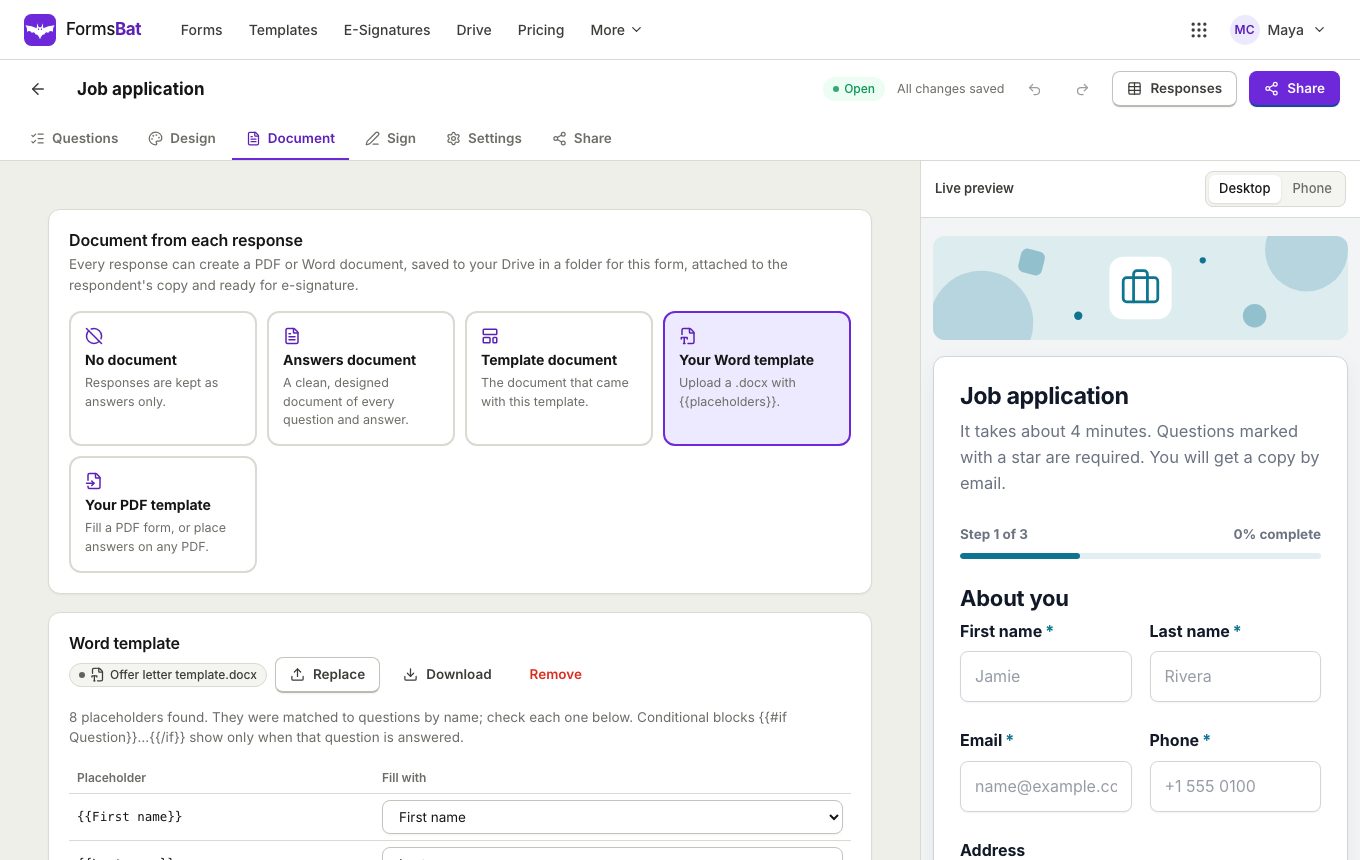
Hiring without the inbox chaos
When applications arrive by email, CVs get lost, details are missing and every candidate looks different. A FormsBat job application form asks everyone the same questions, checks the answers before they are sent, and keeps every application in one sortable table.
Start from the job application template or the internship application in the HR and hiring category of the template gallery. It already has pages for the applicant, their experience and their availability, with a CV upload, a work eligibility question and an expected salary. Add your own screening questions and logic that only asks for details that apply, such as a notice period for people who are currently employed.
Each application can create a document, so you get a tidy one page summary per candidate instead of a pile of emails.
Why recruiters use FormsBat for applications
CV and cover letter uploads
A file upload question collects CVs, portfolios and certificates with the rest of the application.
Screening that adapts
Conditional logic asks follow up questions only when they apply, keeping the form short for everyone.
A document per candidate
Every application becomes a PDF or Word summary, named with the candidate's name and saved in a folder for the role.
Compare in one table
Sort, search and filter applications by date, and export them to CSV or Excel for a shortlist.
Start hiring in 3 steps
- 1
Pick the template
Open the template gallery and choose the job application. Change the questions to fit the role.
- 2
Share the link
Post the public link on job boards, embed the form on your careers page or share a QR code.
- 3
Review applications
Read each application in the responses table, open the CV, and download or share the application document.
What a good application form needs
- Contact details
- Name, email, phone and address questions with format checks, so you can always reach the candidate.
- Role and availability
- Dropdowns for the position and a date question for the earliest start date.
- Experience and skills
- Long text for experience, checkboxes for skills and a rating for confidence in each.
- File upload
- Collect a CV, a cover letter or a portfolio. Files stay attached to the response.
- Declaration and signature
- Finish with a drawn signature or send the application document for e-signature.
- Close date and limit
- Close the form automatically when applications end, or after a set number of applicants.
- Confirmation email
- Send each candidate a copy of their application with the document attached.
- Owner notification
- Get an email for every new application.
Tips for a better job application form
- Keep the first page short: contact details and the role. Put longer questions on later pages so the progress bar keeps people going.
- Mark only what you truly need as required.
- Use one response per email to avoid duplicate applications.
- Write help text under tricky questions, such as what to include in the experience answer.
- Use a theme and your logo so the form looks like part of your careers page.
Send applications to your hiring tools
If you use an applicant tracking system, the forms API can list applications and download each document, and a webhook can notify your system the moment someone applies.
Frequently asked questions
Can candidates upload a CV?
Yes. Add a file upload question. On the free plan uploads can be up to 25 MB, and up to 100 MB on Pro.
Do candidates need an account?
No. They open the link and apply in the browser, on a phone or a computer.
Can I get a PDF of each application?
Yes. Each response can create a PDF or Word application document, saved to your Drive in a folder for the form.
Can I stop accepting applications on a date?
Yes. Set a close date or a response limit, or close the form with one toggle.
How many applications can I collect for free?
The free plan collects 1,000 responses a month across your forms. Pro is $4 a month for 10,000 responses a month.
Can I export applications to a spreadsheet?
Yes. Export every response to CSV or Excel from the responses page.
Related features and use cases
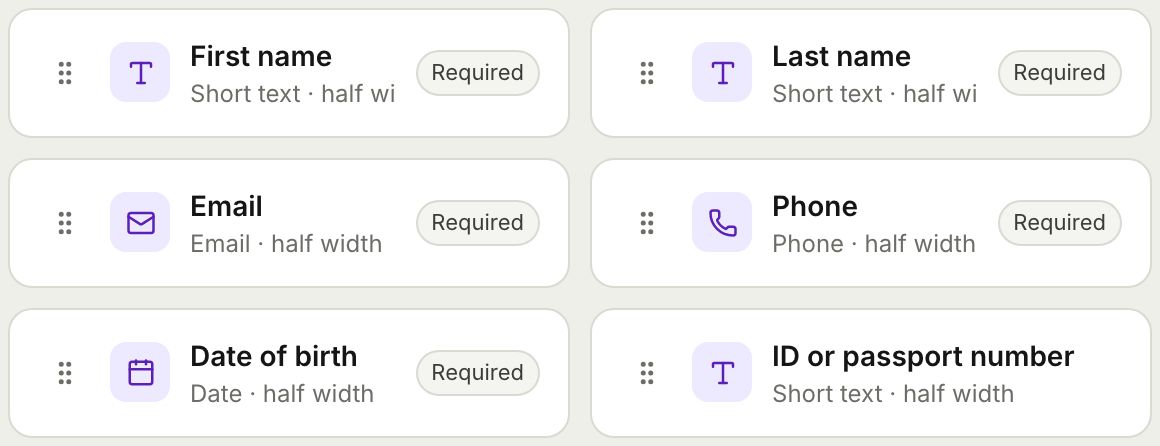 Form BuilderBuild forms and surveys with 18 question types, multi page layouts, conditional logic, validation, 8 themes and a live preview.
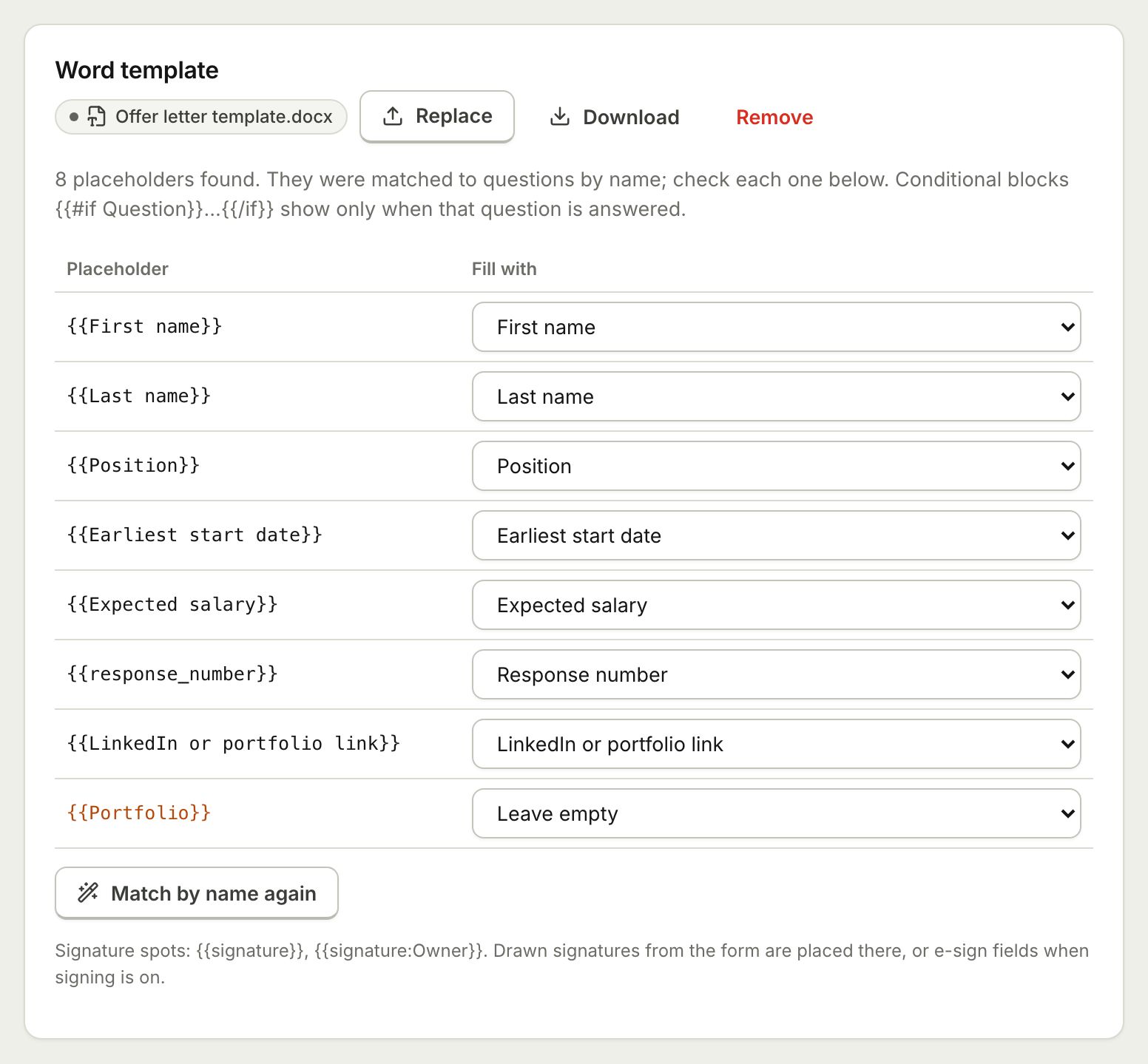 Document TemplatesTurn every form response into a PDF or Word document: a designed answers document, a ready template, or your own Word or PDF file.
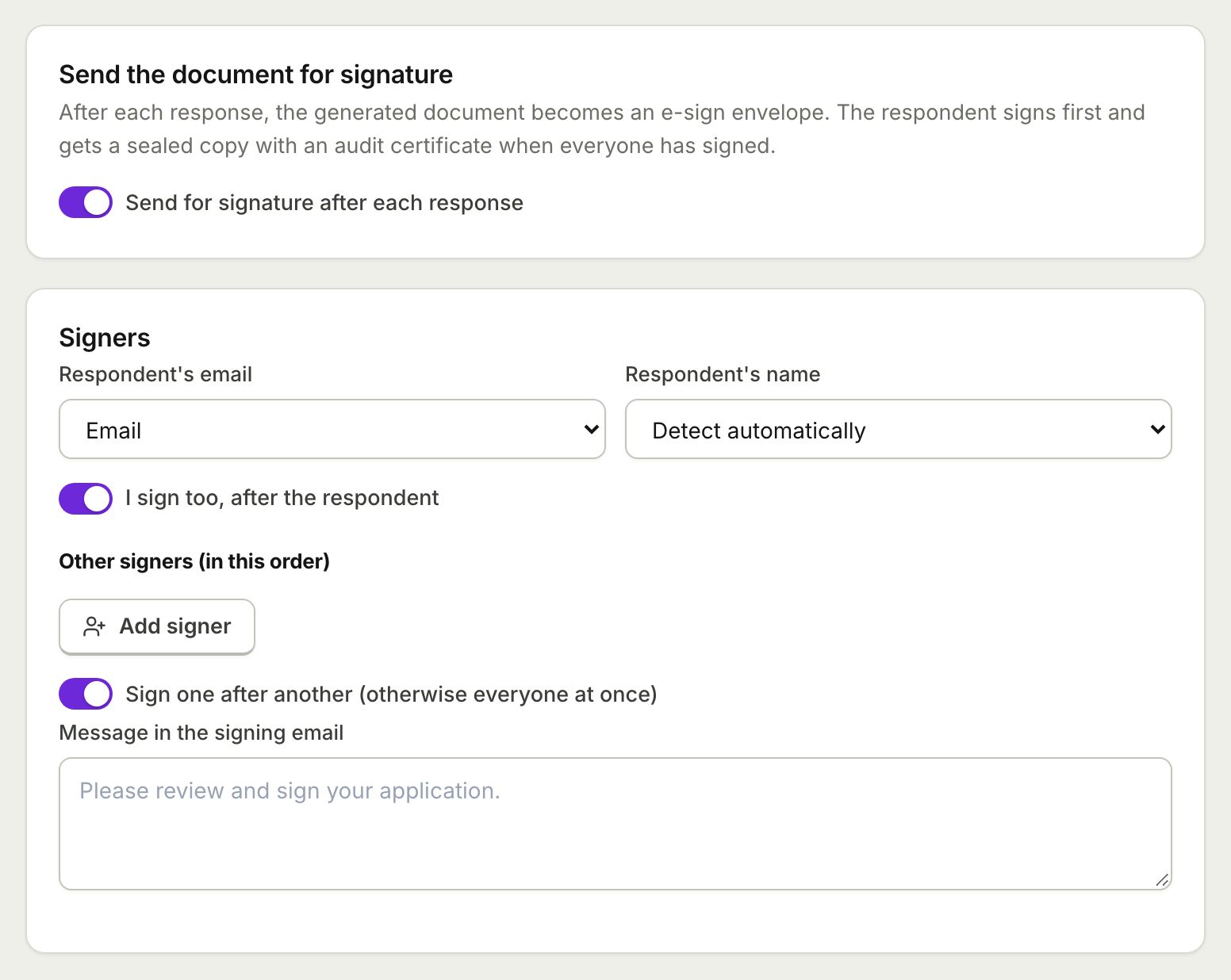 E-Sign from FormsSend the document each response creates for e-signature: the respondent signs from the thank you screen and everyone gets a sealed PDF.
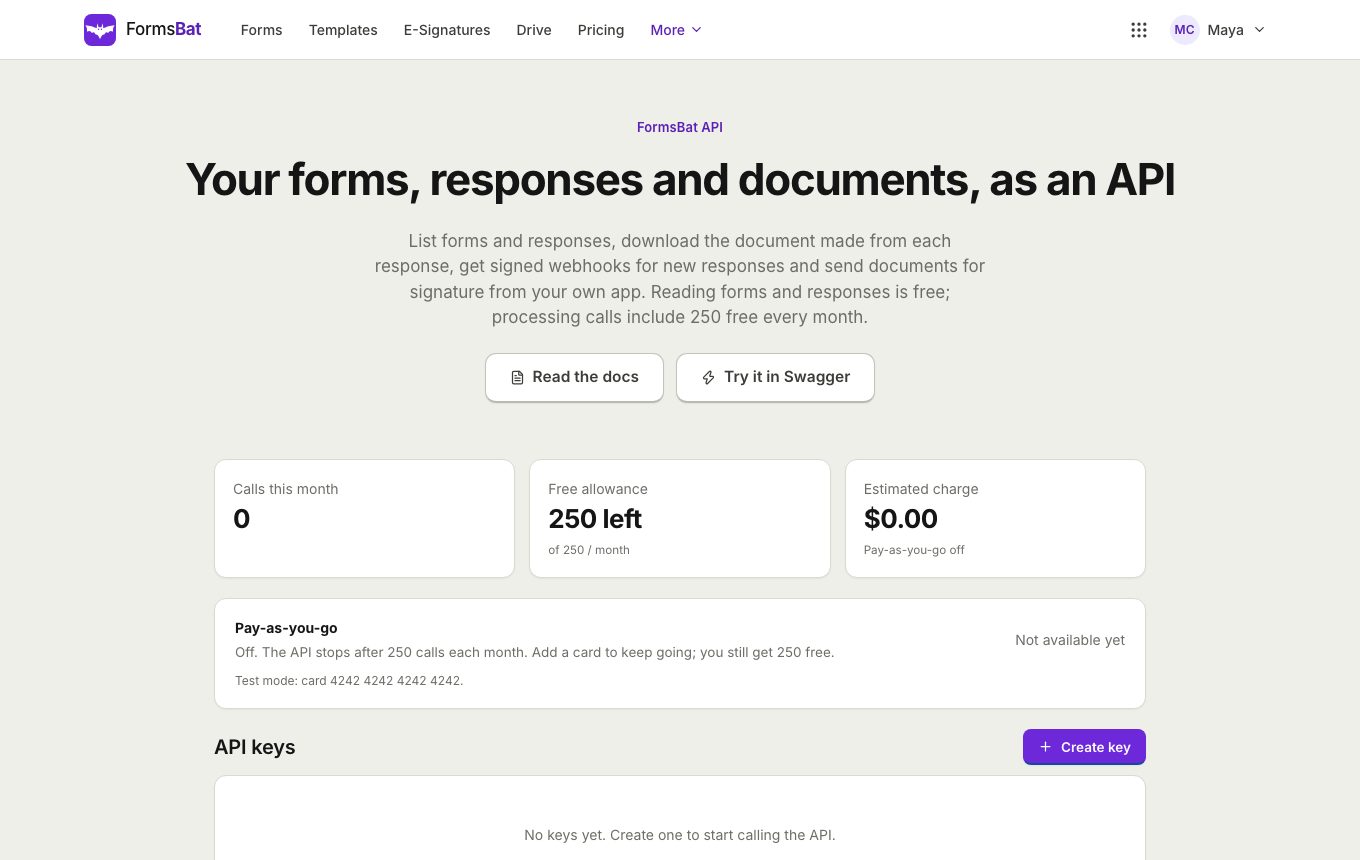 Forms API and WebhooksRead forms, responses and generated documents with a REST API, get signed webhooks for new responses, and connect AI assistants over MCP.
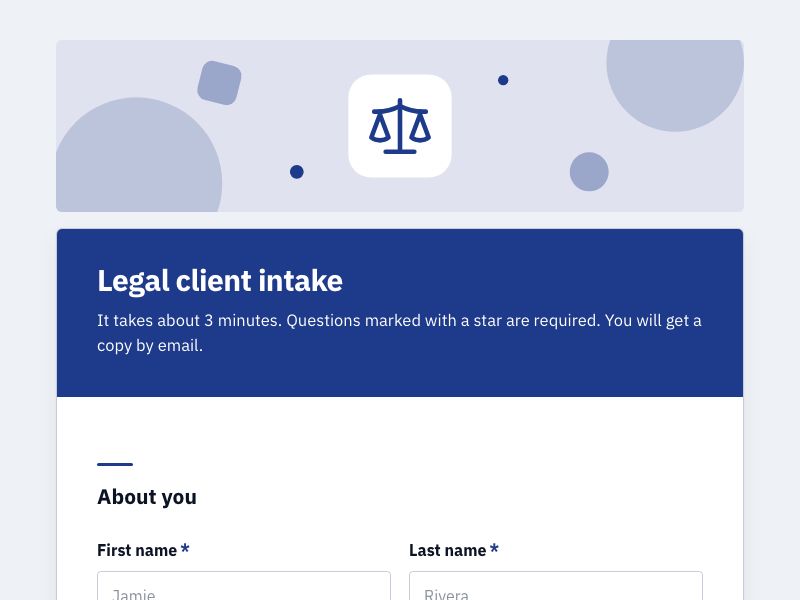 Client Intake FormOnboard new clients with one intake form, get a tidy client document for each, and add a signed agreement when you need one.
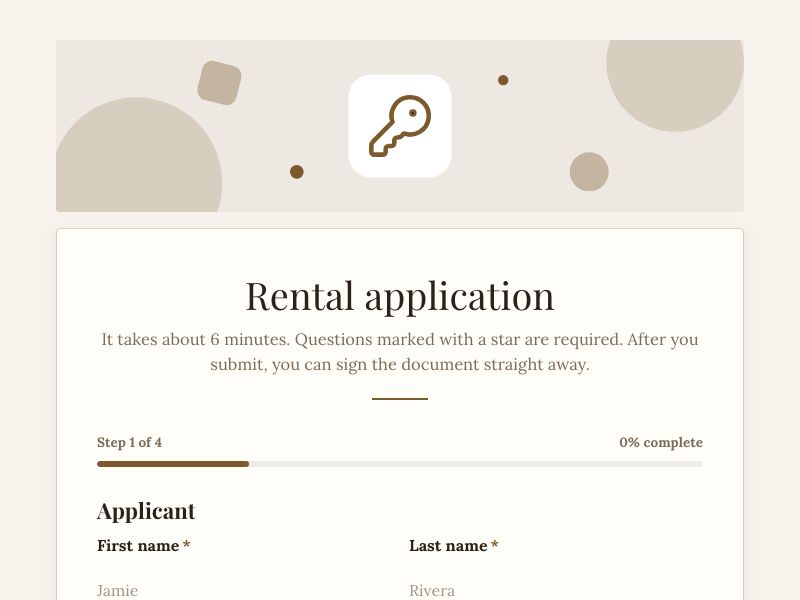 Rental Application FormTake rental applications online with ID uploads and references, get a filled PDF per applicant, and send it for signature.
Open your next role today
Start from the job application template, share the link and get a tidy document for every candidate. Free plan, no credit card.