Fill the form, sign the document, done
Turn on e-signature for a form and every response creates a document that goes straight out for signing. The respondent can sign from the thank you screen, and you can add yourself and other signers too.
- 3 envelopes a month free
- Signers need no account
- Pro unlimited for $4/mo
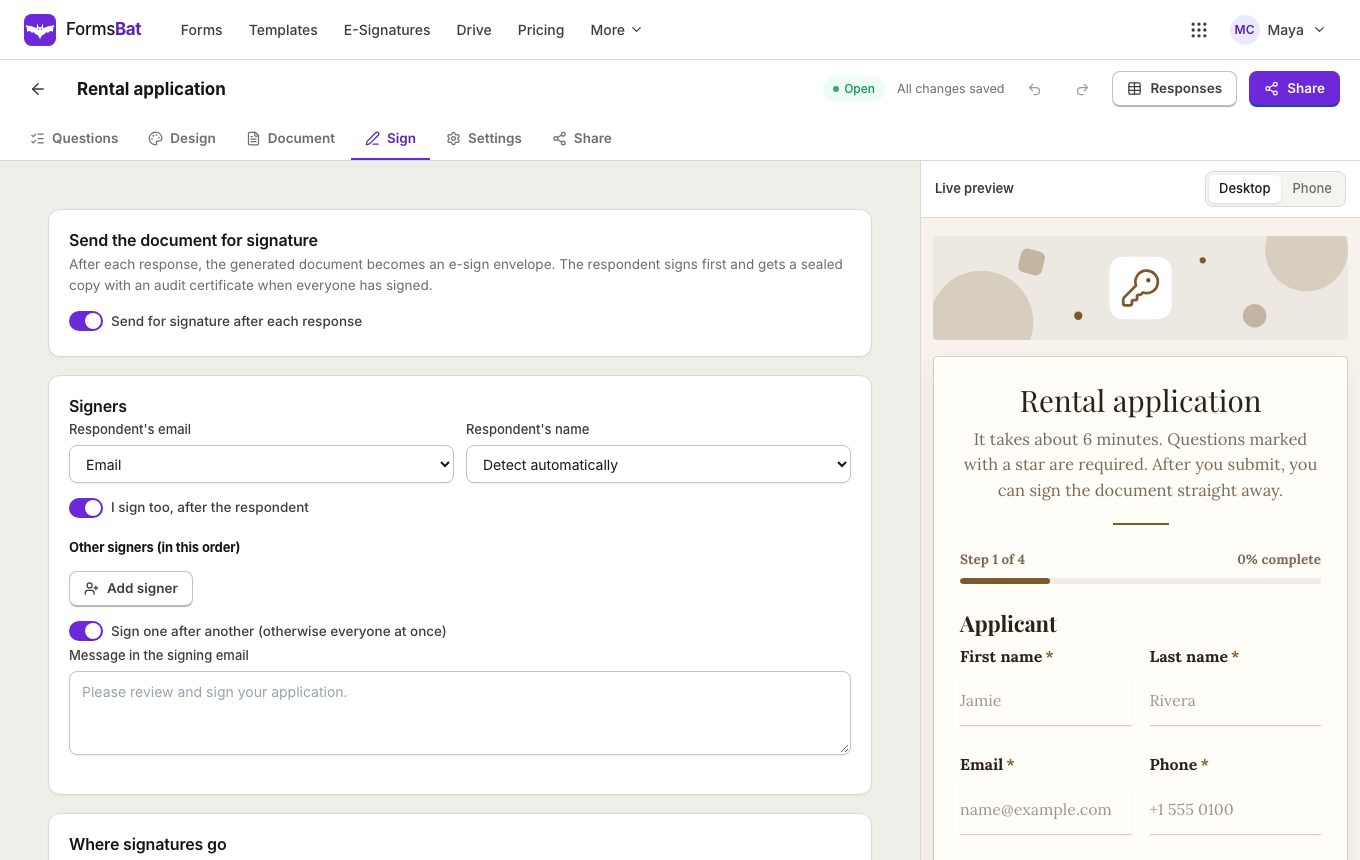
One flow from answers to a signed record
Plenty of forms end in a signature: a rental application, a consent form, a liability waiver, an agreement with a new client. Usually that means a second tool and a second email. In FormsBat it is one switch in the form settings.
When e-signature is on, each response first creates its document. FormsBat then prepares an envelope for that document and sends it to the signers. The respondent's email comes from the form, so they do not have to type anything twice, and they can sign right away from the thank you screen.
When everyone has signed, FormsBat seals the PDF, adds a certificate of completion with the audit trail, emails the result to everyone and saves a copy in your Drive. You can follow every envelope in E-Signatures.
Why people collect signatures through their forms
Sign from the thank you screen
The respondent signs straight after submitting, while they still have the form open, with no extra email to find.
Add more signers
Include yourself as the owner and fixed extra signers, such as a manager or a co-signer, on every document.
In order or all at once
Send to each signer in turn, or to everyone at the same time, depending on how the document should be signed.
Sealed PDF and audit trail
The final PDF carries a certificate of completion and an audit trail of who signed and when.
Fields where they belong
Signature fields go where your template says, or at the end of the last page if it does not say.
Add e-signature to a form in 3 steps
- 1
Choose the document
Pick the document each response creates. Add {{signature}} where the respondent signs, and {{signature:Owner}} or {{signature:Name}} for others.
- 2
Turn on e-signature
In the form settings, switch on e-signature, pick the email question for the respondent, and add yourself or extra signers if needed.
- 3
Share and collect
Share the form. Each response is signed from the thank you screen or by email, and the sealed PDF lands in everyone's inbox.
E-signature options for forms
The free plan includes 3 signature envelopes a month. Pro sends unlimited envelopes for $4 a month.
- Per form switch
- Turn e-signature on only for the forms that need it. Other forms keep working as normal.
- Respondent as signer
- The respondent is the first signer, using the email address they gave in the form.
- Owner signs too
- Add yourself as a signer to countersign agreements, applications and contracts.
- Fixed extra signers
- Add people who sign every document from this form, such as a manager or a guarantor.
- Signing order
- Sign in order so each person is asked when it is their turn, or send to all signers at once.
- Signature placeholders
- Put {{signature}}, {{signature:Owner}} or {{signature:Name}} in the template to place each signer's field.
- Sensible default position
- If the template has no signature placeholder, fields are added at the end of the last page.
- Sign straight away
- The respondent can sign from the thank you screen, so they finish in one visit.
- Certificate of completion
- The sealed PDF ends with a certificate that lists each signer and the full audit trail.
- Emailed and saved
- The signed PDF is emailed to everyone who signed and a copy is saved in your Drive.
- Drawn signature question
- For simple cases, a drawn signature question in the form is stamped into the document at {{signature}}, with no envelope.
Drawn signature or full e-signature?
FormsBat gives you two ways to collect a signature, and you can pick the one that fits the paperwork.
- Drawn signature question: the respondent signs inside the form, and the signature is stamped into the document at {{signature}}. Quick and simple, good for sign up sheets and acknowledgements.
- E-signature envelope: the generated document is sent for signing, can include you and other signers, and ends as a sealed PDF with a certificate of completion and an audit trail. Better for agreements, waivers and applications.
Before you start
- Your account needs a verified email address, so signers can see who the request comes from.
- The form needs an email question for the respondent.
- Signers do not need a FormsBat account. They sign in the browser on any device.
- Each signed response uses one envelope: 3 a month on the free plan, unlimited on Pro.
Forms that often need a signature
- Consent forms and liability waivers.
- Rental applications signed by the applicant and the landlord.
- Client intake forms with a service agreement at the end.
- Job applications with a signed declaration.
Frequently asked questions
Do signers need a FormsBat account?
No. Signers open a link and sign in their browser. Only the form owner needs an account, with a verified email address.
Can the respondent sign right after submitting?
Yes. The thank you screen lets them sign the document straight away. They also get an email with the signing link.
Can I countersign each document?
Yes. Add yourself as the owner signer, and place your field with {{signature:Owner}} in the template. You can sign in order after the respondent or at the same time.
Where do the signature fields go?
Wherever the template says {{signature}}, {{signature:Owner}} or {{signature:Name}}. If there is no placeholder, the fields are added at the end of the last page.
How many signed documents can I collect for free?
The free plan includes 3 signature envelopes a month. Pro is $4 a month for unlimited envelopes.
What do signers get at the end?
A sealed PDF with a certificate of completion and the audit trail, emailed to everyone. A copy is also saved in your Drive.
Is a drawn signature question enough?
For simple acknowledgements it often is: the signature is stamped into the document. When you need a sealed record with an audit trail, or more than one signer, use e-signature.
Related features and use cases
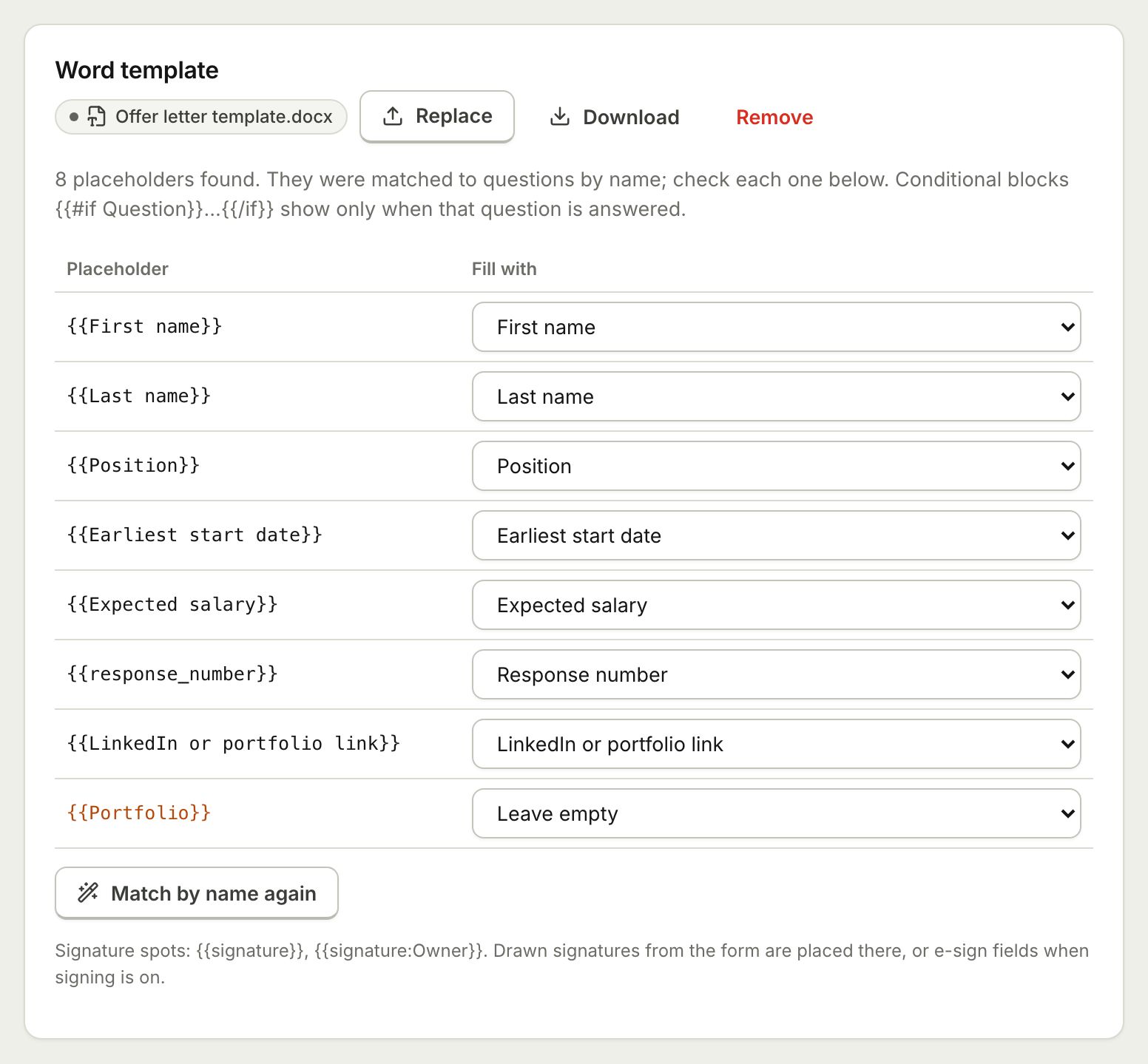 Document TemplatesTurn every form response into a PDF or Word document: a designed answers document, a ready template, or your own Word or PDF file.
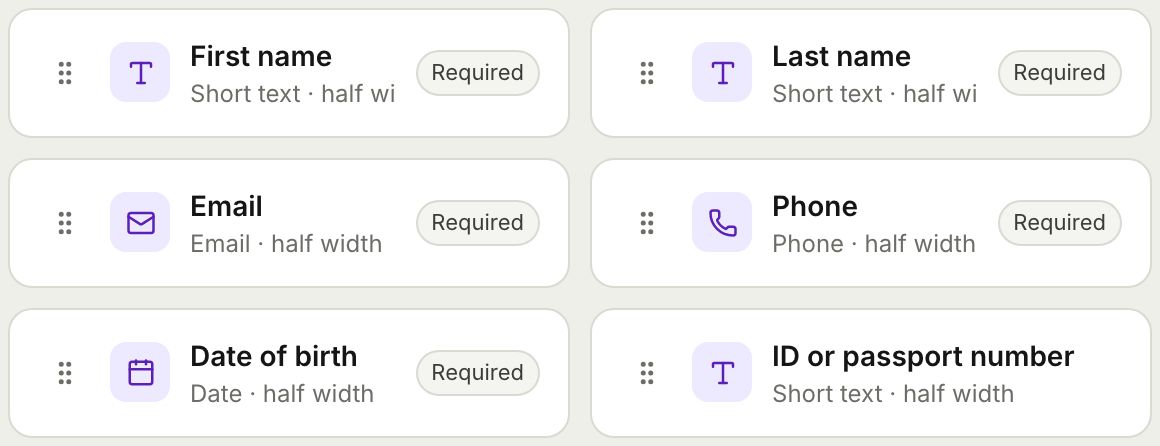 Form BuilderBuild forms and surveys with 18 question types, multi page layouts, conditional logic, validation, 8 themes and a live preview.
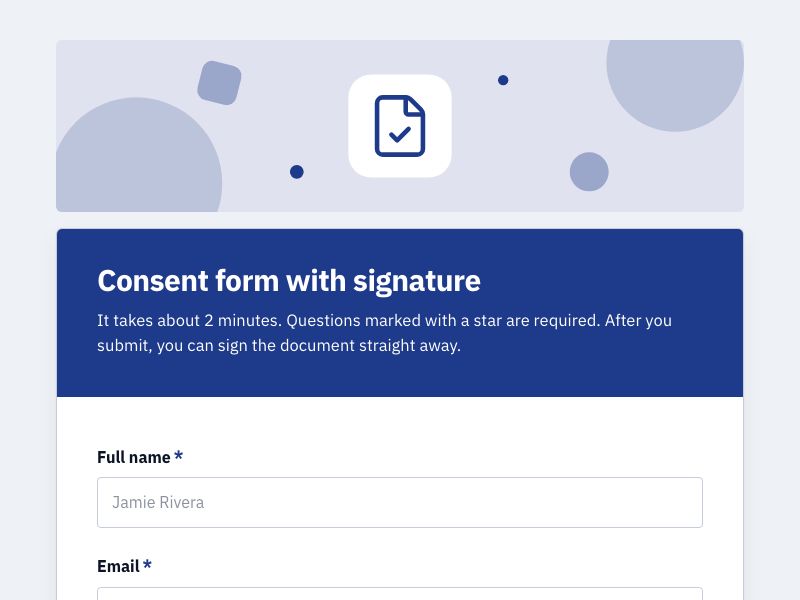 Consent Form with SignatureCollect consent online with a drawn signature or a full e-signature, and keep a sealed PDF record of every agreement.
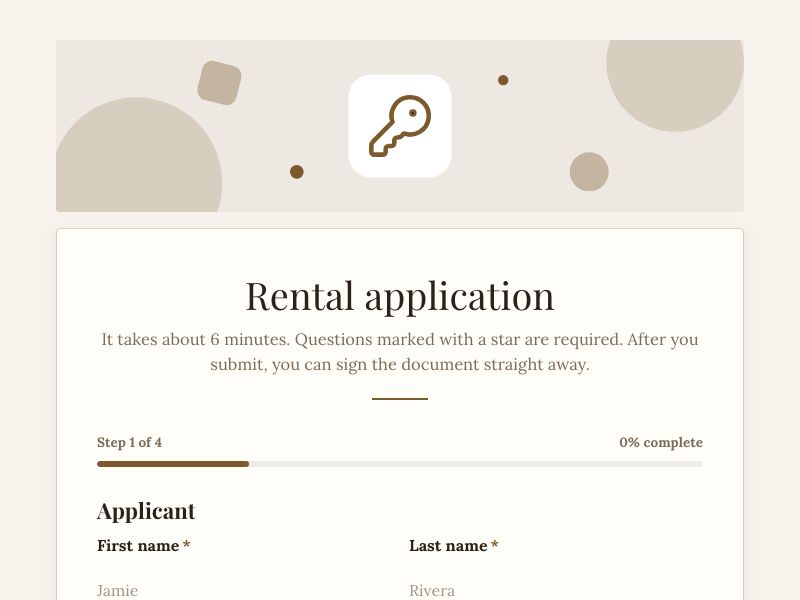 Rental Application FormTake rental applications online with ID uploads and references, get a filled PDF per applicant, and send it for signature.
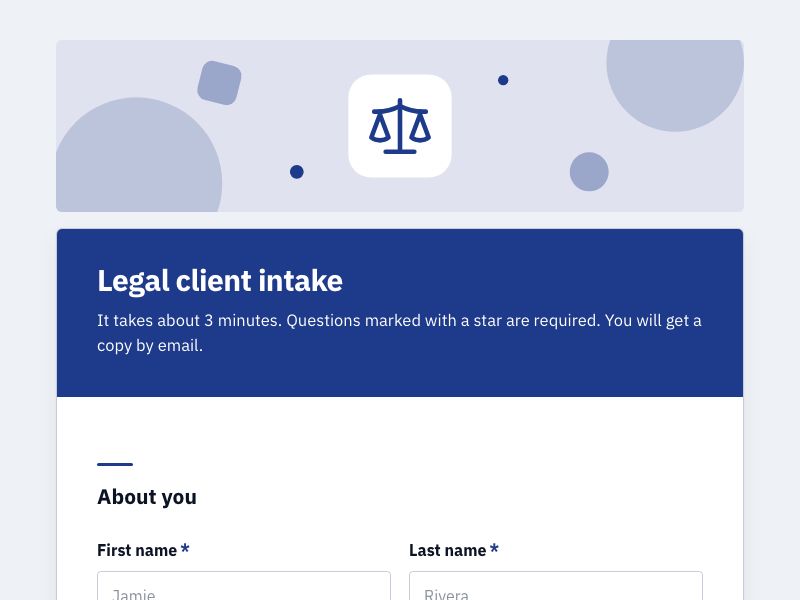 Client Intake FormOnboard new clients with one intake form, get a tidy client document for each, and add a signed agreement when you need one.
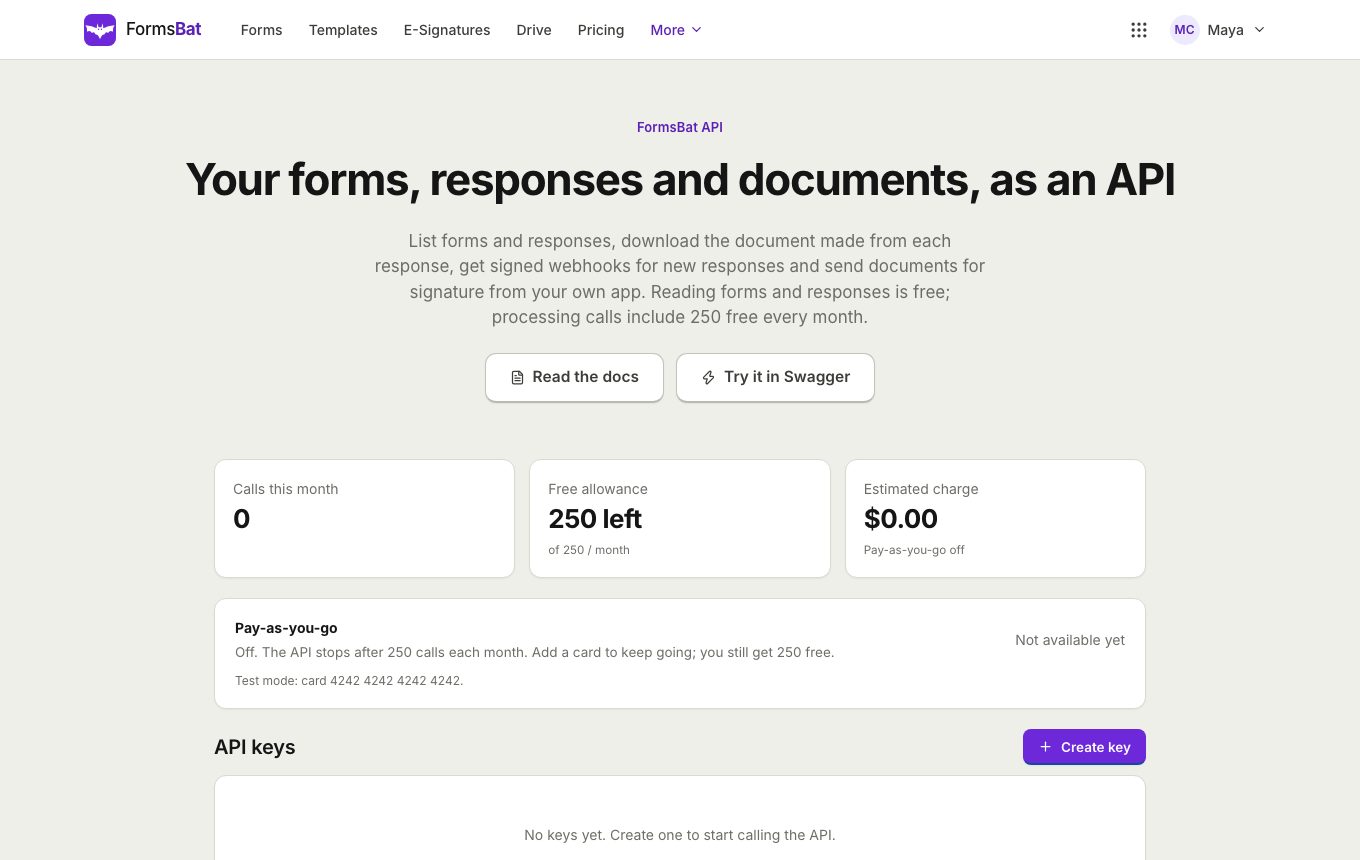 Forms API and WebhooksRead forms, responses and generated documents with a REST API, get signed webhooks for new responses, and connect AI assistants over MCP.
Collect your first signed form free
Create a free account, verify your email and get 3 signature envelopes a month. Pro is unlimited for $4 a month.