Event registration that stops when you are full
Collect names, tickets, sessions and dietary needs in one form. Set a response limit and a close date, and send every guest a confirmation document they can keep.
- Free plan, no credit card
- Response limits and close dates
- QR code for posters
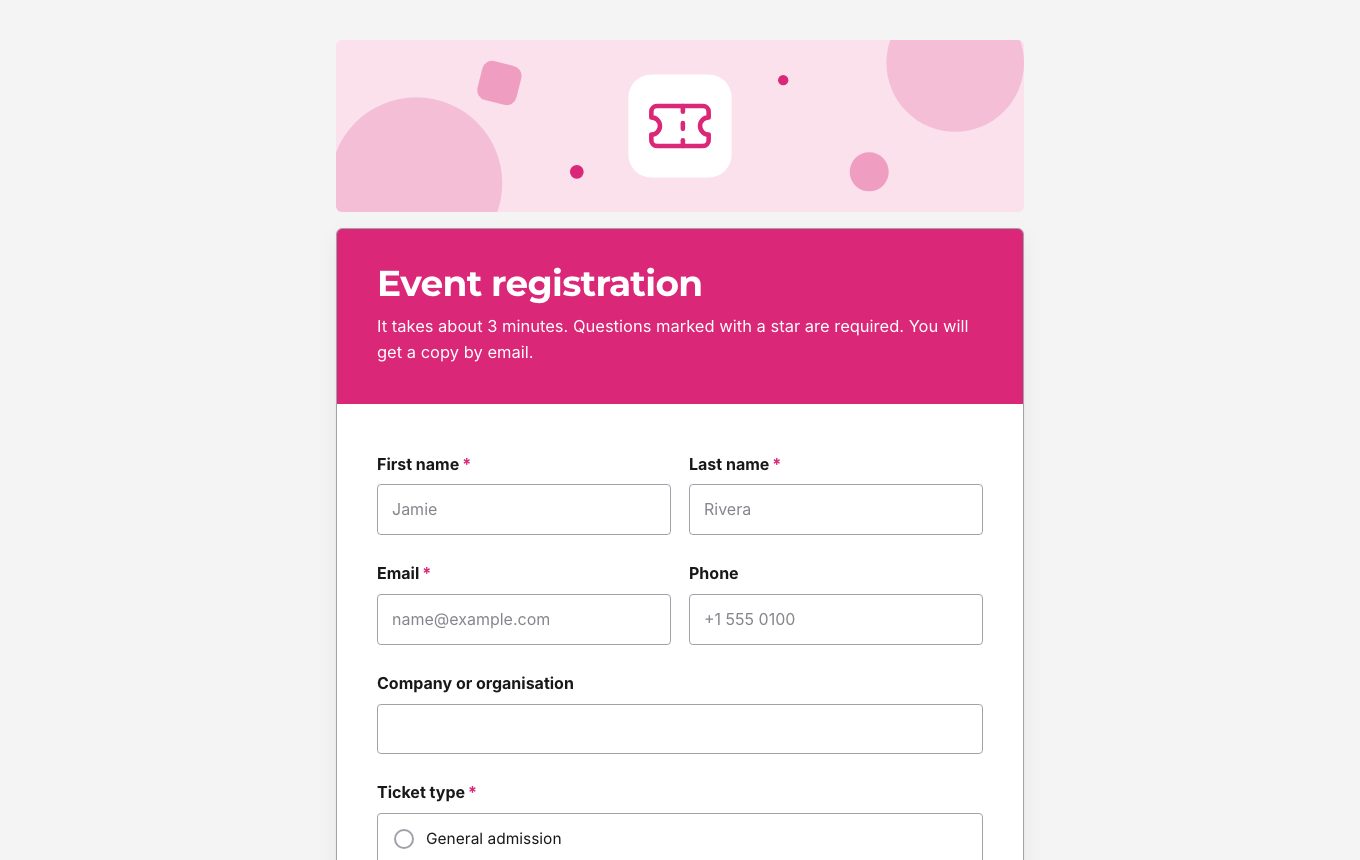
Everything you need to know about your guests
Whether it is a workshop, a conference, a club night or a charity run, registration comes down to the same questions: who is coming, which ticket they need, what they will attend and what you should prepare for them.
The event registration template asks for name, email, phone and organisation, a ticket type, the sessions people plan to attend, dietary needs and accessibility requirements. A student ID question appears only for people who pick a student ticket, thanks to conditional logic.
The events category of the template gallery also has RSVP, wedding RSVP, event feedback and contest entry forms, and the registrations category has webinar registration and club sign up forms.
Why organisers use FormsBat for registration
Never overbook
Set a response limit and the form closes itself when the last place is taken.
Close on a date
Stop registrations automatically when the deadline passes, or close them with one toggle.
Confirmation for every guest
Email each person a copy of their registration, with a confirmation document attached.
Share everywhere
Post the link, embed the form on your event page or print a QR code on posters and flyers.
Open registration in 3 steps
- 1
Pick the template
Choose event registration and edit the ticket types, sessions and dietary options for your event.
- 2
Set your limits
Add a response limit for capacity, a close date for the deadline and one response per email.
- 3
Share and track
Share the link or QR code, then follow registrations per day in the summary and export the list for the door.
What an event form needs
- Ticket types
- A multiple choice question for each ticket, with follow ups shown only for the tickets that need them.
- Session choices
- Checkboxes for the talks, workshops or time slots people plan to attend.
- Dietary and accessibility needs
- A dropdown for dietary needs and long text for accessibility requirements.
- Response limit
- Cap the number of registrations to match your venue.
- Close date
- Close the form automatically on the registration deadline.
- One response per email
- Stop people from registering twice by accident.
- Summary charts
- See how many people picked each ticket and session, and registrations per day.
- CSV and Excel export
- Export the guest list for name badges, catering and check in.
After the event
Send attendees an event feedback form from the same gallery, or build a short customer feedback survey with a rating and an open question. The summary view charts the answers for you.
Tips for smoother registration
- Keep the form short. Ask only what you will use on the day.
- Put the date, time and place in the form description so people can check it while they register.
- Use the thank you message to tell people what happens next, or redirect them to your event page.
- Ask for consent to photos with a checkbox, or link a separate consent form.
Frequently asked questions
Can I limit the number of registrations?
Yes. Set a response limit in the form settings, and the form closes when it is reached.
Can guests get a confirmation?
Yes. Turn on the copy to the respondent and each guest gets an email with their answers and the generated document attached.
Can I take registrations on a tablet at the door?
Yes. Open the public link on a tablet, or show a QR code people can scan with their phone.
Can I see how many people chose each session?
Yes. The summary shows counts and percentages for every choice question.
Can I export the guest list?
Yes. Export registrations to CSV or Excel at any time.
How many registrations are free?
The free plan collects 1,000 responses a month. Pro is $4 a month for 10,000 responses a month.
Related features and use cases
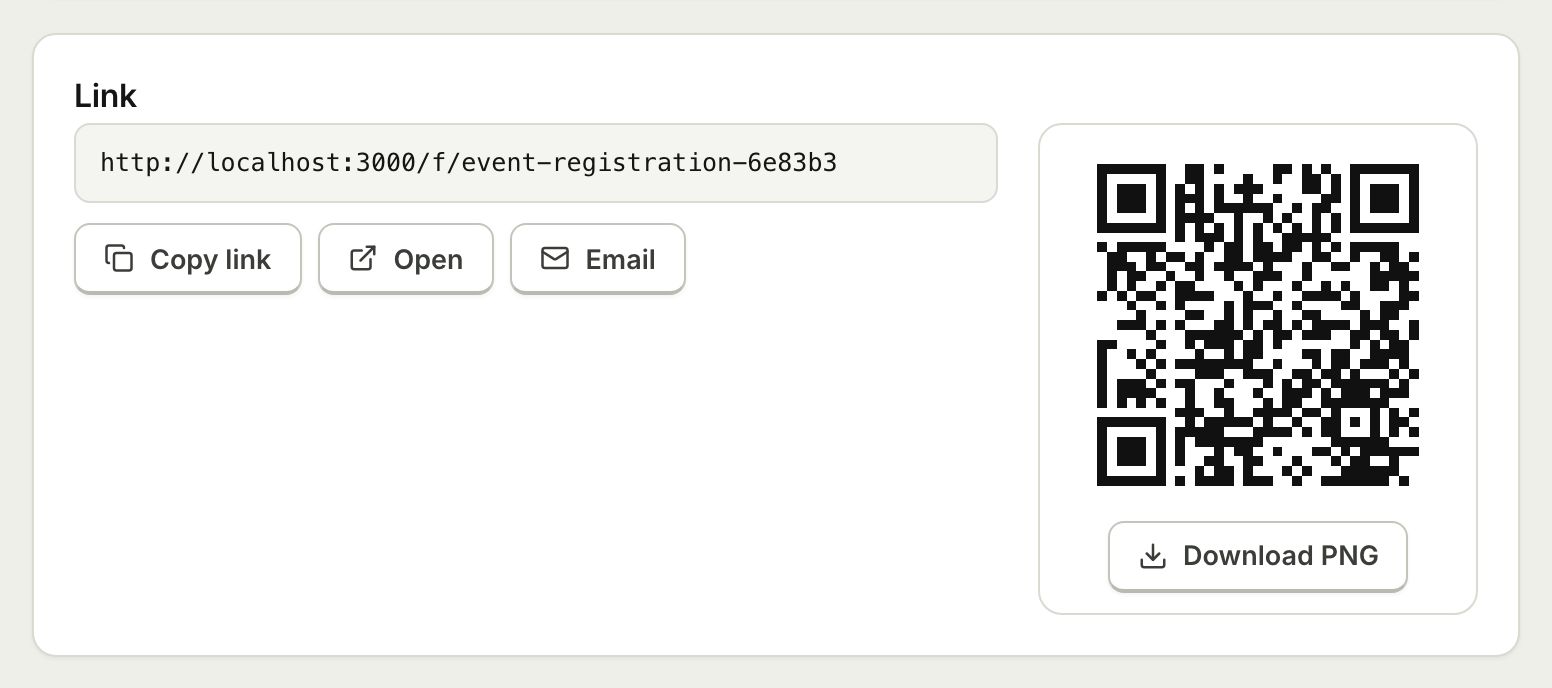 Embed and ShareShare a form with a public link, embed it on your website with an iframe that resizes itself, or print a QR code.
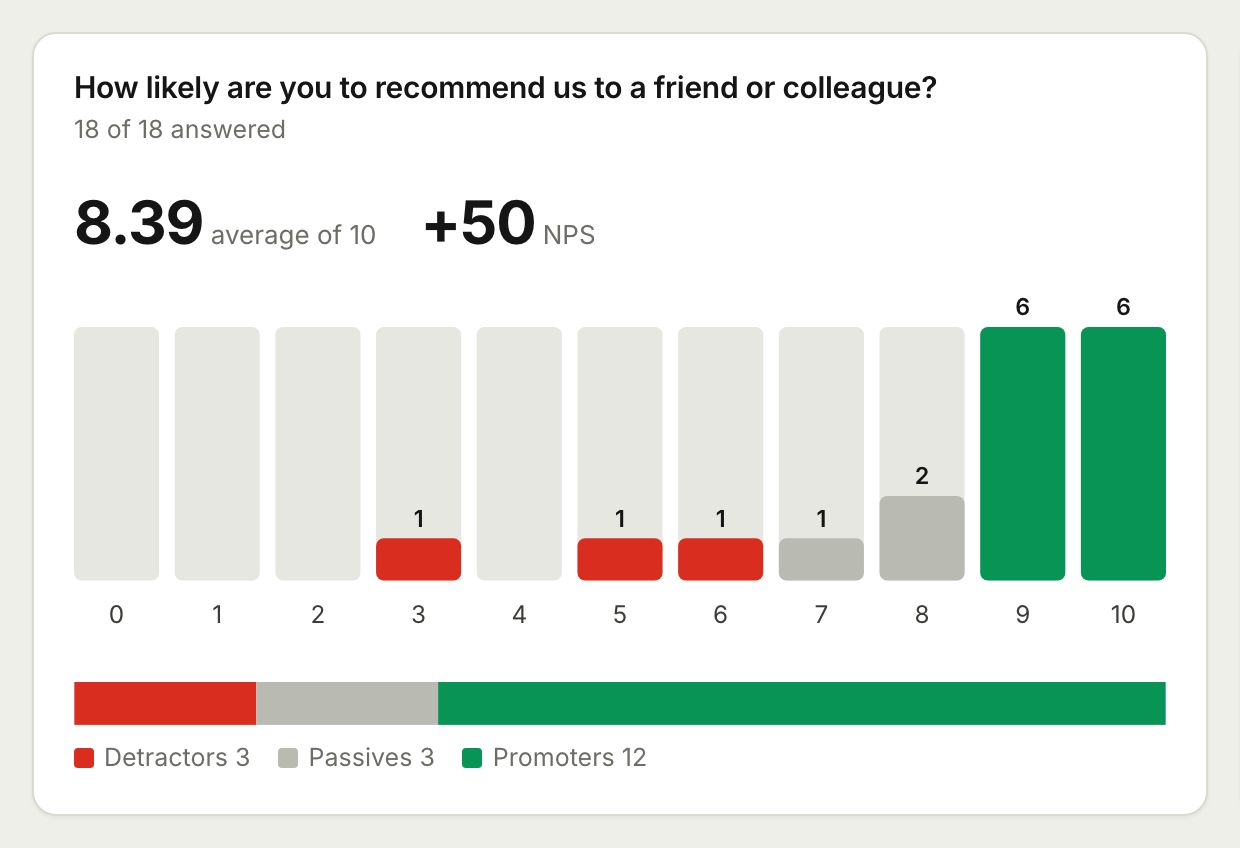 Surveys and AnalyticsRun surveys with ratings, scales and NPS, then read the results as charts, averages and an NPS score, or export them to CSV and Excel.
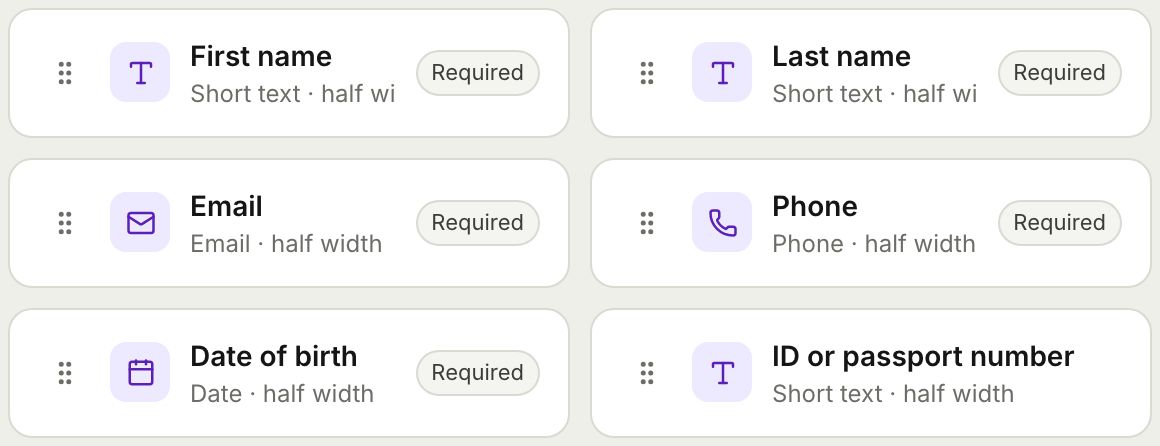 Form BuilderBuild forms and surveys with 18 question types, multi page layouts, conditional logic, validation, 8 themes and a live preview.
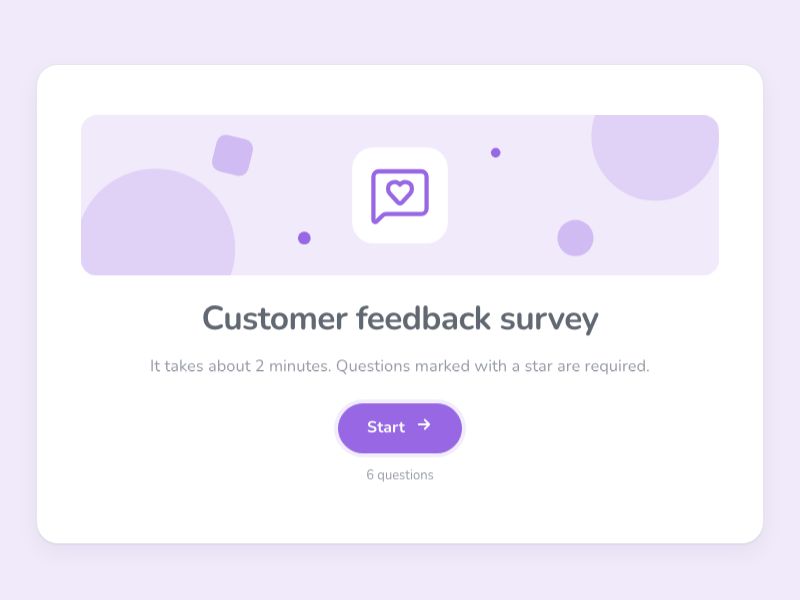 Customer Feedback SurveyAsk customers how you are doing with ratings, NPS and open questions, and read the answers as charts and an NPS score.
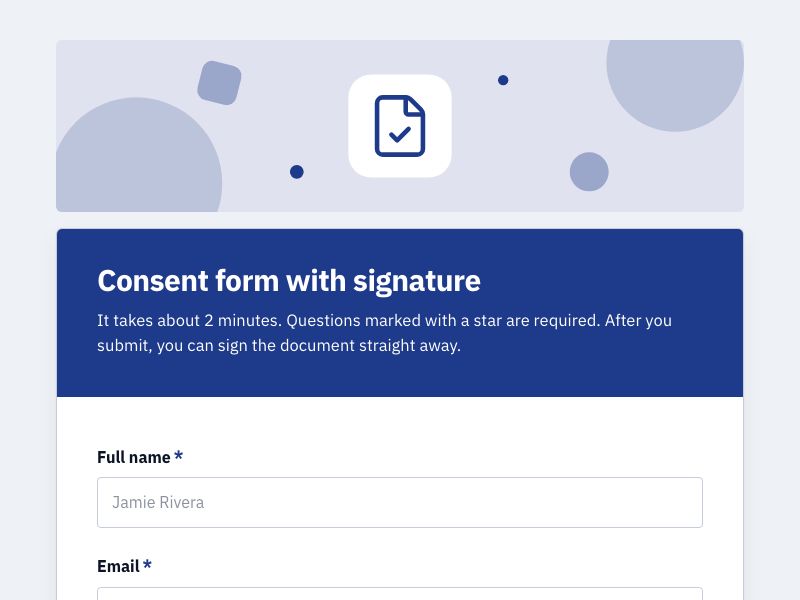 Consent Form with SignatureCollect consent online with a drawn signature or a full e-signature, and keep a sealed PDF record of every agreement.
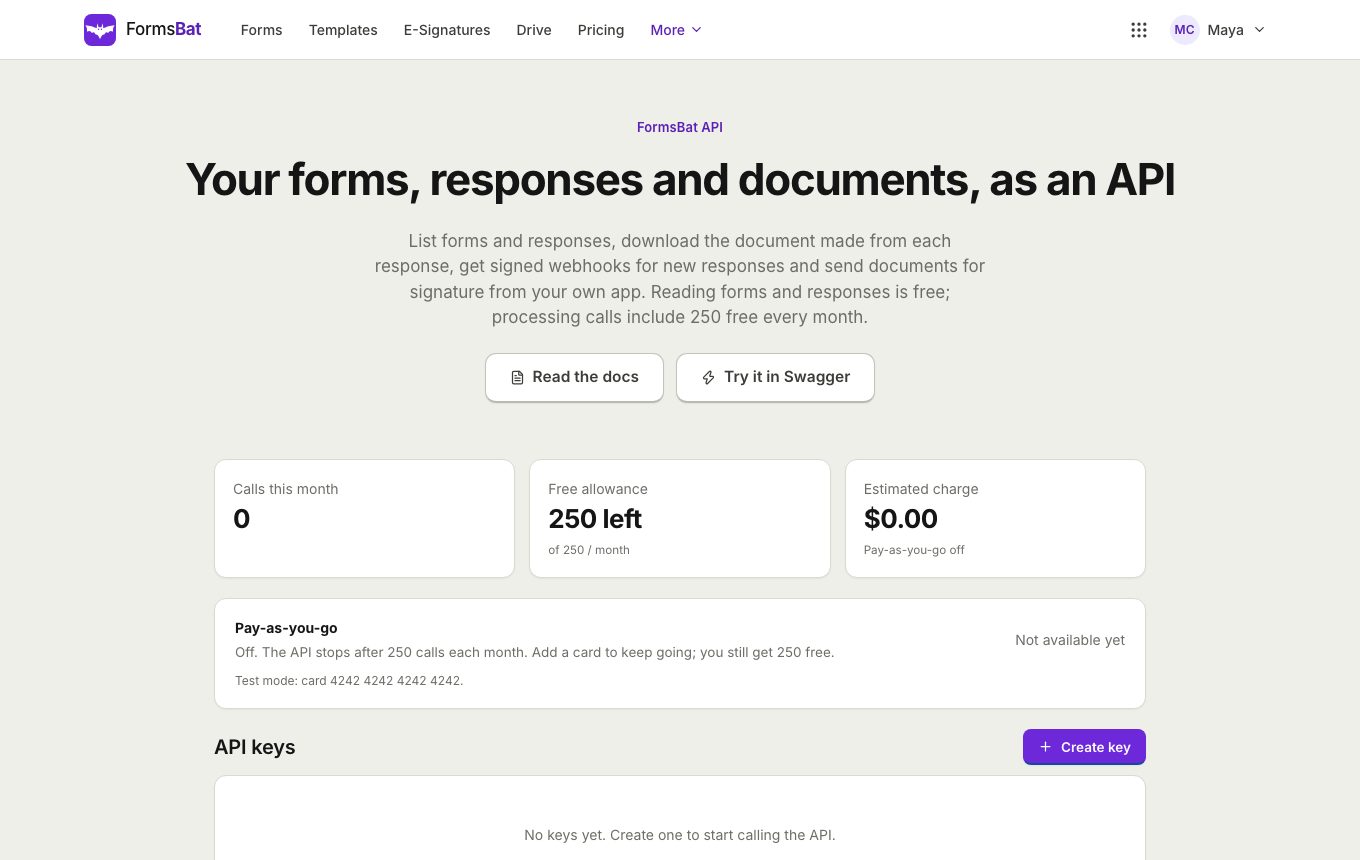 Forms API and WebhooksRead forms, responses and generated documents with a REST API, get signed webhooks for new responses, and connect AI assistants over MCP.
Open registration for your next event
Start from the event registration template, set a limit and share the link. Free plan, no credit card.