Rental applications, filled, filed and signed
Applicants fill one form on their phone. You get a complete application PDF for every person, saved to your Drive, and you can send it for signature without printing a page.
- Free plan, no credit card
- ID and payslip uploads
- E-signature built in
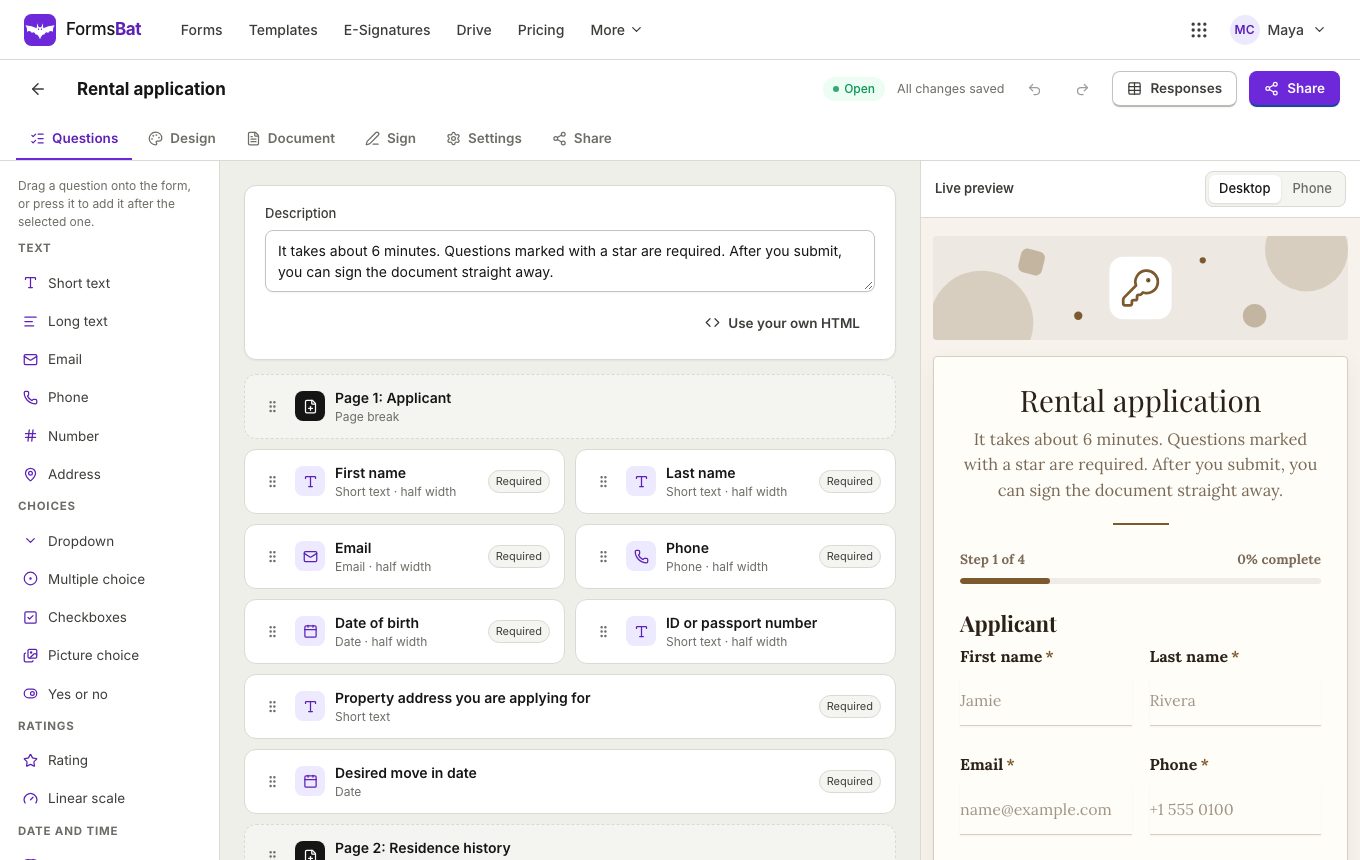
From viewing to signed application, without paper
Paper rental applications get filled in by hand, photographed, and retyped. With FormsBat, applicants fill the rental application template on their phone after a viewing, and every answer lands in the right place on a clean document.
The template is split into pages for the applicant, residence history, employment and income, and the household, with a proof of income upload and questions about occupants, pets and smoking. It already has e-signature switched on. Add more uploads, such as a photo ID, and logic that asks for a guarantor only when income is below a value you choose.
Already have your own application or lease form? On Pro you can upload it as a Word or PDF template and FormsBat fills it for each applicant. Turn on e-signature and the applicant signs it straight after submitting.
Why landlords and agents use FormsBat
Easy for applicants
A phone friendly form with a progress bar, so applicants can finish it right after a viewing.
A complete PDF every time
Required questions and validation mean no blank sections, and each application becomes a filled PDF.
Signed in the same flow
Send the application for e-signature, with the applicant signing first and you countersigning if needed.
Filed in your Drive
Each application is saved in a folder for the property's form, named with the applicant's name.
Take applications in 3 steps
- 1
Start from the template
Choose the rental application in the real estate and rentals category, or upload your own application PDF on Pro.
- 2
Share after viewings
Send the link, put a QR code on the listing sheet, or embed the form on your property page.
- 3
Review and sign
Open each application, check the uploads and download the PDF. With e-signature on, the signed copy arrives by email.
Built for rental paperwork
- Multi page layout
- Split the application into sections and pages with a progress bar so it never feels endless.
- ID and income uploads
- File upload questions for a photo ID, payslips or a bank letter.
- Conditional sections
- Ask about pets, a guarantor or other occupants only when the answer calls for it.
- Address question
- Collect current and previous addresses with a dedicated address question.
- Your own PDF form
- On Pro, fill the fields of your existing PDF application, or click to place answers on a flat PDF.
- E-signature
- Send the filled application for signature by the applicant, you and any fixed co signer.
- One response per email
- Avoid duplicate applications from the same person.
- Close the listing
- Close the form when the property is let, then reopen it for the next one.
Related forms for property managers
- Rental inquiry, maintenance request, move out checklist and tenant screening application templates in the template gallery.
- A liability waiver for shared facilities such as a gym or pool.
- A client intake form for new landlords joining your agency.
Keep applications private
Applications contain personal details, so keep the form link for people who viewed the property, delete responses you no longer need from the responses page, and use one response per email to stop resubmissions. Generated documents live in your own Drive.
Frequently asked questions
Can I use my own rental application PDF?
Yes, on Pro. Upload your PDF and map its form fields to questions, optionally flattening the result, or click to place answers on a flat PDF.
Can applicants sign the application?
Yes. Add a drawn signature question, or turn on e-signature to send the filled PDF for signing with a sealed copy and audit trail.
Can applicants upload an ID?
Yes. Add file upload questions for an ID, payslips or references. Files stay with the response.
Does it work on phones?
Yes. The form is designed for phones, and applicants do not need an account.
How much does it cost?
The free plan includes 1,000 responses and 3 signature envelopes a month. Pro is $4 a month for 10,000 responses, unlimited envelopes and your own templates.
Can I export applications?
Yes. Export every application to CSV or Excel, and download each one's PDF.
Related features and use cases
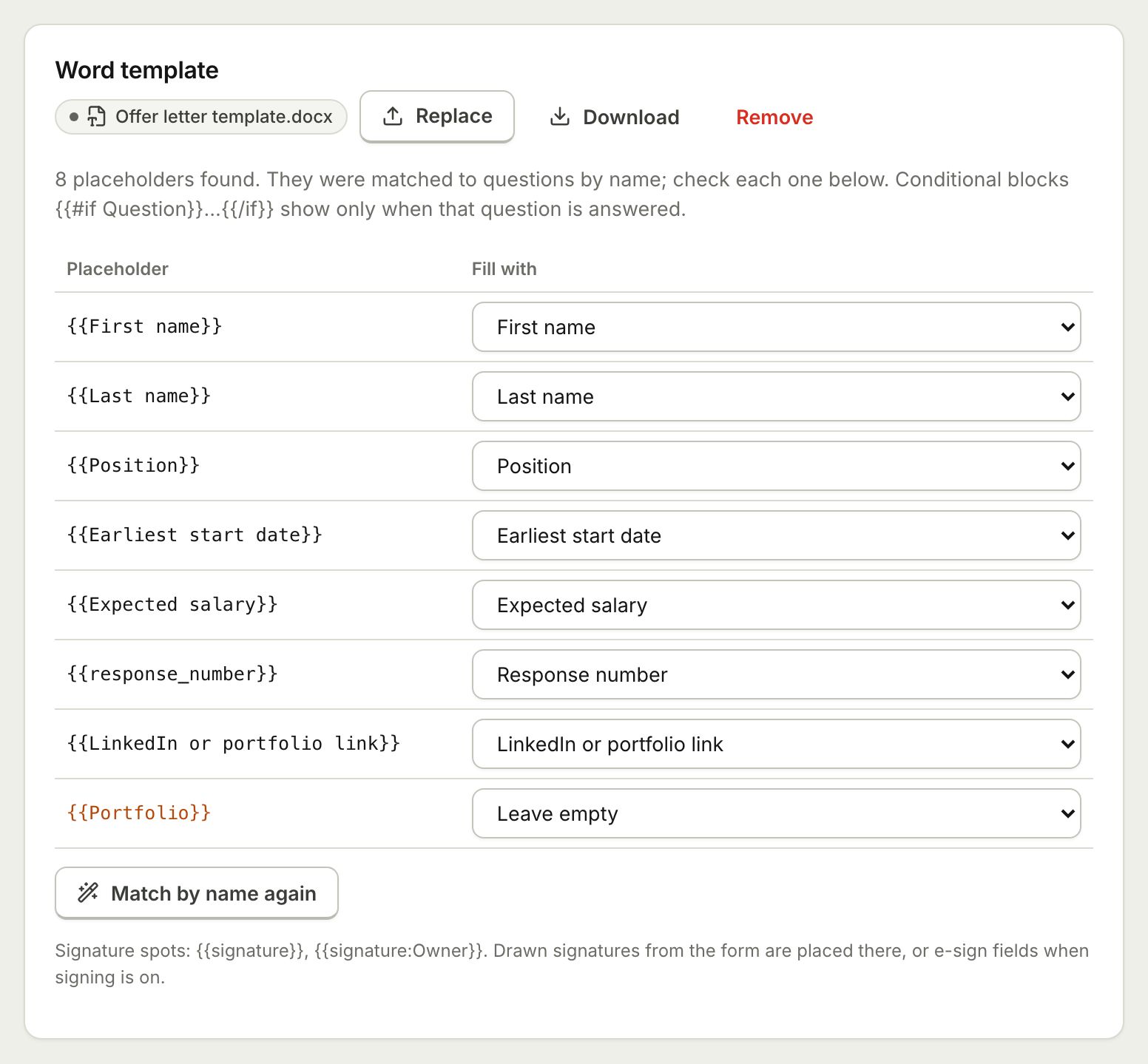 Document TemplatesTurn every form response into a PDF or Word document: a designed answers document, a ready template, or your own Word or PDF file.
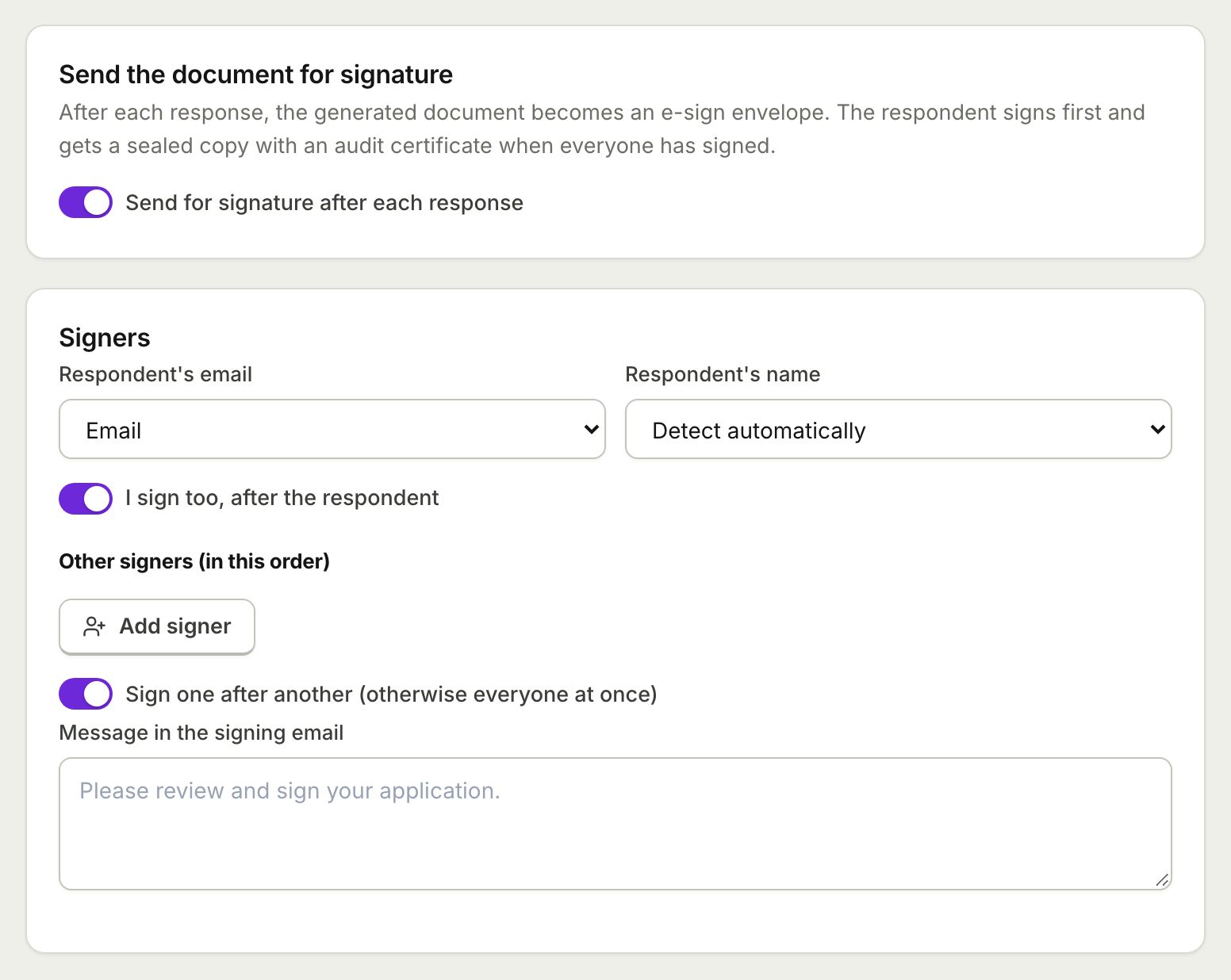 E-Sign from FormsSend the document each response creates for e-signature: the respondent signs from the thank you screen and everyone gets a sealed PDF.
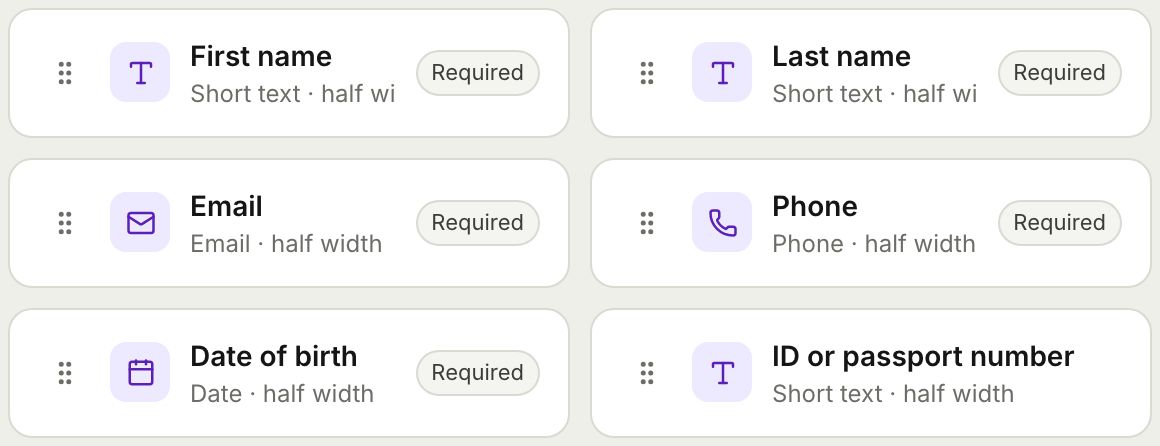 Form BuilderBuild forms and surveys with 18 question types, multi page layouts, conditional logic, validation, 8 themes and a live preview.
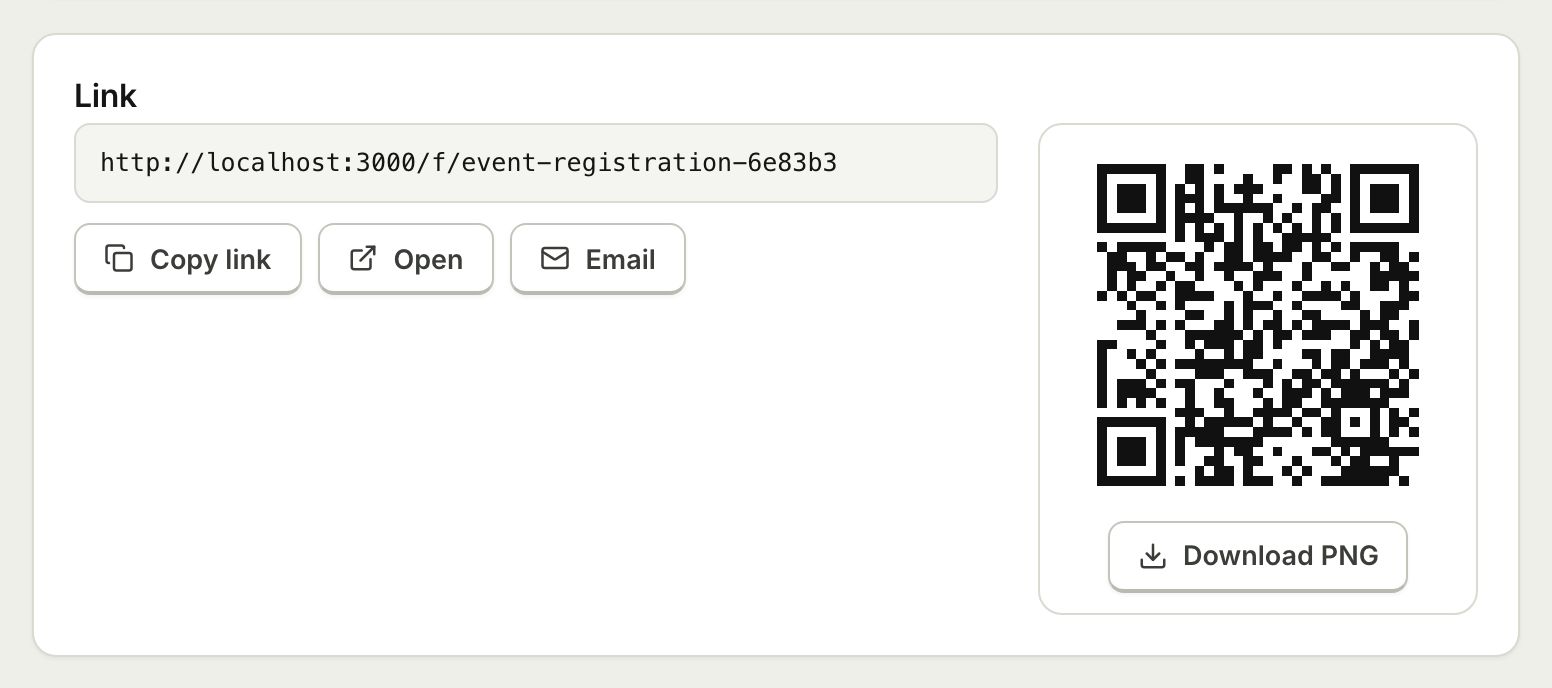 Embed and ShareShare a form with a public link, embed it on your website with an iframe that resizes itself, or print a QR code.
 Consent Form with SignatureCollect consent online with a drawn signature or a full e-signature, and keep a sealed PDF record of every agreement.
 Client Intake FormOnboard new clients with one intake form, get a tidy client document for each, and add a signed agreement when you need one.
Take your next application online
Start from the rental application template and get a filled PDF for every applicant. Free plan, no credit card.