Find out what customers really think
Ask a few good questions, share the survey by link, email, website or QR code, and read the results as charts, averages and an NPS score as soon as answers come in.
- Free plan, no credit card
- NPS score worked out
- CSV and Excel export
Short surveys get honest answers
The best feedback surveys are short. The customer feedback template asks how satisfied people are overall, how often they use your product, what they like most, how they rate your support and what you could improve. It ends by asking whether you may contact them, with an email question for those who say yes.
If you want a single number to follow over time, the NPS survey template asks the 0 to 10 question and a follow up. The surveys category of the template gallery also has CSAT, product feedback, website feedback and market research surveys.
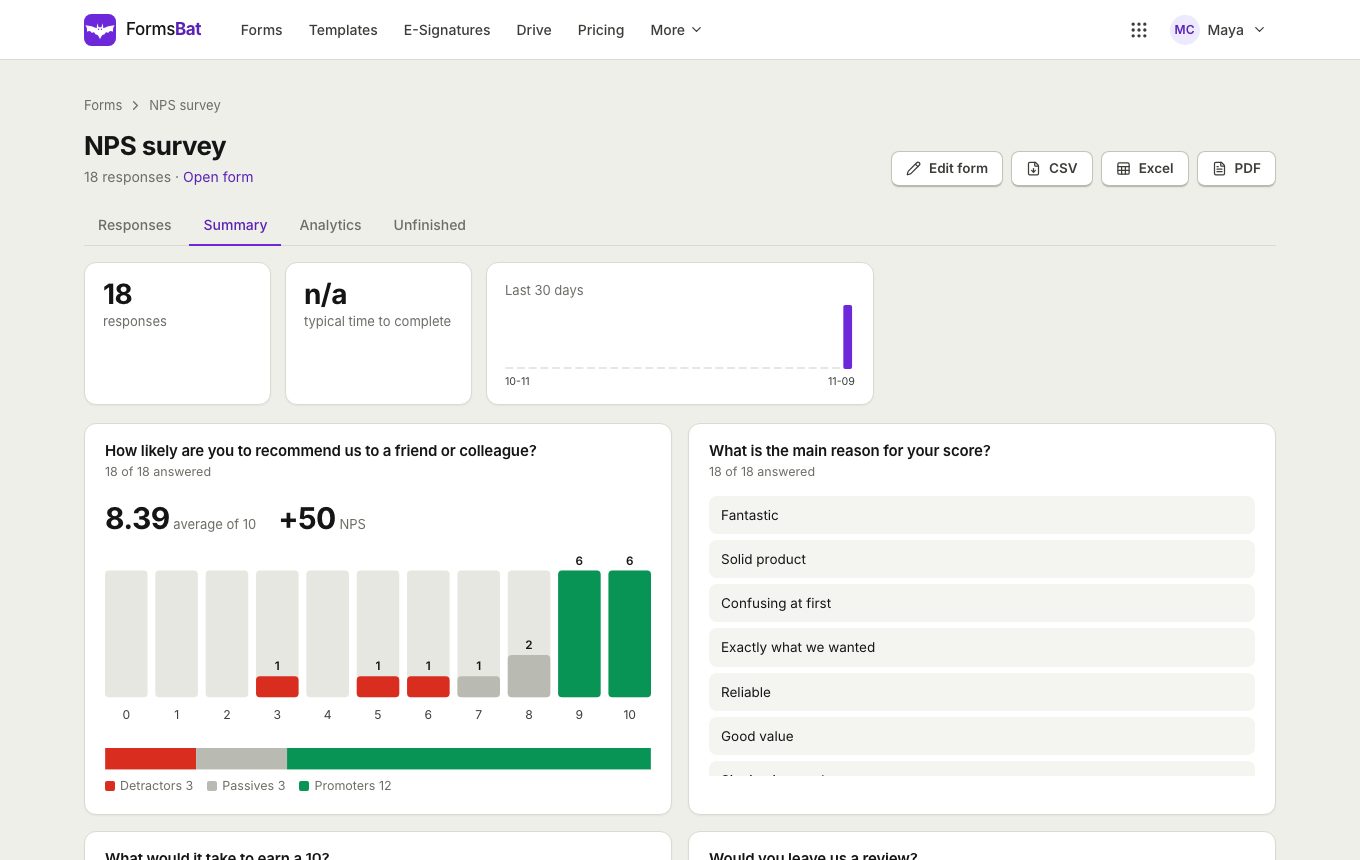
Results arrive in the summary view: bars with counts and percentages, averages for ratings, your NPS score with promoters, passives and detractors, and every written answer in a list.
Why businesses run feedback surveys in FormsBat
Ratings that make sense
Stars out of 5 or 10 and scales up to 10, with the average shown for each question.
NPS without a spreadsheet
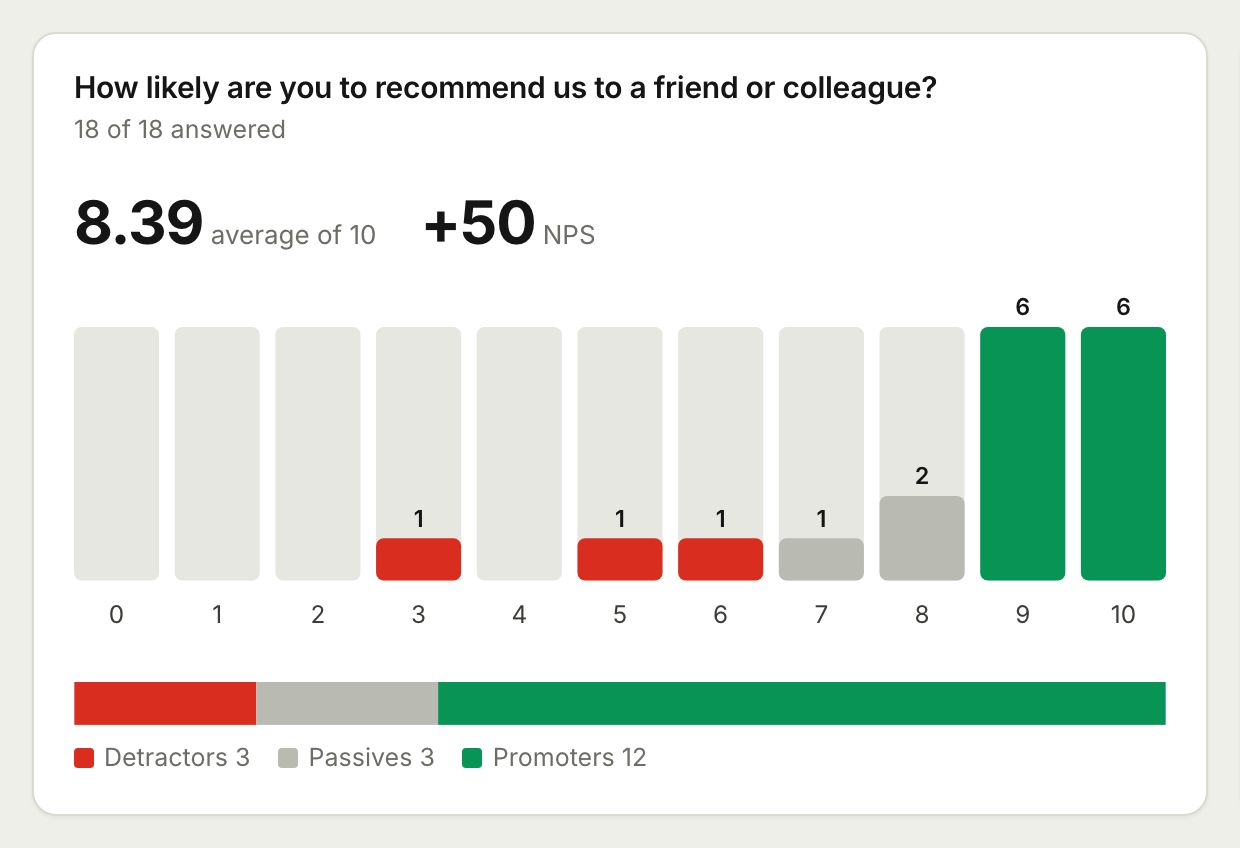
A 0 to 10 question becomes an NPS score with promoters, passives and detractors counted.
Follow up when it matters
Conditional logic asks what went wrong only when someone gives a low score.
Take the data anywhere
Export to CSV or Excel, or read responses with the API and webhooks.
Collect feedback in 3 steps
- 1
Pick a survey template
Choose customer feedback, NPS or CSAT and adjust the questions to your business.
- 2
Ask at the right moment
Send the link after a purchase, embed the survey on your site, or print a QR code on receipts and tables.
- 3
Read and act
Open the summary for charts and your NPS score, read the written answers, and contact people who said yes.
Survey features for feedback
- Rating questions
- Stars out of 5 or 10 for overall satisfaction and support.
- NPS scale
- The 0 to 10 linear scale, scored as promoters, passives and detractors.
- Multiple choice and checkboxes
- Ask how often people use your product and what they like most.
- Open text
- A long text question for ideas and complaints, listed in the summary.
- Permission to contact
- A yes or no question that shows the email question only when the answer is yes.
- Responses per day
- See when feedback arrives, for example after a campaign or a change.
- One response per email
- Keep each customer's voice to one response.
- Spam protection
- Honeypot field, minimum fill time and per network rate limits on every survey.
Questions that work well
- How satisfied are you overall? (rating)
- How likely are you to recommend us to a friend? (0 to 10 scale)
- What is the one thing we should improve? (long text)
- What do you like most? (checkboxes)
- May we contact you about your feedback? (yes or no, then email)
Five questions is often enough. Every extra question means fewer people finish.
Where to ask
- In a follow up email after a purchase or a support conversation.
- On your website, with the embed code.
- On a QR code printed on a receipt, a table card or a package insert.
- After an event, using the event feedback template.
Frequently asked questions
Is the customer feedback survey free?
Yes. The free plan includes the template, every question type, the summary charts and exports, with 1,000 responses a month. Pro is $4 a month for 10,000 responses.
Can I see my NPS score?
Yes. Add a 0 to 10 scale question and the summary shows your NPS score with promoters, passives and detractors.
Can I make the survey anonymous?
Yes. The template only asks for an email when people agree to be contacted. Remove that question for a fully anonymous survey.
Can I put the survey on my website?
Yes. Copy the embed code from the share panel. The frame resizes itself to fit the survey.
Can I export the answers?
Yes. Export all responses to CSV or Excel from the responses page.
Can I remove the FormsBat badge?
Yes, with Pro. Free plan forms show a small FormsBat badge.
Related features and use cases
 Surveys and AnalyticsRun surveys with ratings, scales and NPS, then read the results as charts, averages and an NPS score, or export them to CSV and Excel.
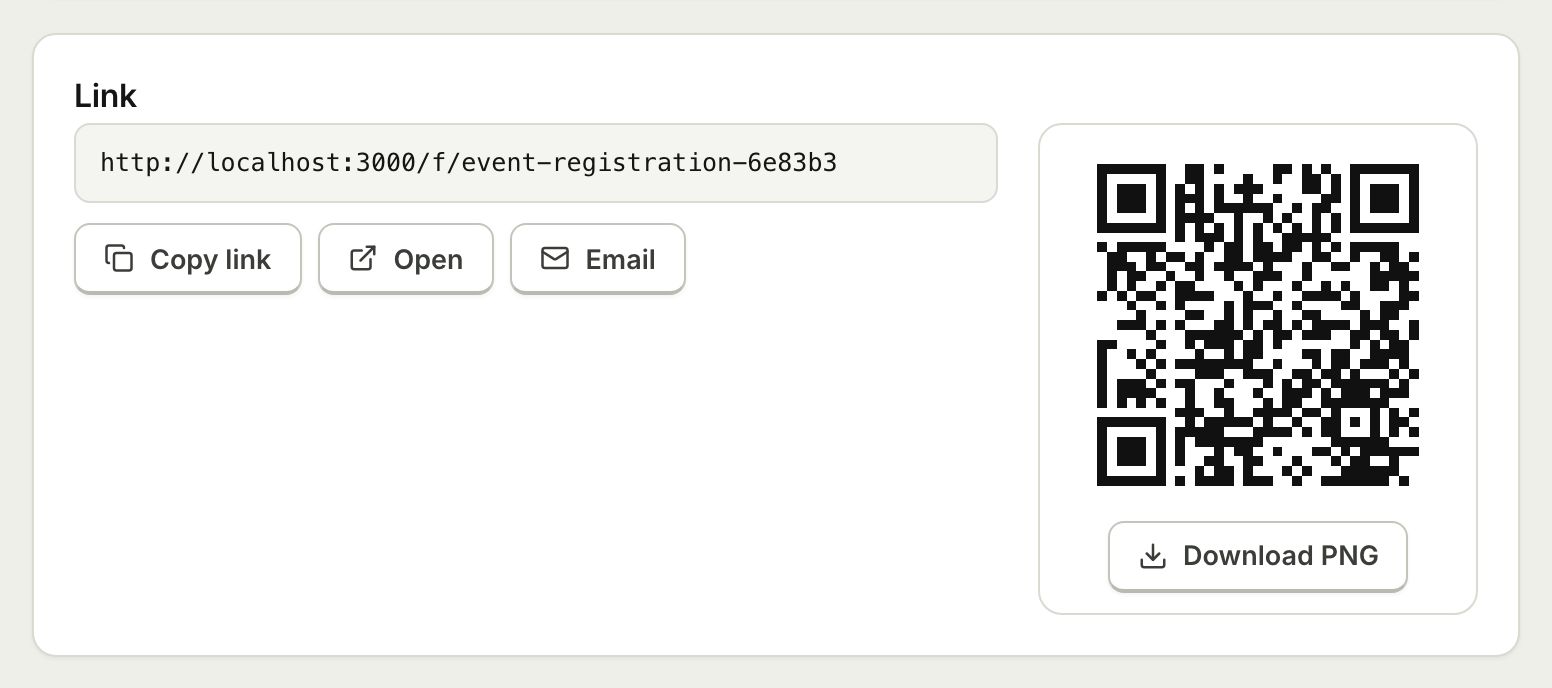 Embed and ShareShare a form with a public link, embed it on your website with an iframe that resizes itself, or print a QR code.
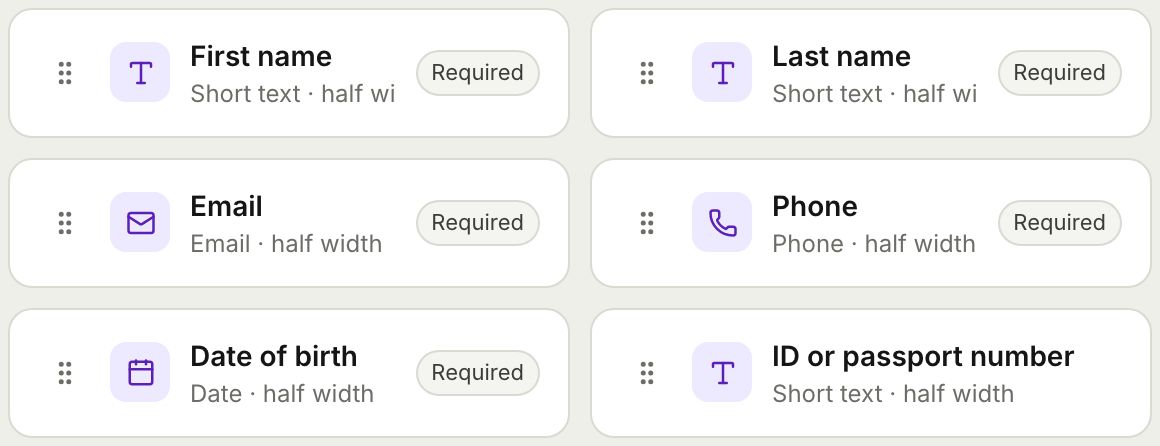 Form BuilderBuild forms and surveys with 18 question types, multi page layouts, conditional logic, validation, 8 themes and a live preview.
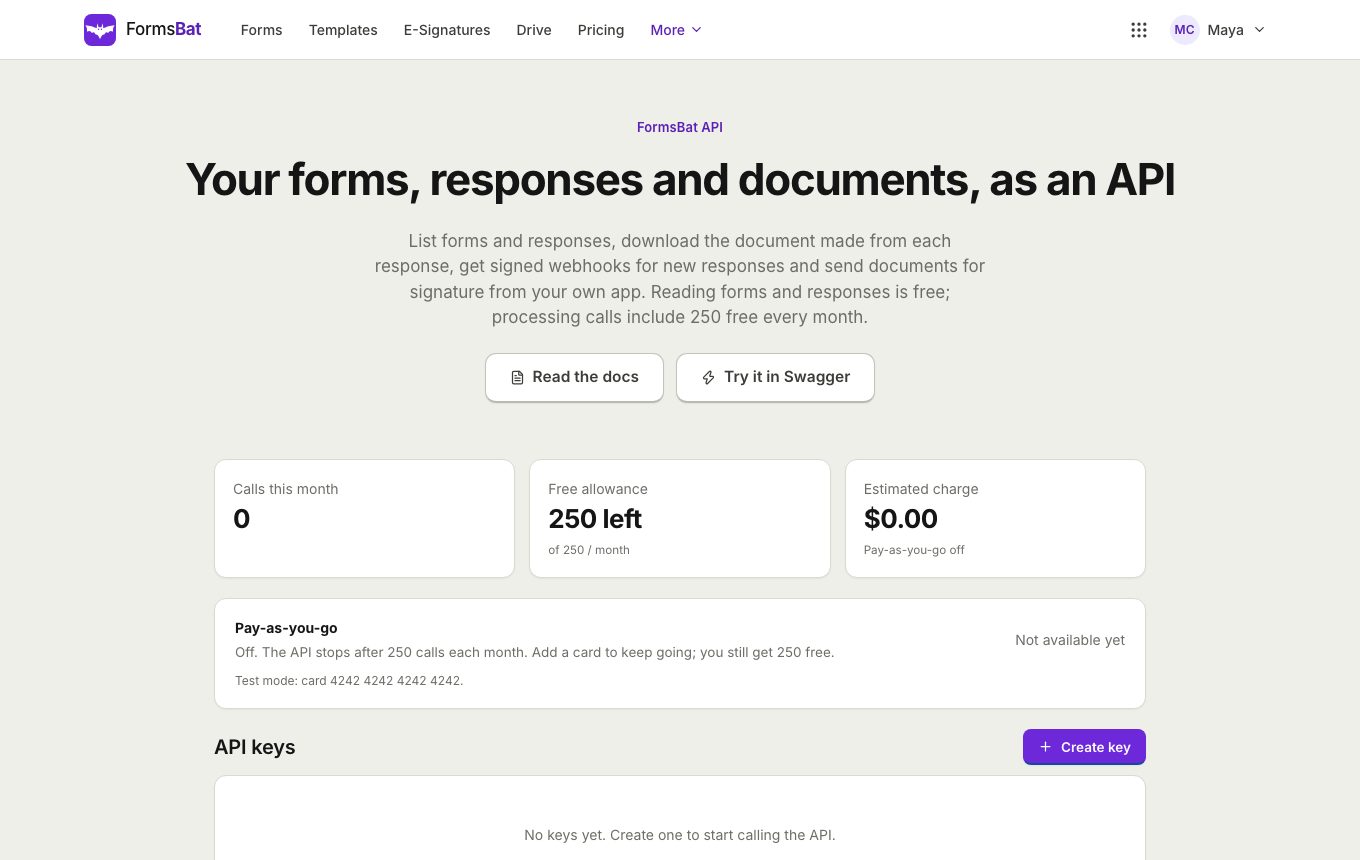 Forms API and WebhooksRead forms, responses and generated documents with a REST API, get signed webhooks for new responses, and connect AI assistants over MCP.
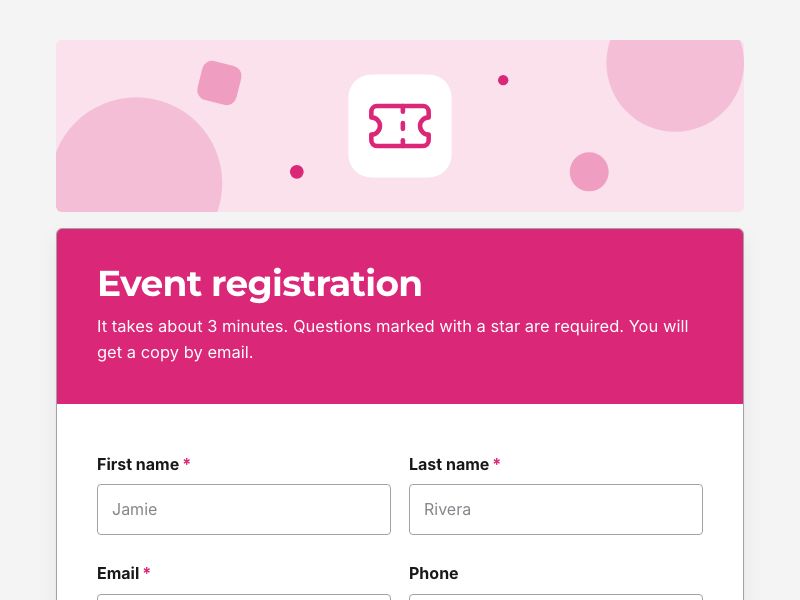 Event Registration FormTake registrations with ticket types, sessions and dietary needs, cap the numbers, and send each guest a confirmation document.
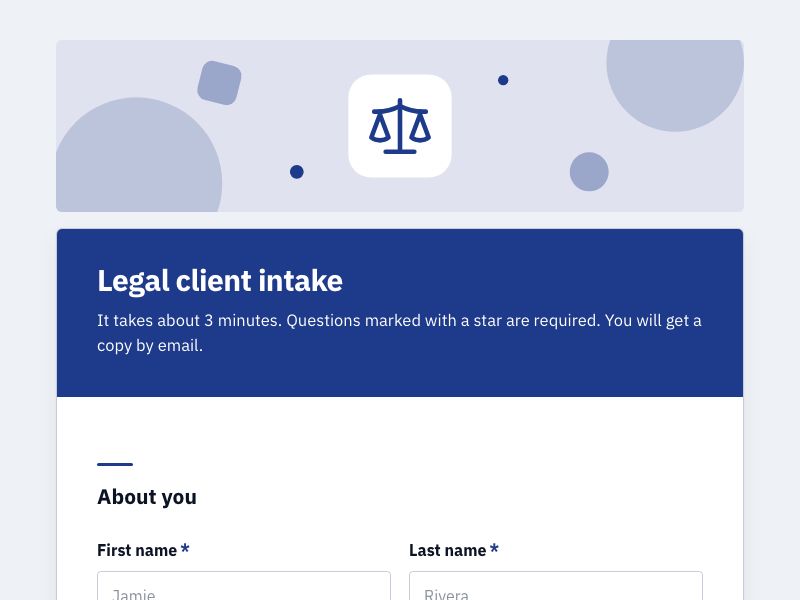 Client Intake FormOnboard new clients with one intake form, get a tidy client document for each, and add a signed agreement when you need one.
Ask your customers today
Start from the customer feedback template, share the link and watch the charts fill in. Free plan, no credit card.