Put your form wherever people already are
Every form gets a public link that works on any phone, an embed code for your website that sizes itself to the form, and a QR code for print. Open or close it with one toggle.
- No account needed to respond
- Embed on any website
- QR code as SVG or PNG
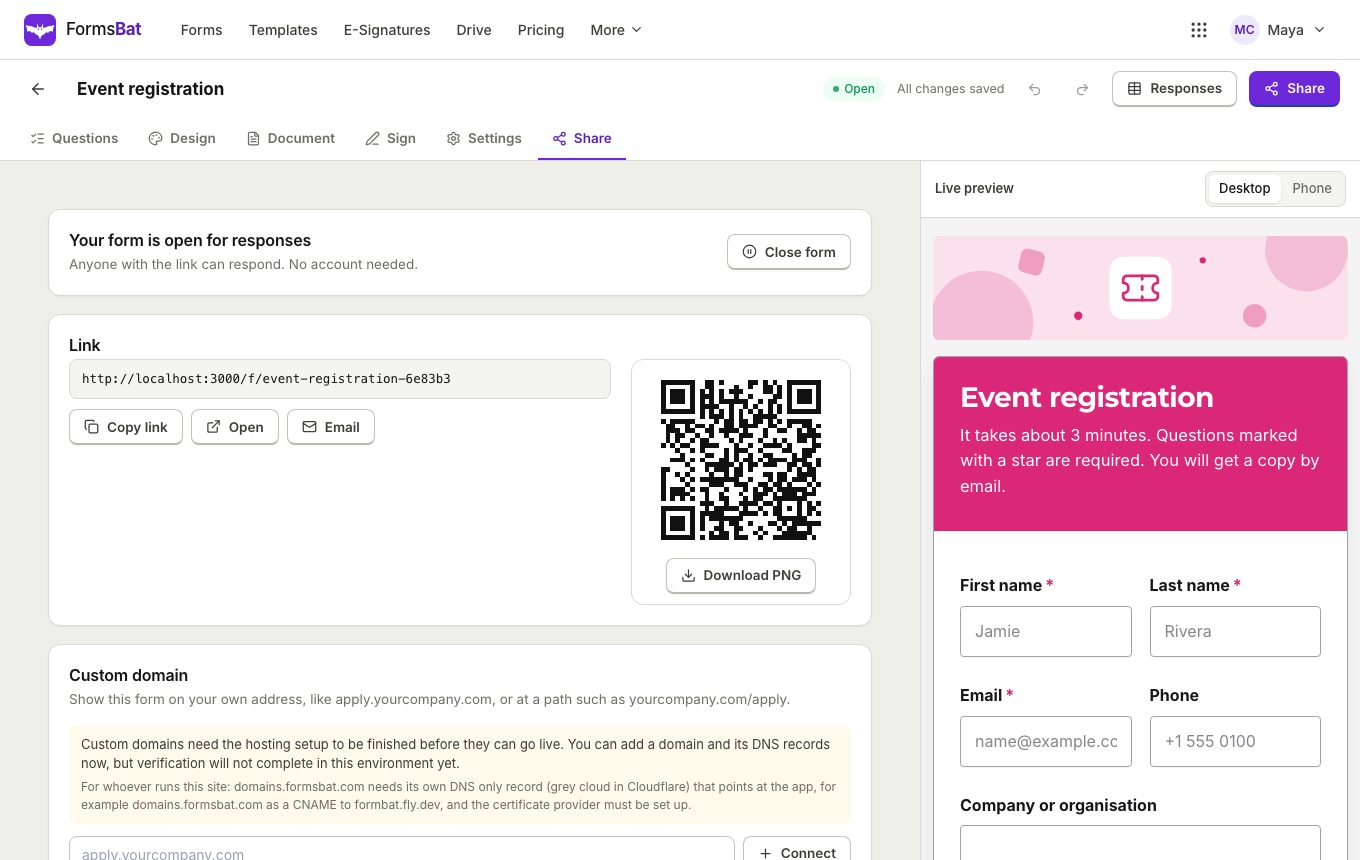
One form, three ways to reach people
When a form is ready, open its share panel. You get a public link at /f/ followed by the form's name, an embed code for your website, and a QR code. All three point to the same form, so responses land in one place no matter how people found it.
Respondents never need an account. The public form is designed for phones first, uses real labels for every question, announces errors to screen readers, and can be filled entirely with a keyboard.
You stay in control: close the form with one toggle, set a close date or a response limit, and let the built in spam protection keep junk out of your responses.
Why sharing a FormsBat form is easy
A clean public link
Send the link by email, chat or social media. It opens straight into the form on any device.
An embed that fits
Paste the embed code into your site. The frame resizes itself to the form, so there are no inner scroll bars.
QR codes for print
Download the QR code as SVG or PNG for posters, receipts, tables, badges and handouts.
Accessible by default
Labels on every question, errors that screen readers announce, and full keyboard support.
Spam protection built in
A hidden honeypot field, a minimum fill time and a rate limit per network on every public form.
Open or closed in one click
Pause a form at any time and reopen it later. The link stays the same.
Share a form in 3 steps
- 1
Finish your form
Build the form in the editor, choose a theme and check it in the phone preview.
- 2
Open the share panel
Copy the public link, copy the embed code for your website, or download the QR code as SVG or PNG.
- 3
Watch responses arrive
Every response, from every channel, appears in the same responses table with its document.
Sharing and access features
All sharing options are on every plan. On the free plan public forms show a small FormsBat badge; Pro removes it.
- Public link
- Each form has its own address at /f/ plus its name. No account is needed to open or fill it.
- Self resizing embed
- An iframe embed for any website builder or CMS that grows and shrinks with the form.
- QR code
- Download a QR code for the form as a sharp SVG for print or a PNG for documents and slides.
- Open or close toggle
- Stop new responses instantly, then reopen the same form whenever you like.
- Close date and response limit
- Close automatically on a date, or after a set number of responses.
- One response per person or email
- Stop duplicates by limiting each person or each email address to one response.
- Require sign in
- Only accept responses from people who are signed in.
- Thank you message or redirect
- Show your own message after submit, or send people on to a page on your site.
- Copy to the respondent
- Email respondents a copy of their answers with the generated document attached.
- Phone friendly
- Built for small screens, with half width questions stacking into one column on phones.
- Dark mode
- Public forms follow the viewer's light or dark mode setting.
- Spam protection
- Honeypot field, minimum fill time and per network rate limits are on for every form.
Where people put their forms
- On a website: paste the embed code into a page on your site or blog, such as a contact or booking page.
- In email and chat: send the public link to customers, applicants or a team.
- On paper: print the QR code on a poster, a flyer, a receipt or a table card.
- On social media: add the link to a profile or a post.
- At a front desk: open the form on a tablet for walk in intake or registration.
Accessibility for every respondent
A form is only useful if everyone can fill it. FormsBat public forms give every question a real label and announce validation errors to screen readers, so people know what to fix. Every question can be answered with a keyboard alone, and the layout adapts to phones and to dark mode.
Frequently asked questions
Do people need an account to fill my form?
No. The public link works for anyone, on any device. Turn on require sign in only if you want signed in respondents.
How do I put a form on my website?
Open the share panel, copy the embed code and paste it into your page. The frame resizes itself to fit the form.
Can I get a QR code for my form?
Yes. Download it as an SVG for print or a PNG for documents, slides and social posts.
How do I stop spam?
Every public form has a hidden honeypot field, a minimum fill time and a rate limit per network. You can also limit responses to one per person or per email.
Can I remove the FormsBat branding?
Yes, with Pro. Free plan forms show a small FormsBat badge; Pro removes it for $4 a month.
Can I close a form temporarily?
Yes. Use the open or close toggle. The link and all existing responses stay the same.
Related features and use cases
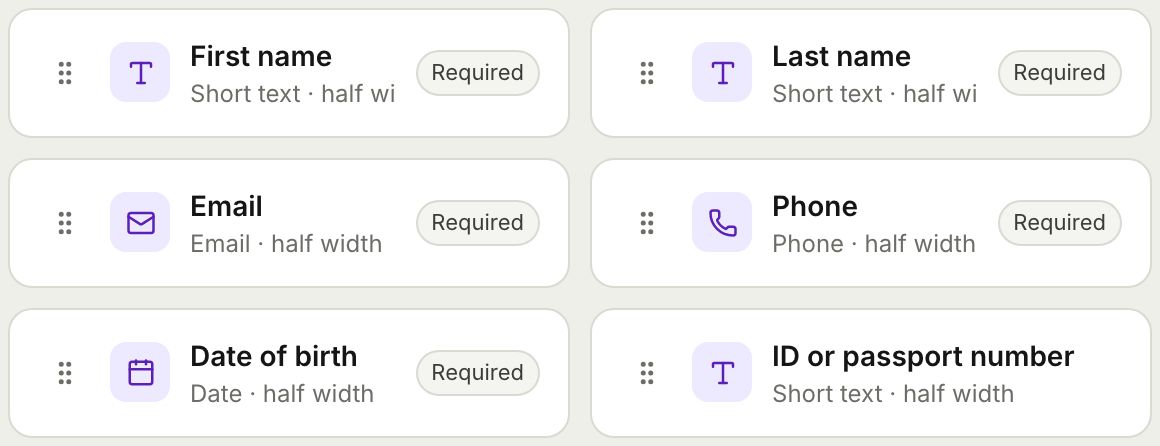 Form BuilderBuild forms and surveys with 18 question types, multi page layouts, conditional logic, validation, 8 themes and a live preview.
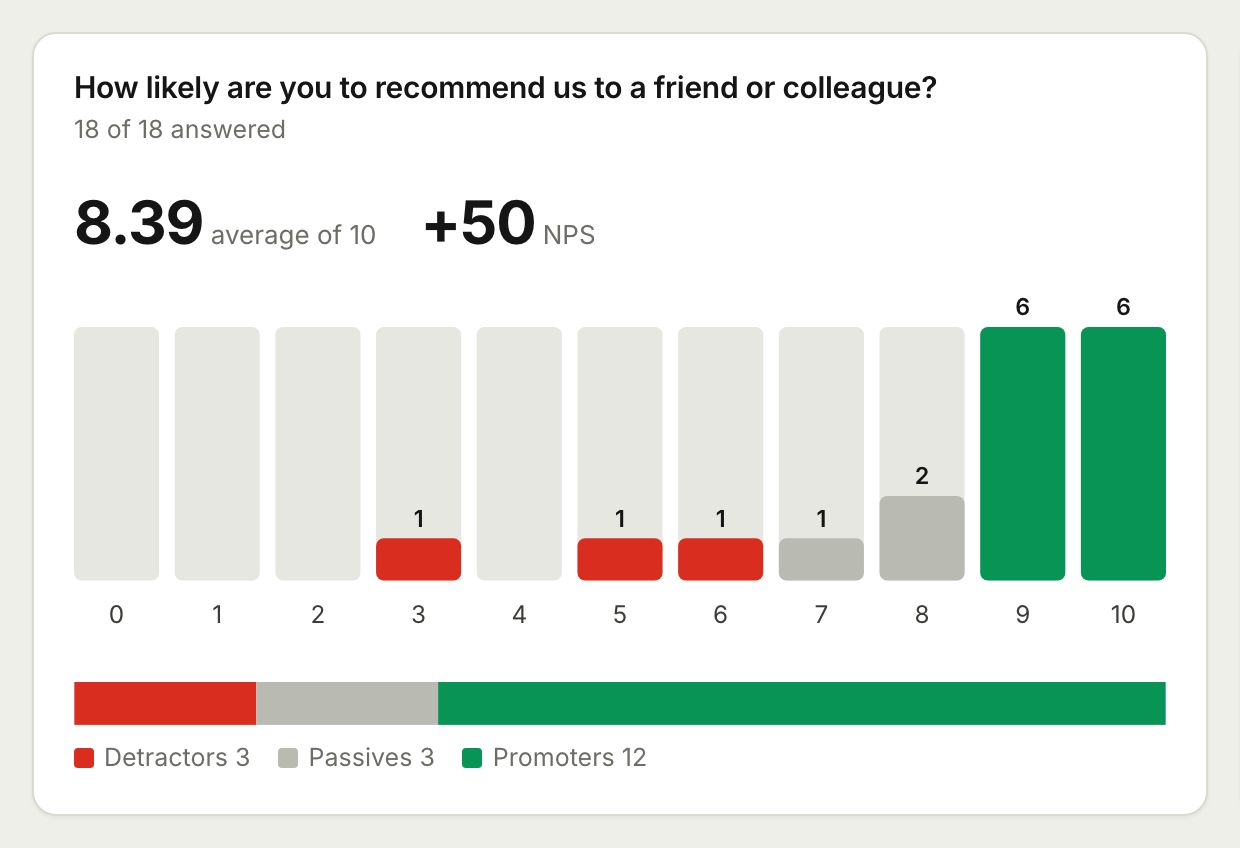 Surveys and AnalyticsRun surveys with ratings, scales and NPS, then read the results as charts, averages and an NPS score, or export them to CSV and Excel.
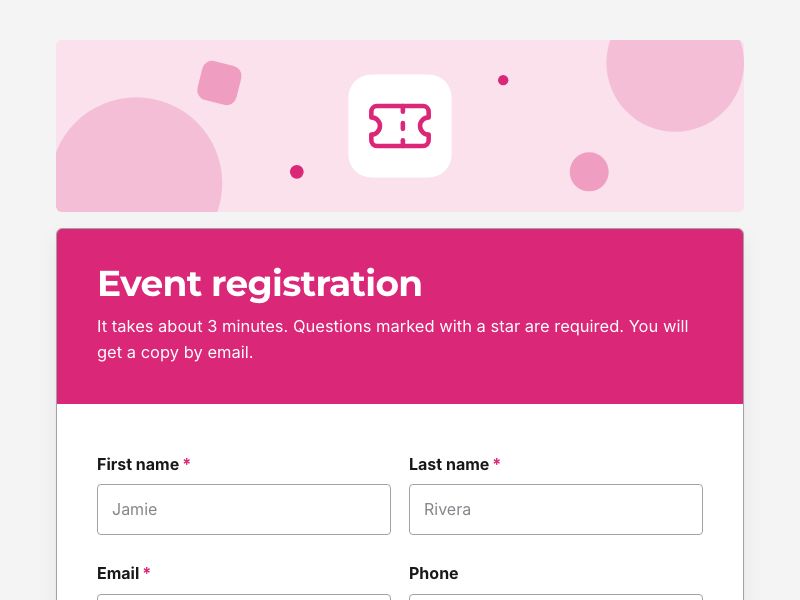 Event Registration FormTake registrations with ticket types, sessions and dietary needs, cap the numbers, and send each guest a confirmation document.
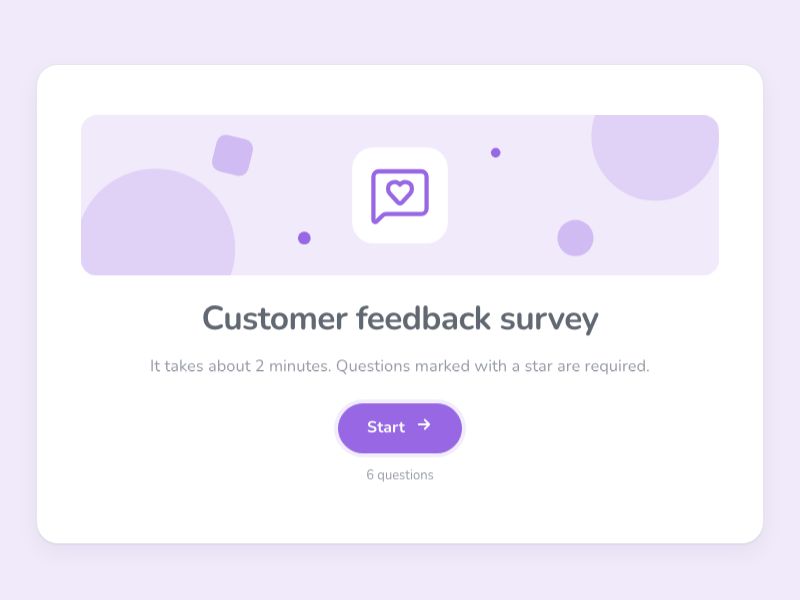 Customer Feedback SurveyAsk customers how you are doing with ratings, NPS and open questions, and read the answers as charts and an NPS score.
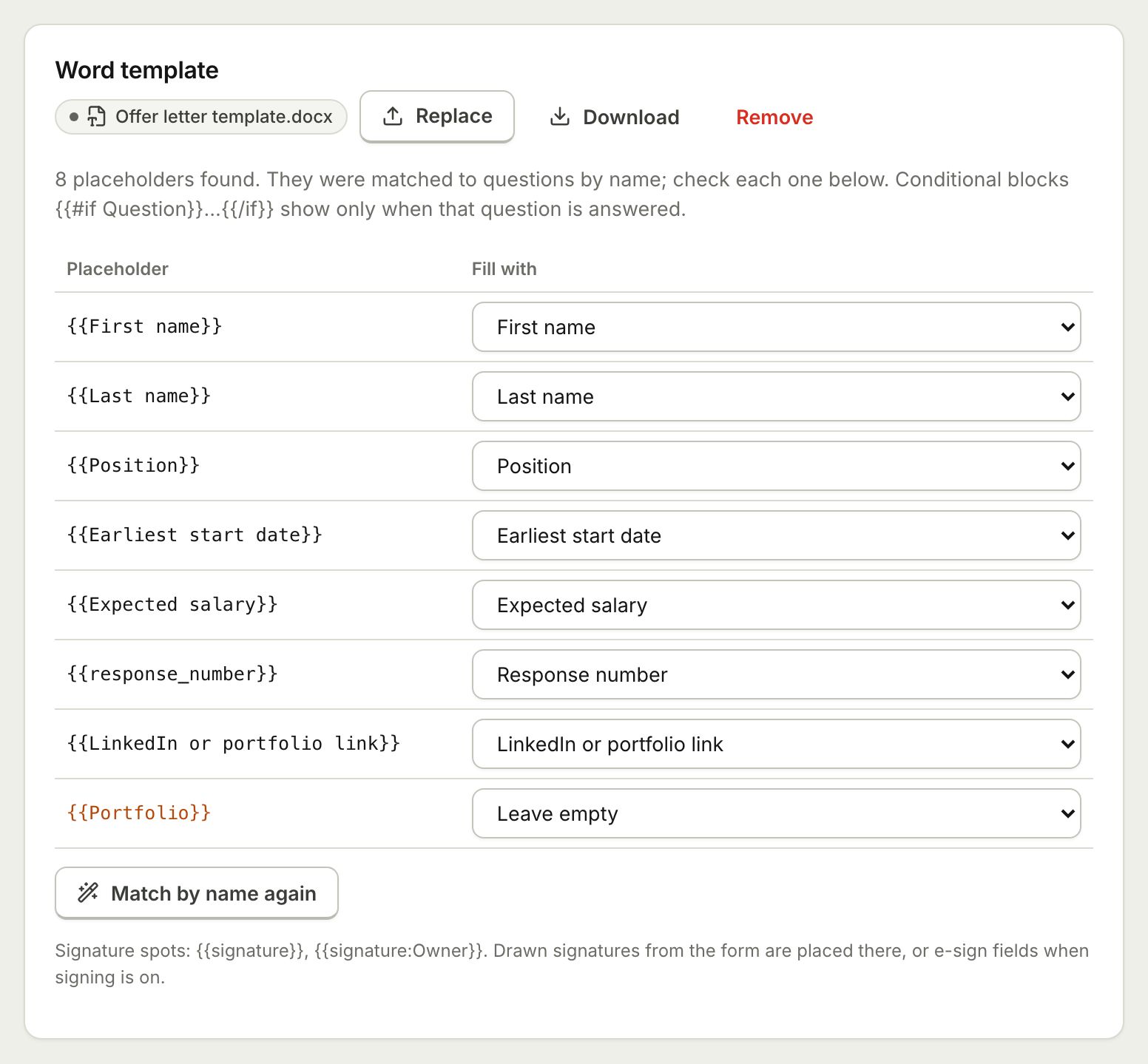 Document TemplatesTurn every form response into a PDF or Word document: a designed answers document, a ready template, or your own Word or PDF file.
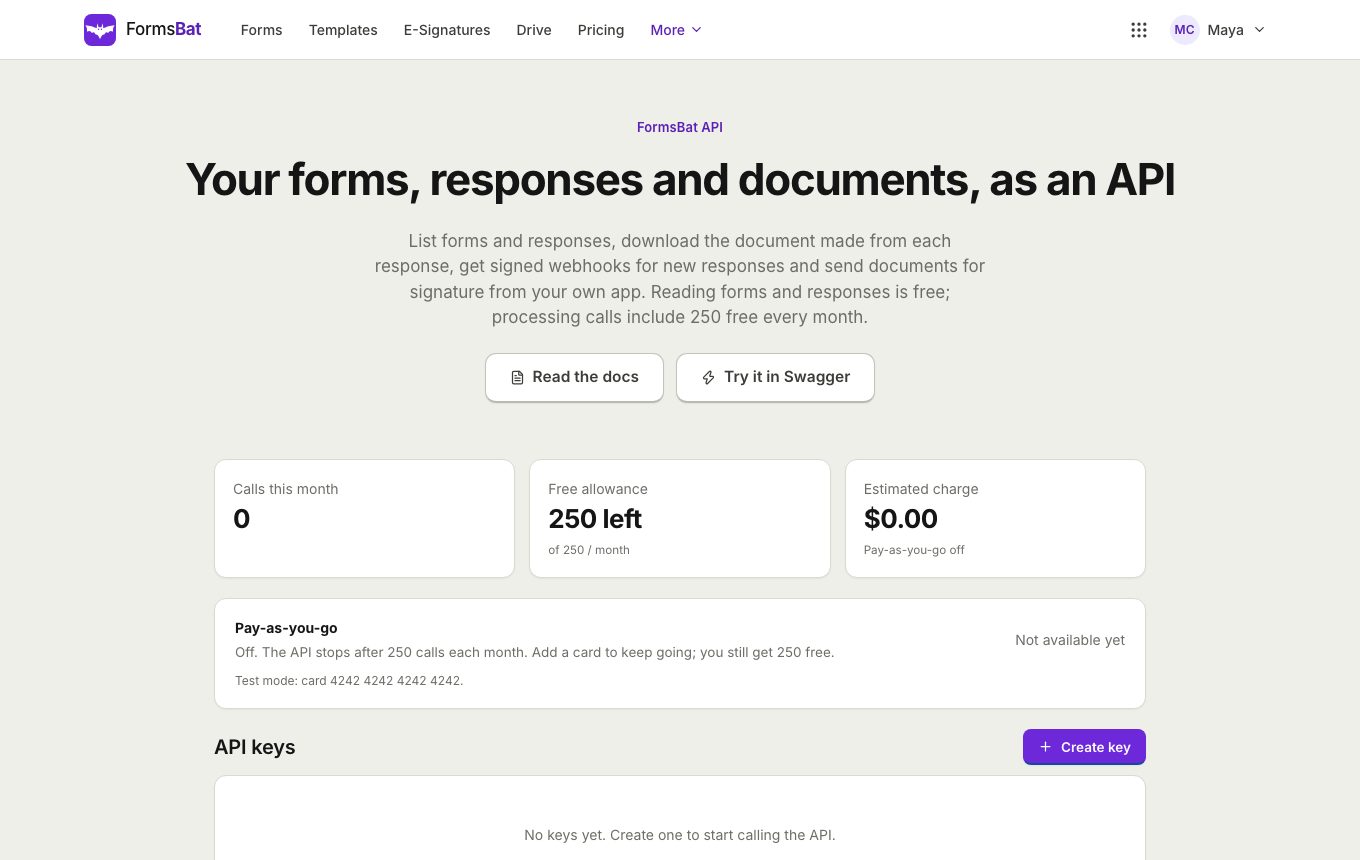 Forms API and WebhooksRead forms, responses and generated documents with a REST API, get signed webhooks for new responses, and connect AI assistants over MCP.
Share your first form today
Build a form, copy the link or embed code and start collecting responses. Free plan, no credit card.