Surveys that show you the answer, not just the data
Ask with ratings, scales, choices and open text. FormsBat charts every question as responses arrive, works out averages and your NPS score, and keeps every single answer searchable.
- Free plan, no credit card
- CSV and Excel export
- Charts for every question
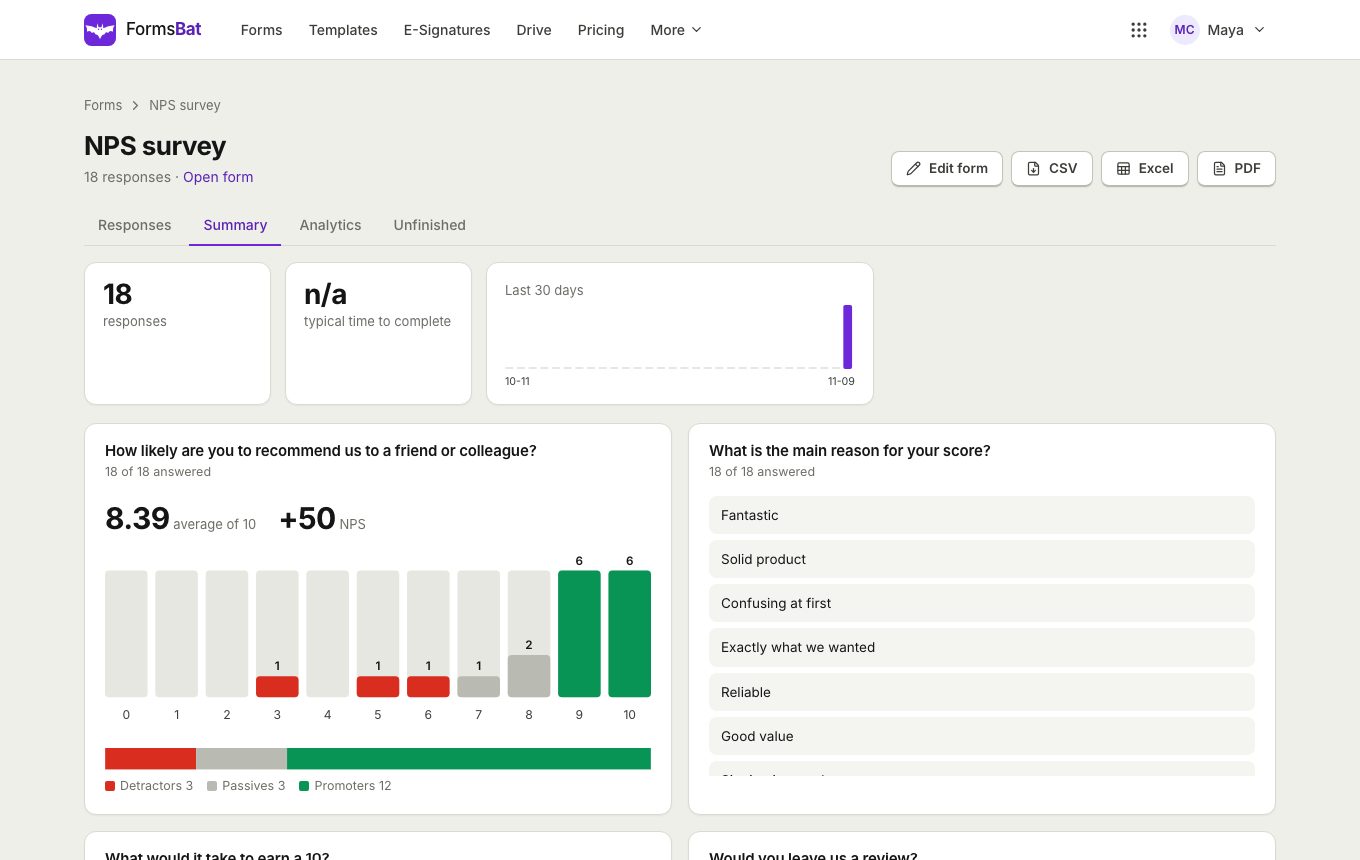
Ask well, then understand the answers
A survey in FormsBat is a form built for opinions. Use star ratings out of 5 or 10, linear scales, the 0 to 10 NPS scale, multiple choice, checkboxes and open text. Add conditional logic to ask a follow up only when someone gives a low score, and split longer surveys into pages with a progress bar.
Results appear as soon as the first person answers. The summary view shows a chart for each question with counts and percentages, the average for ratings and scales, an NPS score with promoters, passives and detractors, the list of written answers, and a chart of responses per day.
When you need the raw data, the responses table is sortable and searchable, can be filtered by date, and exports to CSV or Excel in one click.
Why people run their surveys in FormsBat
Charts for every question
Bars with counts and percentages for choice questions, averages for ratings and scales, and lists for written answers.
NPS worked out for you
Add a 0 to 10 scale and see your NPS score with the number of promoters, passives and detractors.
A table you can search
Sort, search and filter every response by date, and open any one to see its full answers and files.
CSV and Excel export
Take the responses into a spreadsheet whenever you need to do your own analysis.
Cleaner results
One response per person or per email, a hidden spam trap, a minimum fill time and rate limits keep junk out.
Run a survey in 3 steps
- 1
Start from a survey template
Pick a customer feedback, NPS, CSAT, product, event or employee survey template, or start blank and add your own questions.
- 2
Share it where people are
Send the link, embed the survey on your website, or print a QR code for a counter, a table or a handout.
- 3
Read the summary
Open the summary for charts, averages and your NPS score, then export to CSV or Excel for anything else.
Survey and results features
Every plan includes the summary charts and exports. The free plan collects 1,000 responses a month and Pro collects 10,000.
- Rating questions
- Stars out of 5 or 10. The summary shows the average and how many people picked each score.
- Linear scale and NPS
- Any scale you set, including 0 to 10 for Net Promoter Score.
- Choice questions
- Multiple choice, checkboxes and dropdowns, charted as bars with counts and percentages.
- Open text answers
- Short and long text answers are listed under their question in the summary.
- NPS score
- Promoters, passives and detractors are counted and turned into a single NPS score.
- Responses per day
- A chart of how many responses arrived each day, handy after a mailing or an event.
- Responses table
- Sortable, searchable and filterable by date, with a single response view for files and signatures.
- CSV and Excel export
- Download every response as a CSV or an Excel file.
- Follow up logic
- Ask why only when someone gives a low rating, using conditional logic on a question or a page.
- One response per person
- Limit to one response per person or per email address so each voice counts once.
- Spam protection
- A hidden honeypot field, a minimum fill time and a rate limit per network on every public form.
- Close when you are done
- Set a close date or a response limit, or close the survey with one toggle.
Survey templates to start from
The template gallery has a full category of surveys and feedback forms, each with questions that already work well together. A few to try:
- Customer feedback survey for ratings and comments after a purchase or visit.
- NPS survey with the 0 to 10 question and a follow up.
- CSAT, product feedback, website feedback, market research and employee engagement surveys.
- Event feedback and course evaluation forms in the events and education categories.
Who uses FormsBat surveys
- Shops and service businesses measuring satisfaction with a customer feedback survey.
- Product teams tracking NPS over time and collecting feature requests.
- Event organisers asking attendees what worked after an event.
- HR teams running engagement surveys with one response per email.
Frequently asked questions
Is FormsBat free for surveys?
Yes. The free plan includes every question type, the summary charts and CSV and Excel export, with 1,000 responses a month and unlimited forms. Pro is $4 a month for 10,000 responses a month.
How is the NPS score calculated?
People who answer 9 or 10 are promoters, 7 or 8 are passives, and 0 to 6 are detractors. The NPS score is the percentage of promoters minus the percentage of detractors.
Can I export the results?
Yes. Export all responses to CSV or Excel from the responses page.
Can people answer more than once?
Only if you allow it. You can limit the survey to one response per person or per email address.
Can I ask a follow up only to unhappy customers?
Yes. Use conditional logic to show a question or a page only when a rating is less than a value you choose.
Can I make the survey anonymous?
Yes. Leave out name and email questions and keep sign in turned off, and responses only contain what people choose to tell you.
Can I pull results into my own tools?
Yes. Use the forms API to list responses, or a webhook to get each new response as it arrives.
Related features and use cases
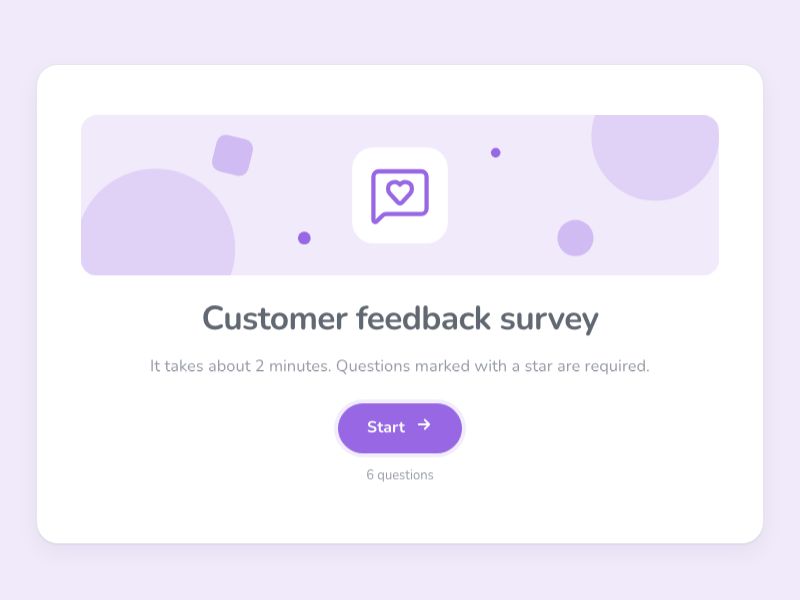 Customer Feedback SurveyAsk customers how you are doing with ratings, NPS and open questions, and read the answers as charts and an NPS score.
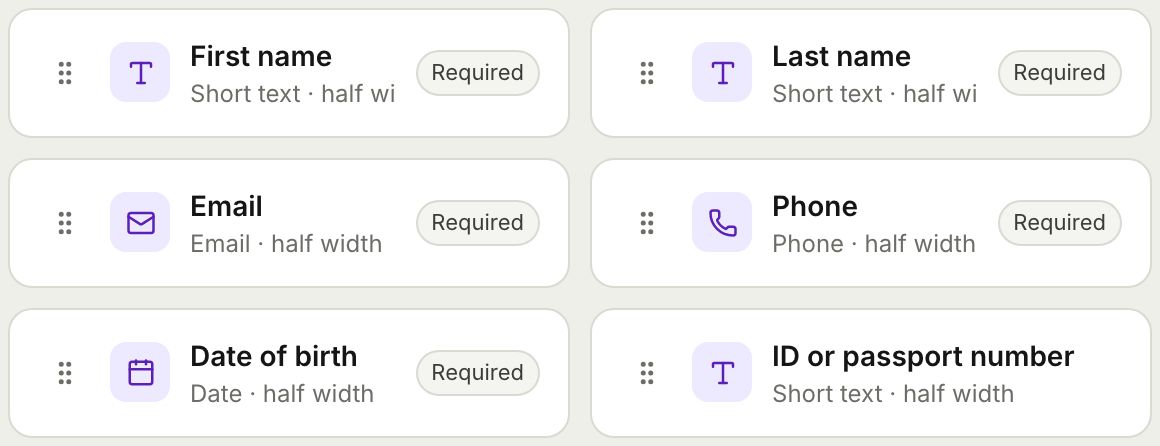 Form BuilderBuild forms and surveys with 18 question types, multi page layouts, conditional logic, validation, 8 themes and a live preview.
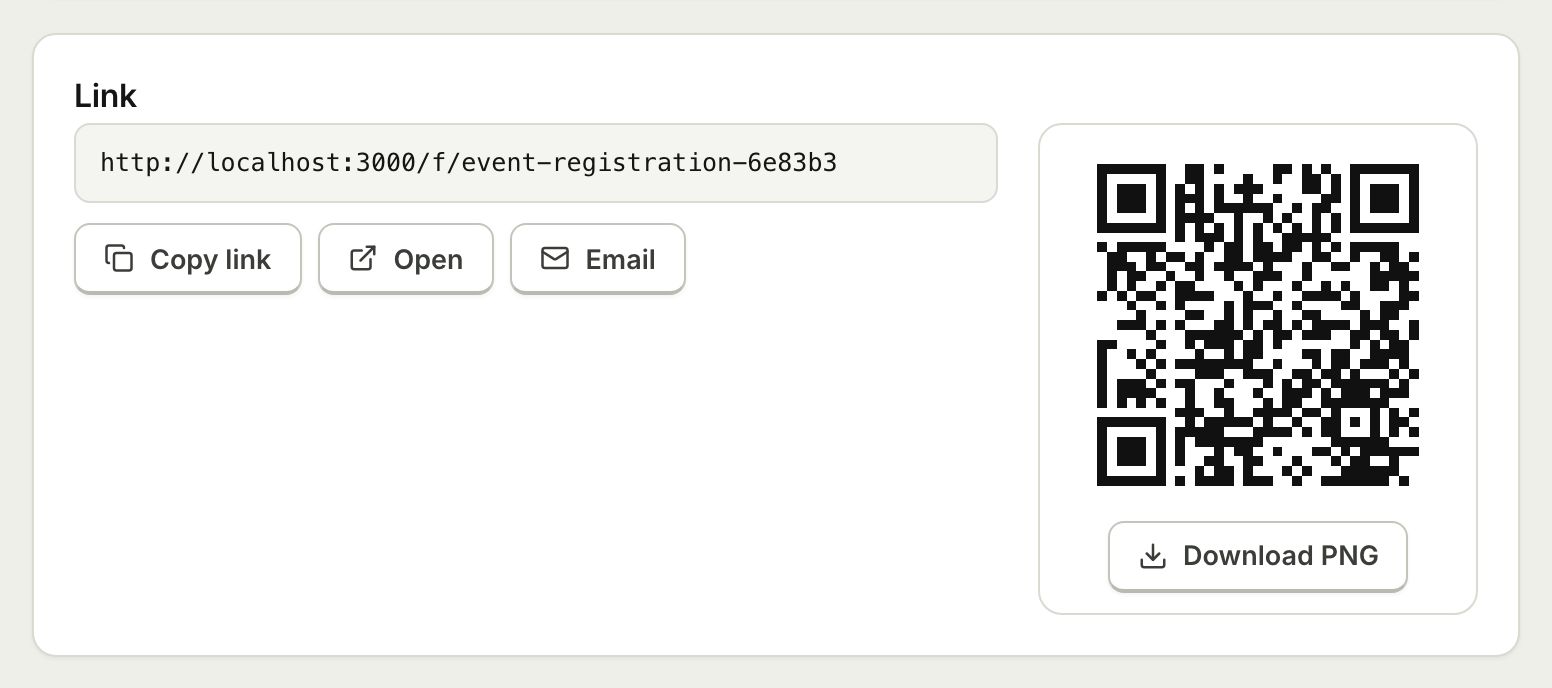 Embed and ShareShare a form with a public link, embed it on your website with an iframe that resizes itself, or print a QR code.
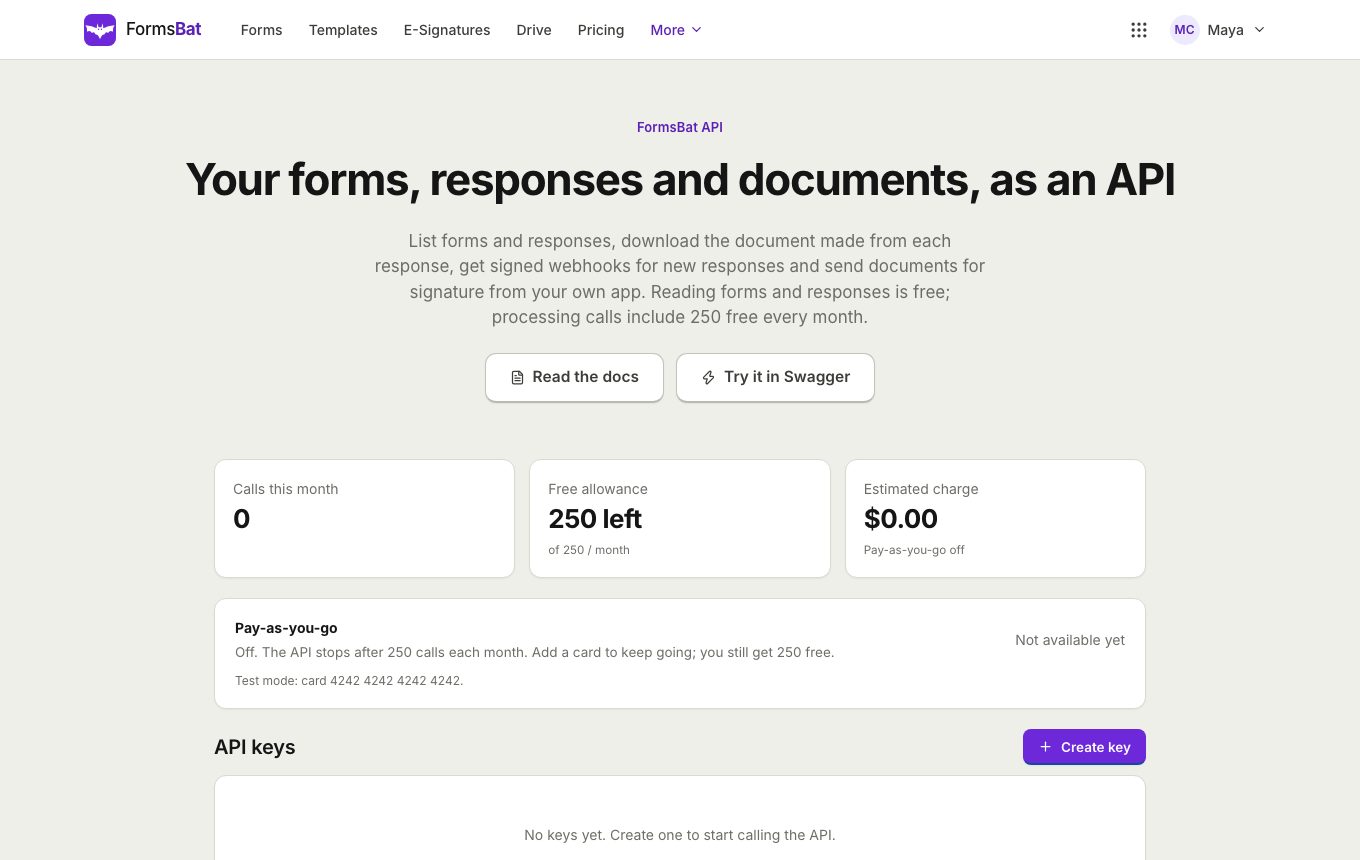 Forms API and WebhooksRead forms, responses and generated documents with a REST API, get signed webhooks for new responses, and connect AI assistants over MCP.
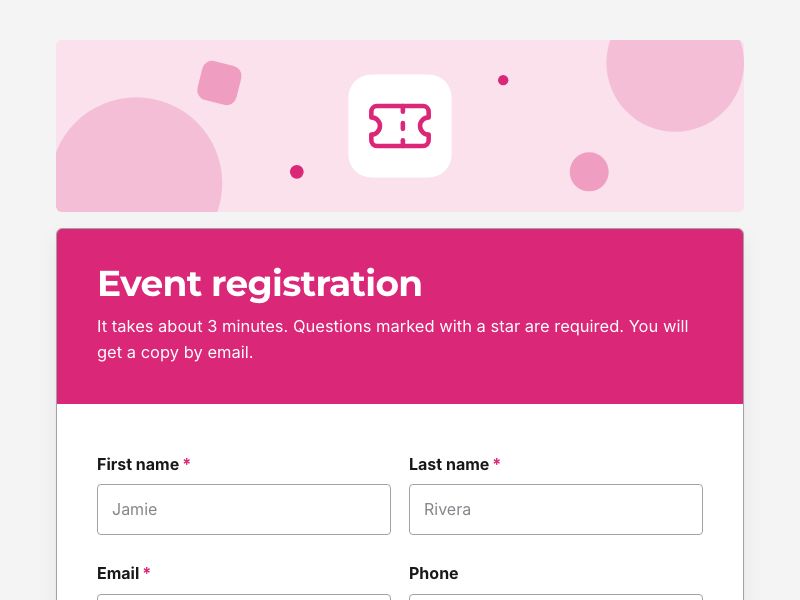 Event Registration FormTake registrations with ticket types, sessions and dietary needs, cap the numbers, and send each guest a confirmation document.
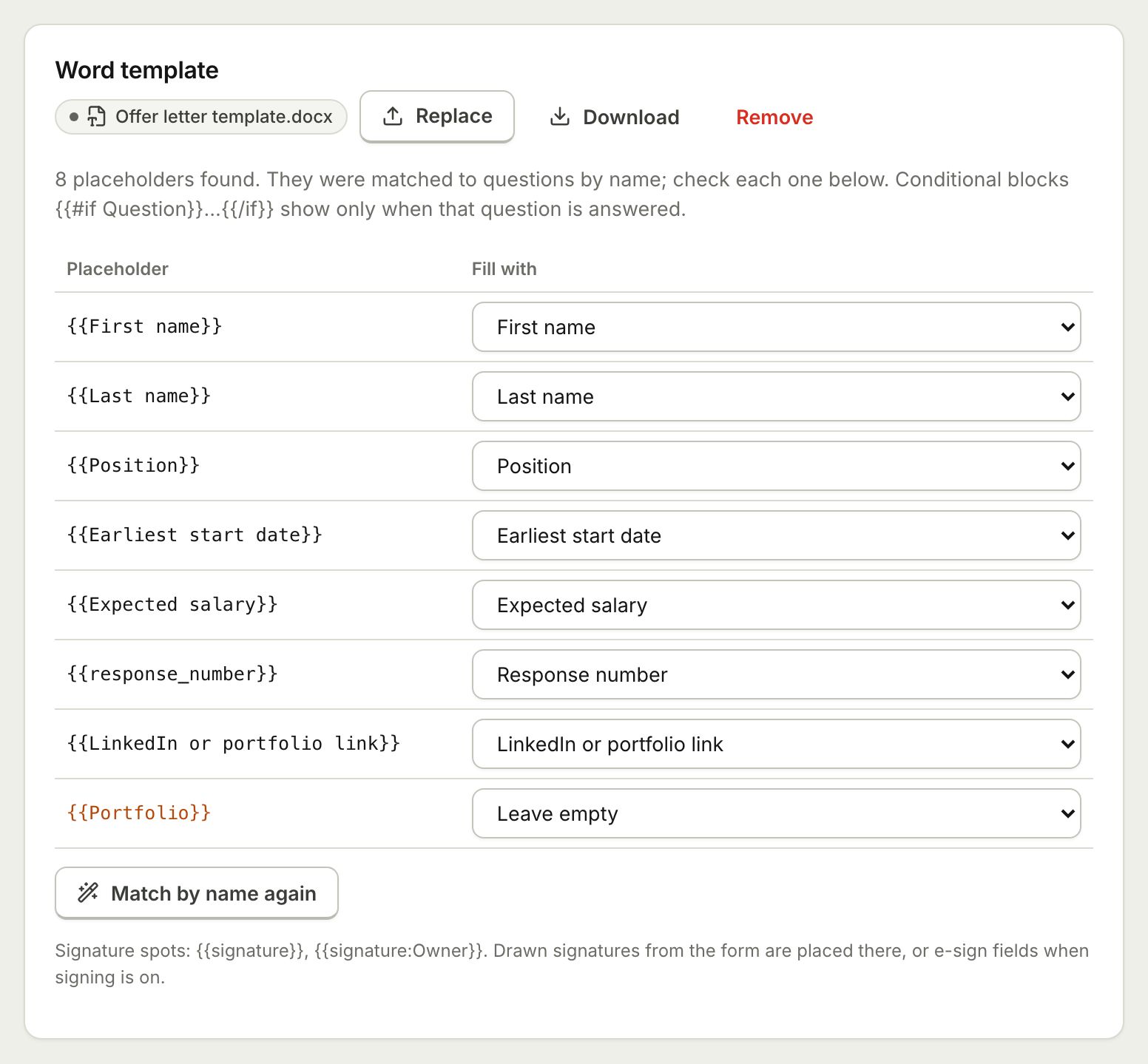 Document TemplatesTurn every form response into a PDF or Word document: a designed answers document, a ready template, or your own Word or PDF file.
Start your first survey free
Pick a survey template, share the link and watch the charts fill in. No credit card, and it works on any device.